7
Advanced Configuration
How to open the browser-based utility
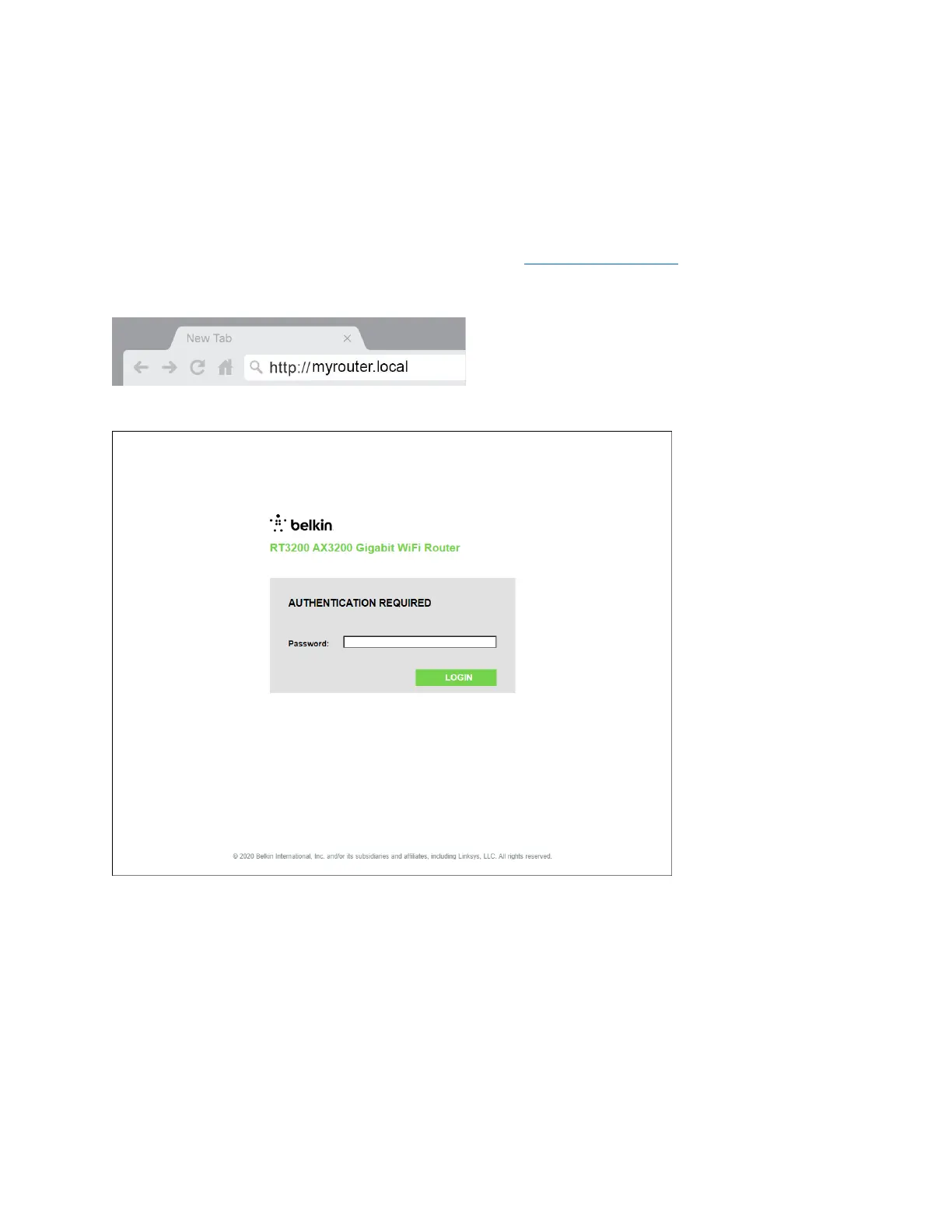
To access some advanced settings, you need to open the browser-based utility. Make sure you are
connected to the router, open a web browser and enter http://myrouter.local
in a web browser or go
to 192.168.1.1.
The router will prompt you for a password.
If you changed the password during setup, enter the new password. Click LOGIN. If you didn’t change
the password, or skipped setup altogether, the default password is ‘‘admin’’.


 To Next Page
 Loading...