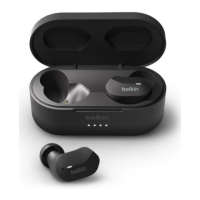
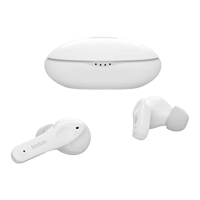
How to set your Belkin SOUNDFORM™ True Wireless Earbuds, AUC001 into
pairing mode
Before you can pair your Belkin SOUNDFORM™ True Wireless Earbuds, AUC001
with your device, they need to be in pairing mode. This article will walk you
through setting your earbuds into pairing mode.
Before you begin
From the factory, your earbuds come in pairing mode. If you just purchased the
earbuds, simply open the charging case and remove the earbuds from it. The
indicator lights on the earbuds will alternate between blue and white.
NOTE: If the indicator lights on your earbuds do not alternate between blue and
white when removed from the case, proceed to the steps below.

 Need help?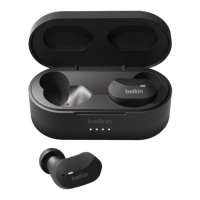

 To Next Page
 General