SPEEDOMETER INSTALLATION - SENSOR WIRING
11
GETTING STARTED - BATTERY INSTALLATION
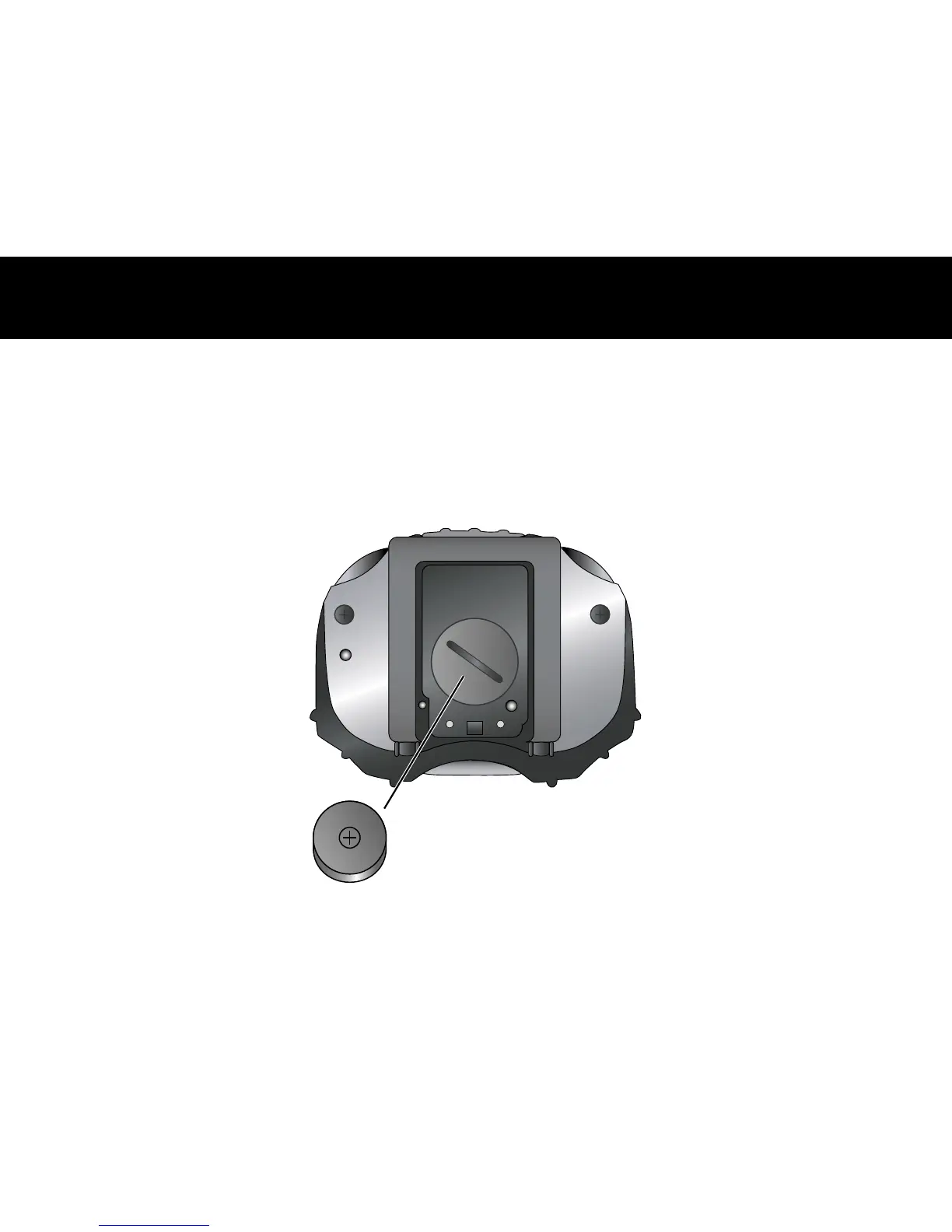
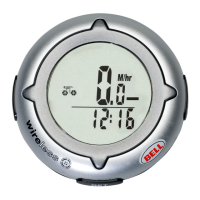
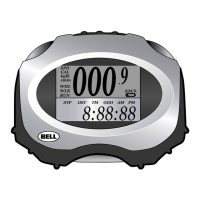
Remove the battery cover from the back of the computer using a coin. Install the battery with the
positive (+) pole facing out and replace the cover. Should the computer screen show irregular figures,
take out the battery and install again. This will clear and restart the computer.
Battery
(1.5V/L1142)




 To Next Page