UNDERSTAND THE DISPLAY AND CHANGE SETTINGS
The LCD display
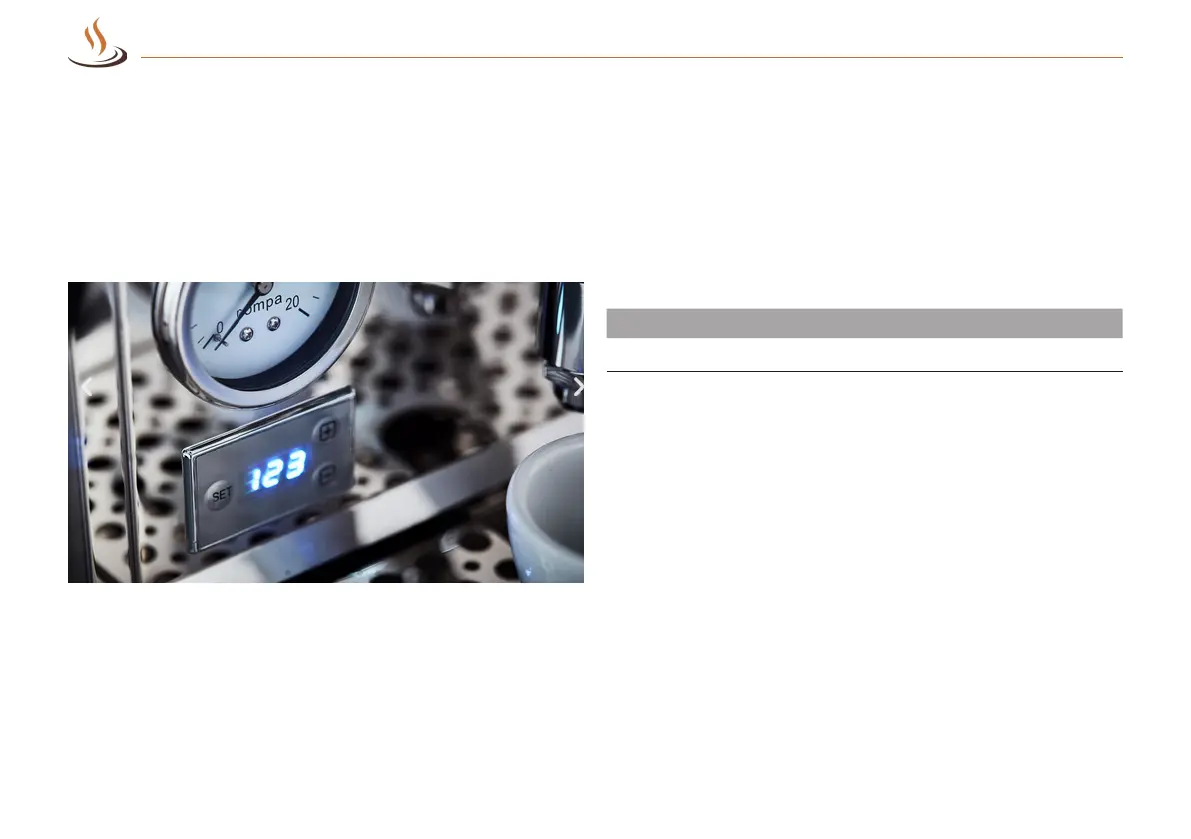
Your machine has an LCD display for displaying and entering
various functions.
Fig. 3: Display of the boiler temperature
The pre-brewing time
The pre-infusion is crucial for the taste. Therefore, the Bellezza
devices with PID can set the pre-infusion. We have preset P02.
Our recommendation is 0-5 seconds. The pump stops after 2
seconds as long as the value P ** is set:
Pre-brewing time
Display
0 – 30 seconds
P00 – P30
The default time is 2 seconds.
17 / 32
Espresso machines | Bellezza
Understand the display and change settings



 To Next Page
 Loading...