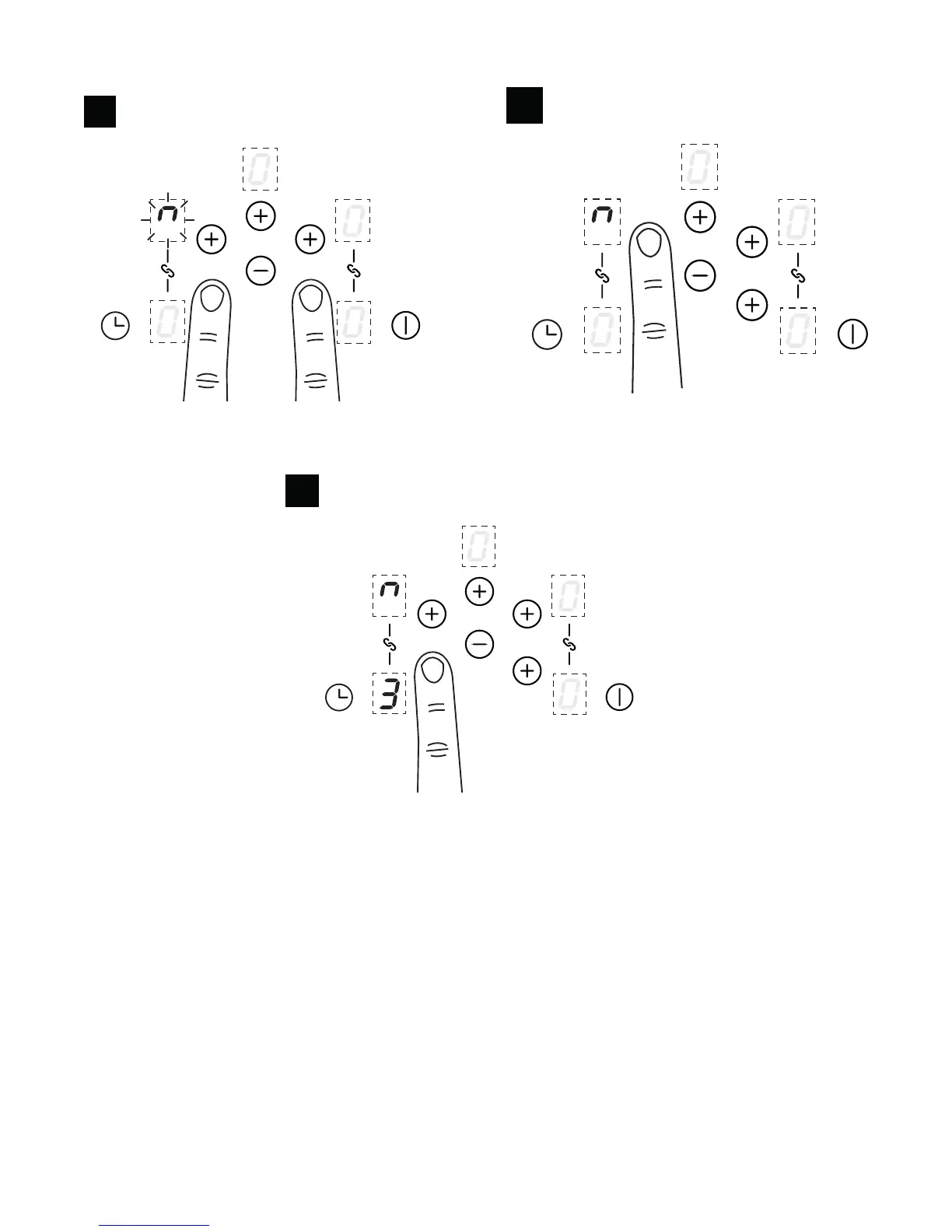
Griddle zone with bridge function
1
Press the Front Left or Front Right key and
hold until the bridge function blinks
3
Once activated, set the power level by touching
the front zone plus key and central minus key
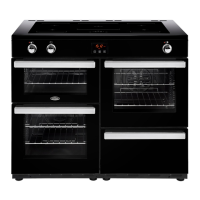
The Left Hand and Right Hand zones can be used as 4 separate cooking zones which can be
controlled individually or they can be bridged to provide 2 large zones that can be controlled via one
setting on each side. Large pans and griddle plates can be placed across the bridged zones.




 To Next Page