Touch the start key to start cooking.
Microwave & Convection
When the microwave + grill + convection symbol is lit up on the left-hand-side of the display screen, the microwave power level,
temperature and cooking duration time symbols will light up on the right-hand-side of the display screen to remind you to set these.
Touch the cooking time key, and the duration time will flash. While the duration time is flashing, use the plus and/or minus keys to
select the required cooking time (between 1 minute and 90 minutes).
Then touch the adjustment key once, and the microwave power level will flash. While the microwave power level is flashing, use the
plus and/or minus keys to adjust the microwave power level. Please note, in combination mode only the lower microwave power
levels can be selected (600W, 400W or 200W) and this is normal.
Touch the adjustment key again, and the temperature figure will flash. While the temperature figure is flashing, use the plus and/or
minus keys to select the required temperature.
Touch the start key to start cooking.
Defrost
When the defrost symbol is lit up on the left-hand-side of the display screen, the weight symbol will light up on the right-hand-side
of the display screen to remind you to set the weight.
Touch the adjustment key once, and the defrost programme number (PR0x) will flash. While the defrost programme number is
flashing, use the plus and/or minus keys to select the required defrost programme (PR01 - PR05).
Touch the adjustment key again, and the weight figure will flash. While the weight figure is flashing, use the plus and/or minus keys
to select the required weight (100g - 2500g depending on the defrost programme chosen).
Touch the start key to start the defrost programme.
After half of the defrosting time has elapsed, the microwave pauses and the word 'turn' appears on the screen. The appliance will
give three beeps every 30 seconds until the door is opened. Open the door and turn the food over. Then close the door and touch
the start key to continue the defrosting programme.
Delayed start time
When selecting a cooking function, if you want the cooking to start straight away, it is only necessary to touch the cooking time key
once, and then use the plus or minus keys to set the required cooking duration time.
If you wish, you can delay the start of the cooking time. For example, if the cooking duration time is set to 60 minutes, and the start
time is delayed until 17:00, then the cooking will start automatically at 17:00, cook for 60 minutes, and stop automatically at 18:00.
Once the cooking function, cooking duration time, and temperature/microwave power level has been set, touch the cooking time
key twice; the delay start time symbol lights up and the screen shows the current time of day with the hour digits flashing. While the
hour digits are flashing, use the plus and/or minus keys to set the hour of the cooking start time, using the 24 hour clock.
Touch the cooking time key again; the hour will be accepted and the minutes will flash. While the minutes are flashing, use the plus
and/or minus key to set the minutes of the cooking start time.
Press the start key to confirm the cooking start time.
Please note: pressing the start key a second time would cancel the delayed start time and the oven would start cooking
immediately.
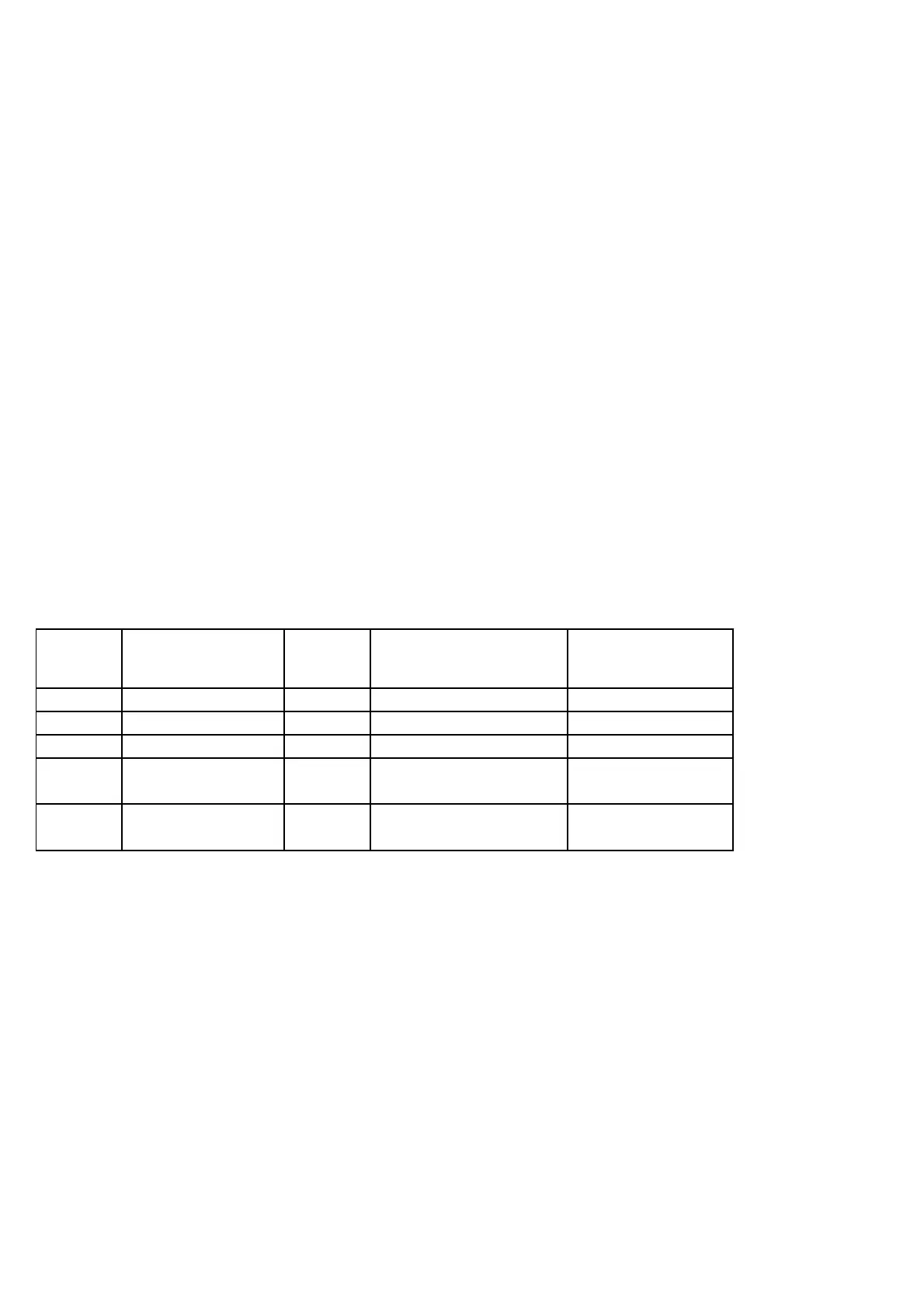
PROGRAM FOOD WEIGHT (gm) TIME (min)
DEFROST
PROGRAMME TIME (Min)
ADDITIONAL
STANDING TIME (Min)
PR 1
Meat
100 - 2000 2:20 - 43:30 20 -30
PR 2 Poultry 100 - 2500 2:10 - 58:10
20 - 30
PR 3 Fish 100 - 2000 2:00 - 40:00 20 -30
PR 4 Fruit 100 - 500 2:36 - 13:00 10 - 20
PR 5 Bread 100 - 800 2:25 - 19:20
10 - 20


 To Next Page
 Loading...