8
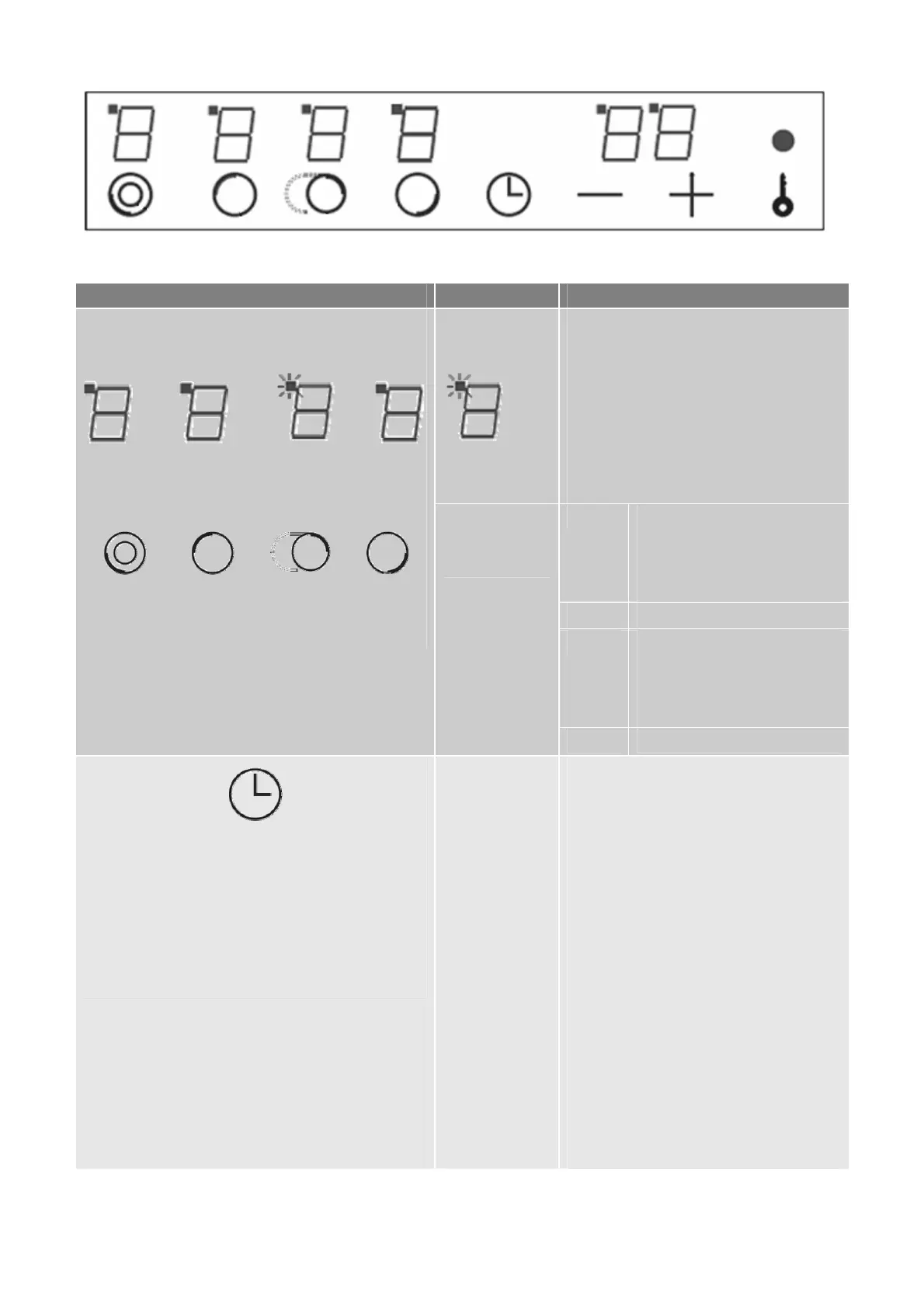
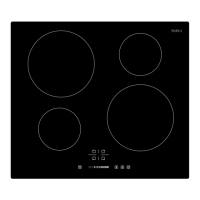
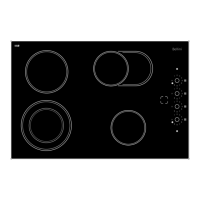
Control Panel of BDC604OT and BDC604OT-F
Items Description Explanation
Power level
display
Timer activated
indication light
From lowest level 1 to highest power
level 9.
LED light turns ON at left-top of each
power level display is telling which zone
is under timer setting. Example as left
illustration is telling cooking zone 2a
(Oval dual zone) is under timer setting.
Key 1 Circular dual zone 4a. press
continuously can let the zone
function loop as “central zone
– central & outer zone – off”
Key 2 Zone 1a
Key 3 Oval dual zone 2a, press
continuously can let the zone
function loop as “central zone
– central & outer zone – off”
1 2 3 4
Cooking zone
selectors
Key 4 Zone 3a
¾ You can set Timer for only one cooking zone at a time.
¾ Each cooking zone has safety protective cut-off design,
if a zone set at power level 9 and keep working for 1
hour without any operation then it will be turned off
automatically.
Timer key
After cooking zone and power level
chosen, immediately press Timer key
can enter into timer setting, press + or –
to adjust duration you would like the
zone keep working. Duration you can
set is 1 – 99 minutes. After all set up,
leave keys for 5 seconds then timer
display start countdown.
To cancel Timer setting, press cooking
zone selector, then press Timer key
again when display is flashing.


 To Next Page