7
Start Using Your Appliance
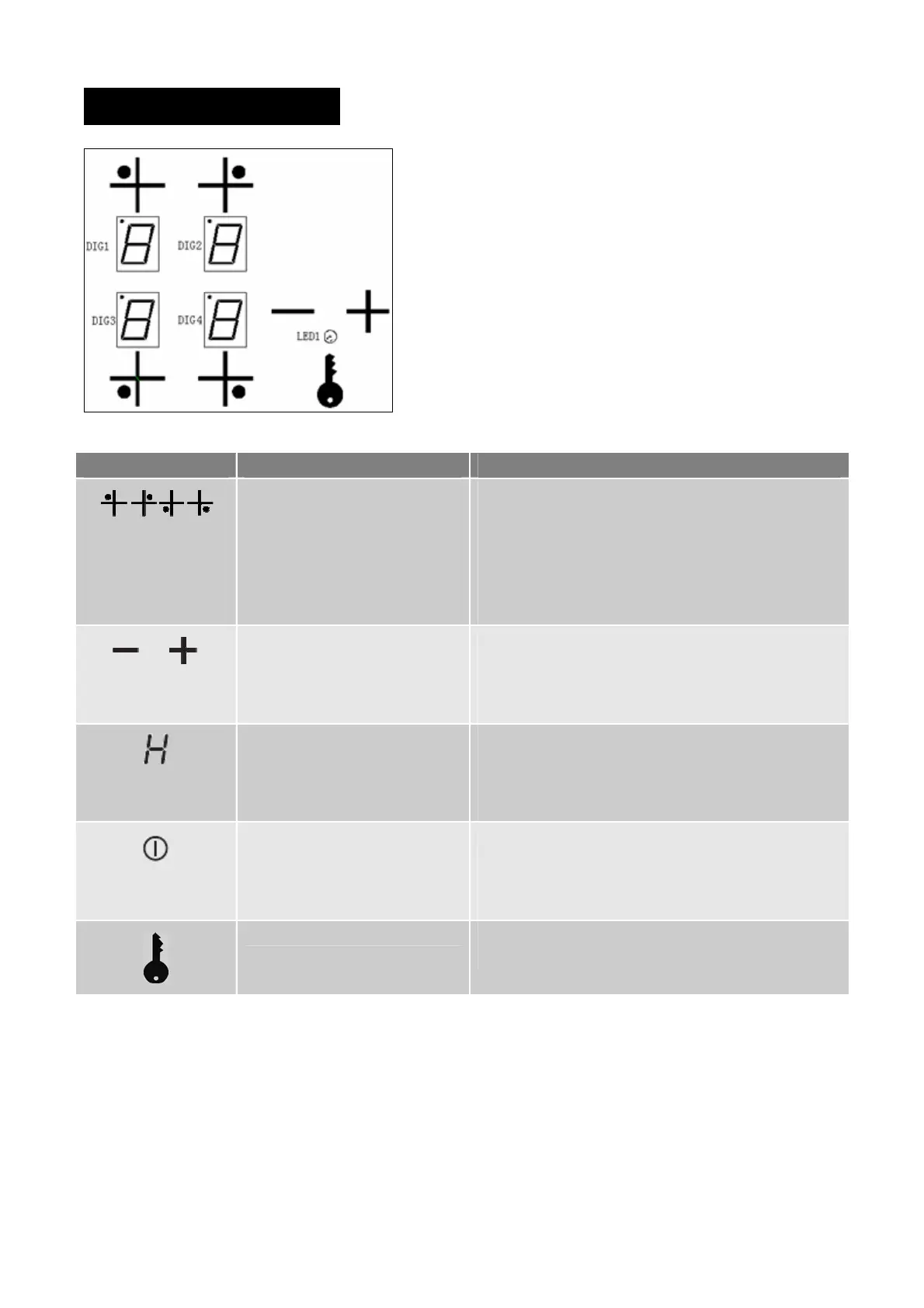
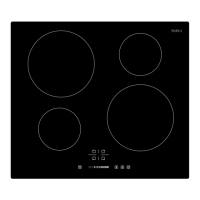
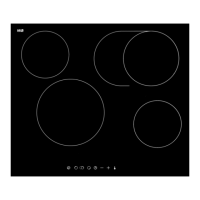
Control Panel of BC604T and BC604T-F
Items Description Explanation
Cooking zone selectors By pressing any of the 4 selector keys, the
corresponding zone is selected for operation.
The respective LED Display for that zone will flash
for 6 Seconds on setting 9.
Pressing Control Key twice will turn OFF
corresponding zone quickly.
Power level adjustor In conjunction with the selector keys and within the 6
seconds LED flash period, press + or – to adjust till
desired power level is displayed, cooking zone will
start working when flashing stopped.
Residual heat indicator When a heating zone is turned OFF, a “H” will
probably show in the LED Display to alert the zone
are is still hot and must not touch. It will disappear
when area has cooled down enough to touch.
Child lock indicator light(LED1) This light ON indicates that child lock is activated and
all keys are locked for unintended use, this indicator
light will also turn ON if no zone is operated over 5
seconds.
Child lock key Press the Child lock key for 3 Seconds to lock or
unlock the operation of Control Keys.


 To Next Page