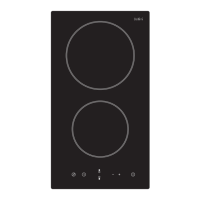
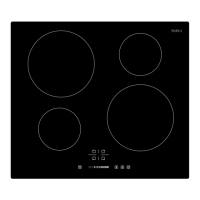
9
Switching the hob top on
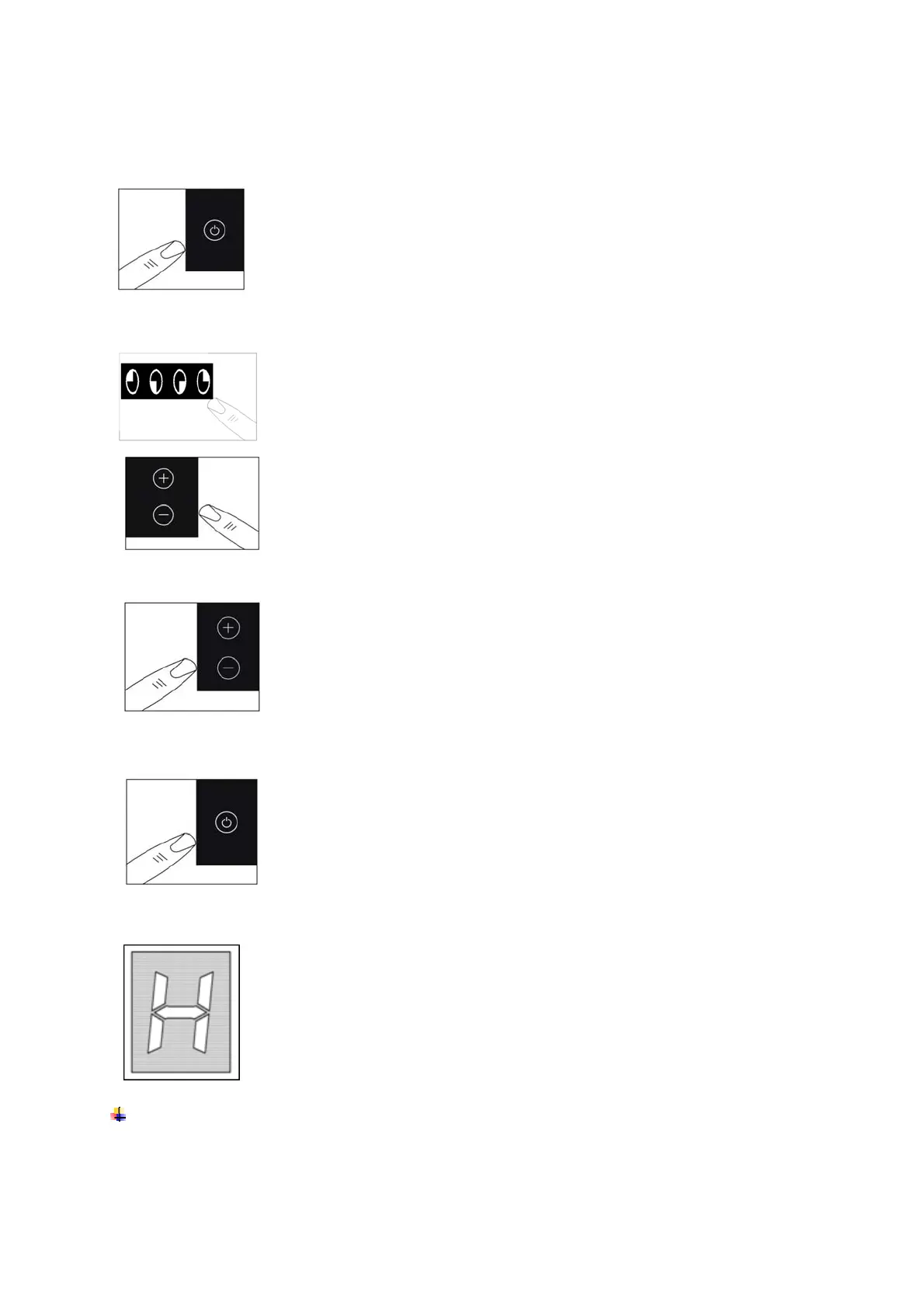
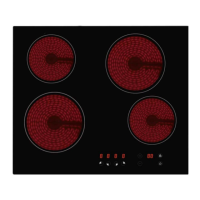
Press the ON/OFF button(7) to switch on the appliance.
The hob will beep once and all of the cooking zone indicators
will light briefly, then go out.
This means that the hob has entered stand-by mode.
Switching on a zone and setting a power level
IMPORTANT: A zone must be selected within 1 minute of switching the hob on.
Press the cooking zone plus button (1) - (4) of the zone that
you want to use.
Adjust the zone between power levels 1 and 9, using the plus
(9) and minus (5) buttons. By holding down either of these
buttons, the value on the zone indicator (10) or (11), (12), (13)
will adjust up or down.
Switching off a zone
Press the cooking zone, then press the minus button (5) of the
zone that you want to switch off.
Hold the button down until the number in the cooking zone
indicator reaches “0”. After a few seconds, the zone will switch
off automatically.
The letter “H” will show in the cooking zone indicator, (see the
section on the “residual heat indicator” below).
Switching off the hob
Once you have switched off all of the cooking zones, you
should turn off the hob.
Press the ON/OFF button (7).
It is possible to turn the hob off at any time by pressing the
ON/OFF button (7).
Residual heat indicator
After a zone is switched off, the corresponding cooking zone
indicator (10)or (11), (12), (13) will show a flashing letter “H”. This
means that the temperature of the zone is over 60°C and is
therefore still high enough to cause injury.
When the temperature of the zone falls below 60°C, then the
letter “H” will go out.
IMPORTANT: The residual heat indicator will disappear if the
mains supply to the product is cut.
IT IS STILL POSSIBLE TO BURN YOURSELF ON A HOB ZONE, EVEN WHEN
THE TEMPERATURE OF IT HAS DROPPED BELOW 60°C.


 To Next Page