8
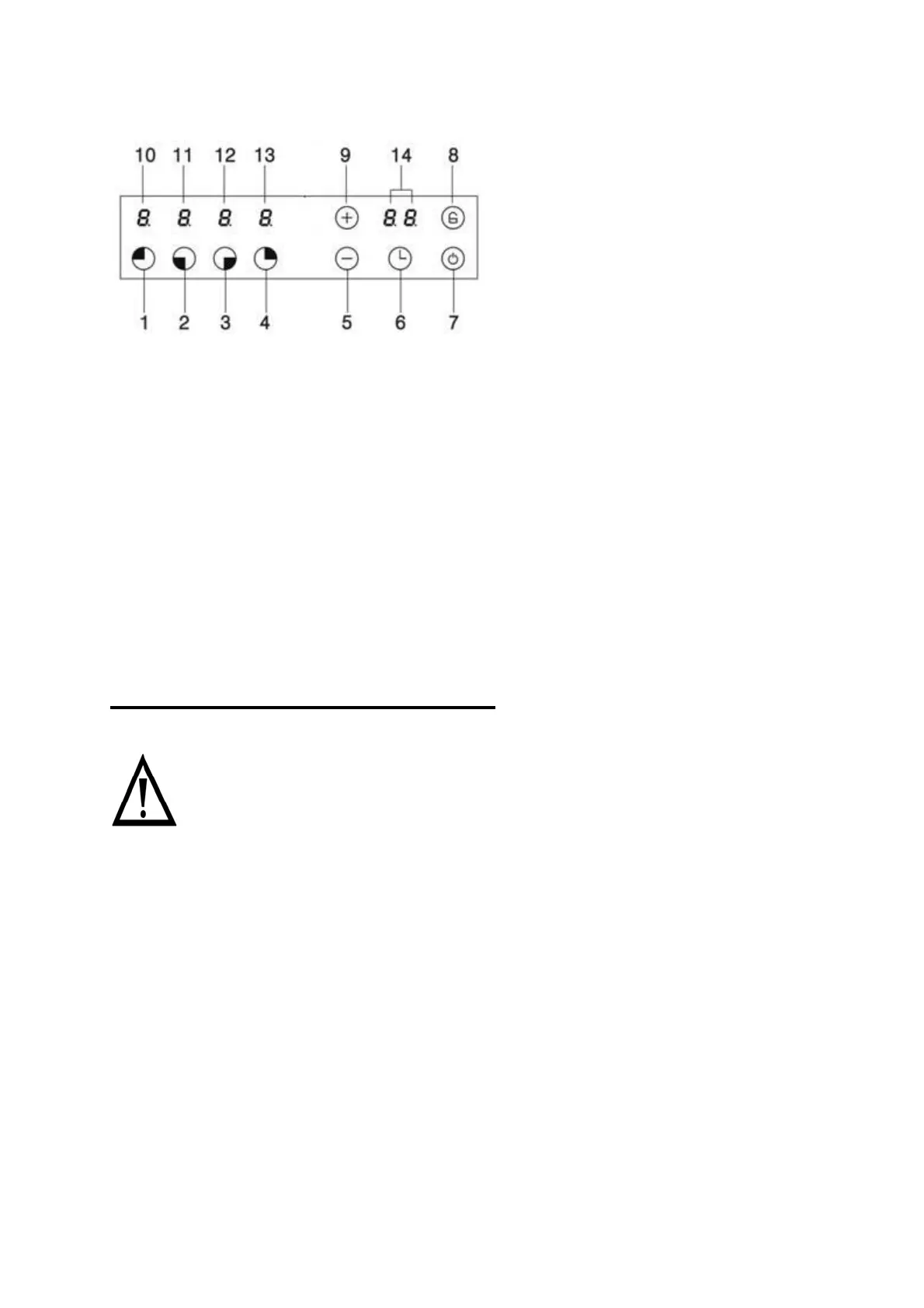
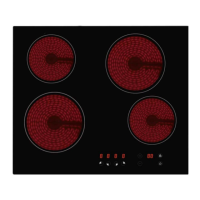
Control panel layout
1. Cooking zone rear left select button
2. Cooking zone front left select button
3. Cooking zone front right select button
4. Cooking zone rear right select button
5. minus button
6. Timer indicator
7. ON/OFF button
8. Safety lock button
9. Plus button
10. Cooking zone indicator of rear left
11. Cooking zone indicator of front left
12. Cooking zone indicator of front right
13. Cooking zone indicator of rear right
14. Timer display
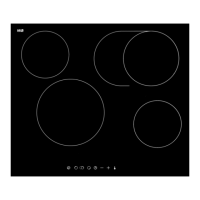
Using the ceramic hob
Before first use
IMPORTANT: You should clean the ceramic hob surface (see “Maintenance
and cleaning” section).
You should switch on one cooking zone at a time, for 5 minutes at the maximum
setting. This will help to eliminate any new smell that exists and evaporate any
humidity that has formed on the heating elements during transit.
Do not burn off more than one zone at once.
You must place a saucepan filled half full with cold water on each zone as you
burn it off.
Touch controls:
All operations are performed by means of the touch controls that can be found on
the control panel.
Each touch control has a visual display that corresponds to it.


 To Next Page