7
Soft start function (above 60°C )
If the Pulse button is pressed or the high speed
level actuated while the temperature in the bowl
is 60 °C or above , the electronic system
prevents the food from escaping by delaying the
speed increase. This soft start only works if the
food has been heated up or cooked in the bowl.
Then the temperature sensor can measure the
actual temperature correctly and control soft
start accordingly. If using the machine to process
food that has not been heated or cooked in the
appliance (e.g. preparing a gravy from hot meat
juices) you should only increase the speed slowly
and gradually.
CAUTION: Danger of scalding by splashing hot
food. Never use the Pulse button or abruptly
increase the speed when processing food that
has not been heated in the machine.
SPEED Dial
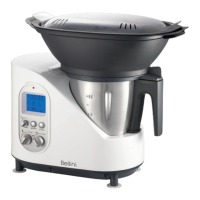
Intelli Kitchen Master comes with 10 speeds
for chopping, mixing, blending, kneading and
grating that are controlled by the Speed dial.
Speed for Creamy Mixtures
As certain recipes require a smooth or slow
speed, such as cream, soups, whipped creams
etc. Intelli Kitchen Master comes with an
accessory, the Mixing Tool, specially designed for
these types of dishes.
This accessory is placed on top of the blades
inside the bowl and mixes at speeds 1 -3.
Note: Do not surpass speed 3 when
the Mixing tool is in place.
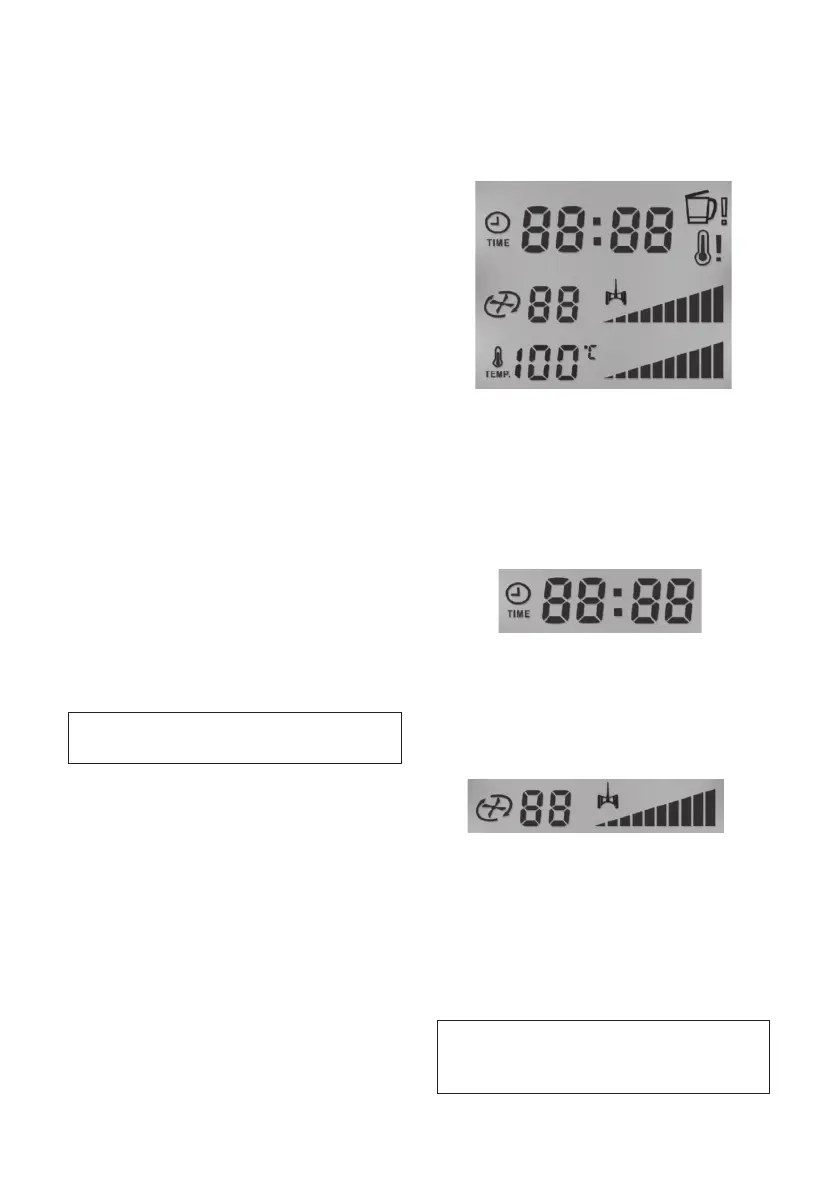
LCD Screen
When Intelli Kitchen Master is connected to the
power supply, the LCD screen lights up and
shows all the control symbols of the Intelli Kitchen
Master. (See Figure 1)
Figure 1
Time
The selected time appears in the upper part
of the screen with the symbol of the clock and
the work time. Here the time is shown in minutes
and seconds and can be programmed up to a
maximum of 60 minutes. (See Figure 2)
Figure 2
Speed
The selected speed is shown on the screen by
the Speed symbol and ranges from 1 to 10.
(See Figure 3)
Figure 3
Speed for Creamy Mixtures
The symbol for creamy mixtures appears on the
screen when the speeds 1, 2 and 3 are selected.
The use of the Mixing Tool accessory for creamy
mixtures is optional and may vary according to
the type of recipe.
Note: The Pulse symbol does not
appear on the screen when this
function is being used.


 To Next Page