8
Temperature
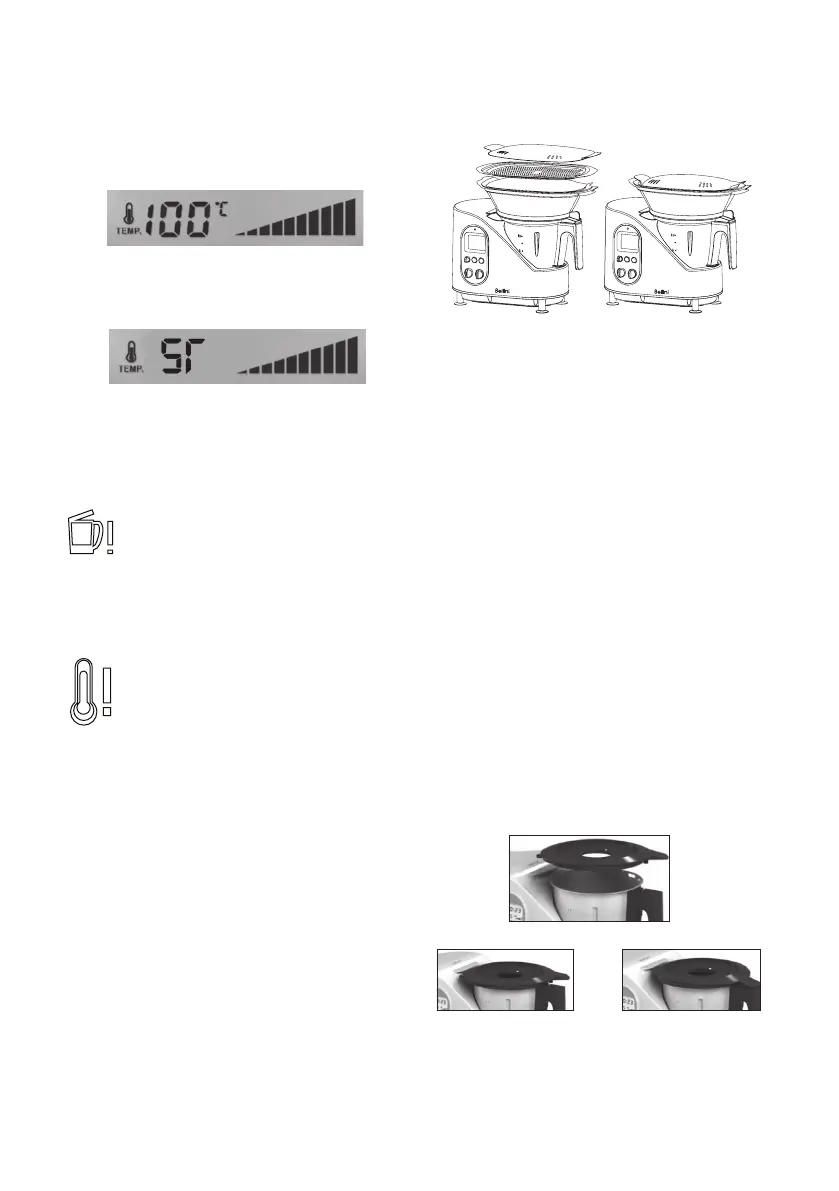
The temperature selected is shown on the screen
by the TEMP symbol (See Figure 4) with a range
from 37° C to 100° C. This temperature is the
exact temperature inside the bowl and can be
changed without having to stop the machine.
Figure 4
Steam Function:
setting ST is only for steam function.
Screen Messages
Bowl lid is open
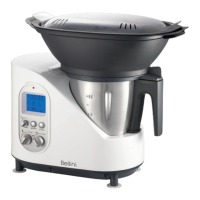
The Intelli Kitchen Master bowl comes
with two security sensors in the lid and
base of the bowl. When the lid is open or
incorrectly closed, this warning symbol
will appear on the screen.
Programmed temperature reached
This symbol ashes on the screen for
a few seconds to indicate that Intelli
Kitchen Master has reached the
selected temperature. Also, a beep
can be heard when the temperature is
reached.
Getting to Know the
Intelli Kitchen Master
Before using the Intelli Kitchen Master for the rst
time, make sure that it has all the listed parts and
accessory.
1. Placing the bowl:
Ensure that the blades are well placed in the
bowl.
Connect the bowl to the central unit by placing
it in the cavity of the central unit and lightly
pressing it down so that it ts correctly in place.
Warning:
The lid will not t into place if the bowl is not well
connected.
2. Placing the lid:
First, place the lid diagonally on top of the bowl
and turn in a clockwise direction in such a way
that the tongue underneath the lid ts into the
space that projects from the central unit.
Also, the clip in the back of the cover, connects
perfectly with the cavity in the handle of the
bowl. (See Figure 5 & 6)
Figure 5
Figure 6
Clip


 To Next Page