11
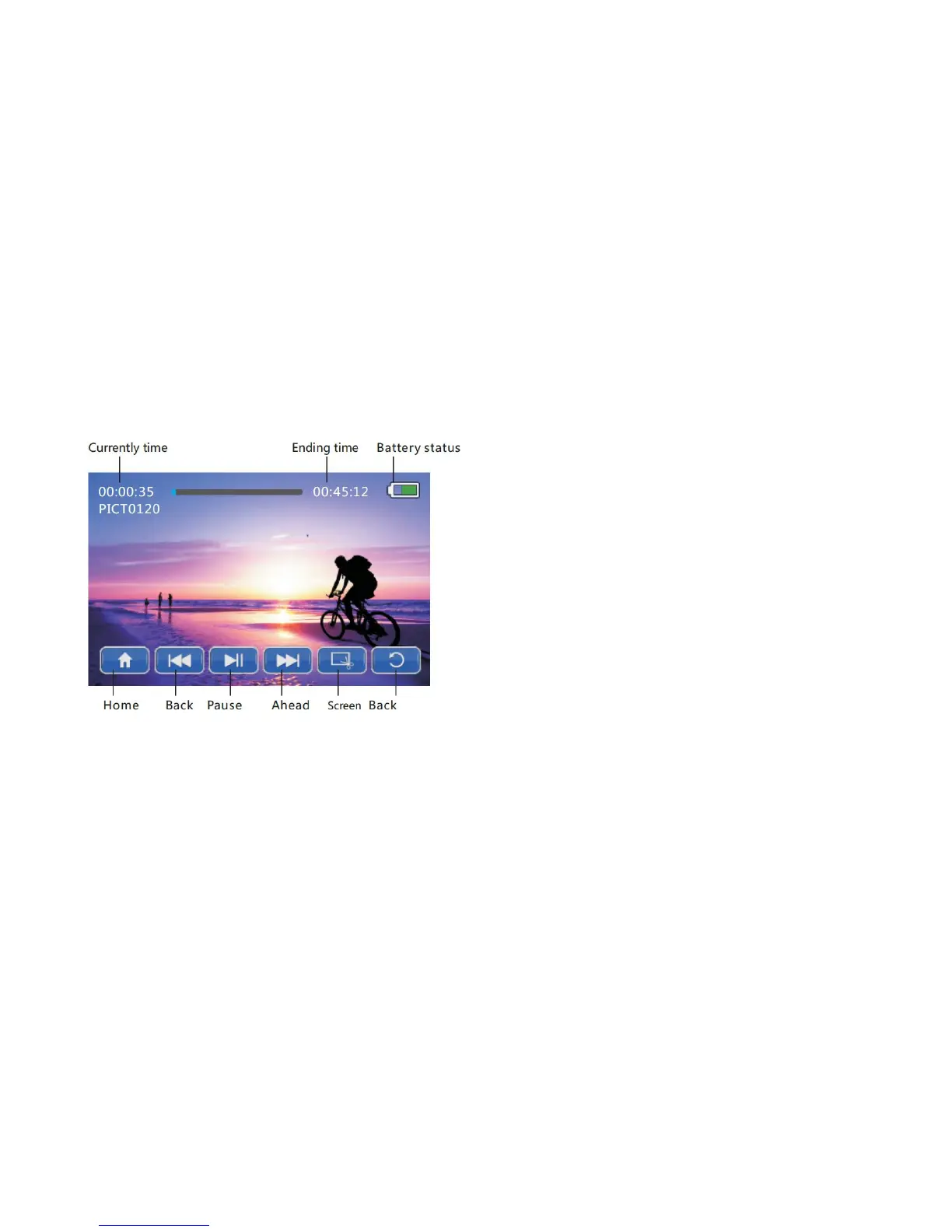
Video Playback Preview Mode
• Press the [UP] / [DOWN] / [ LEFT] / [RIGHT] buttons to select a
video file for playback, and press the [OK] button to enter the single
segment playback window.
• Press the [OK] button to play / pause the video file.
• Press the [DOWN] button to delete the current file.
• Toggle the [ZOOM] buttons to increase or decrease playback volume.
• During video playback, press the [RIGHT] on-screen button to fast
forward video, and press the [LEFT] button to rewind video.


 To Next Page