12
Video Playback Preview Mode
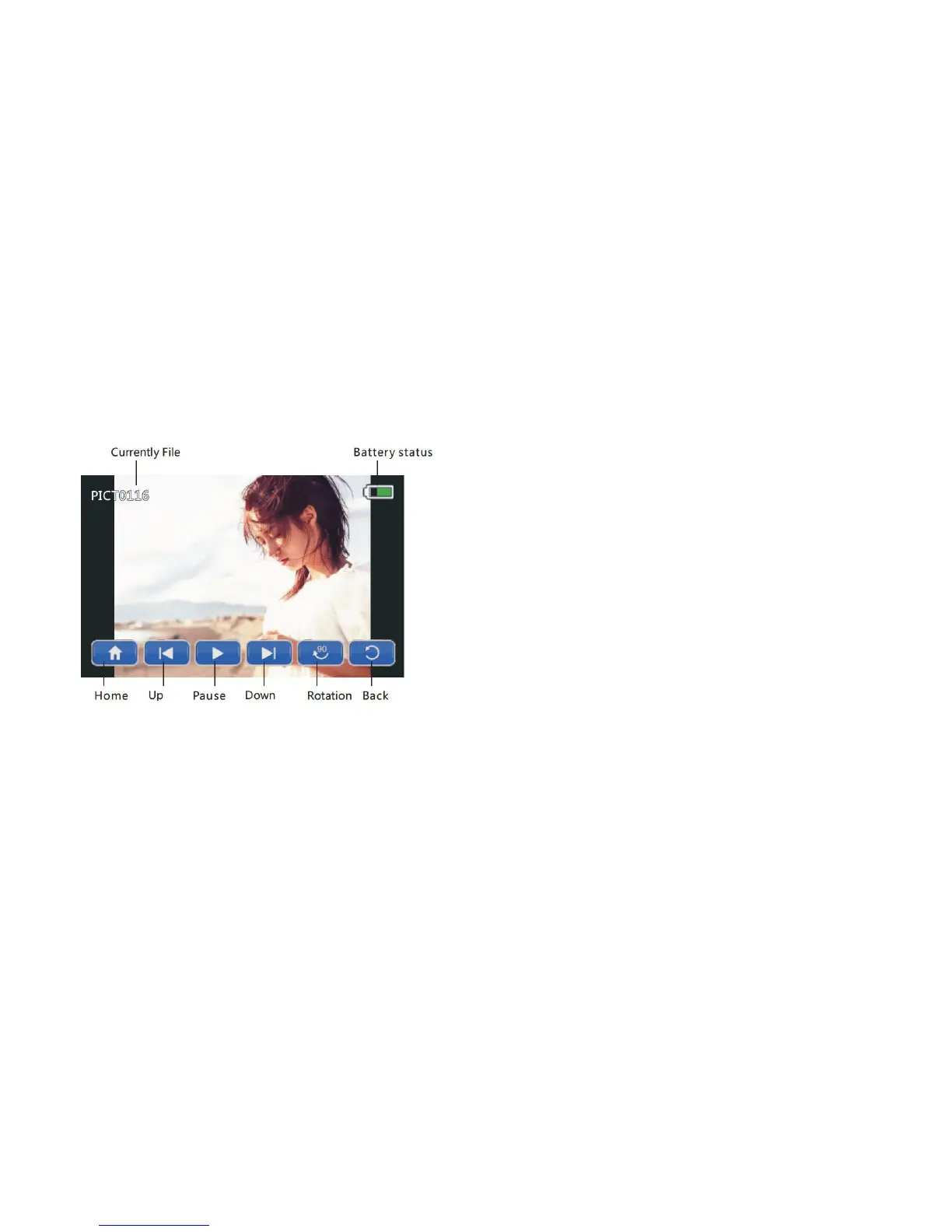
• Press the [UP] / [DOWN] / [ LEFT] / [RIGHT] buttons to select a photo file
for playback, and press the [OK] button to enter full screen display interface.
• Press the [LEFT] or [RIGHT] buttons to the previous or next photo.
• Press the [OK] button to enter slideshow mode.
• Press the [DOWN] button to delete the current file.
• Toggle the [ZOOM] buttons to zoom in and out of a photo.
• Once zoomed in, press the [UP] / [DOWN] / [LEFT] / [RIGHT] buttons to
move around within the zoomed image.



 To Next Page