CAUTION:
Turn off the printer while removing the DIP switch cover to prevent an electric short, which can damage
the printer.
1. Make sure the printer is turned off and unplugged.
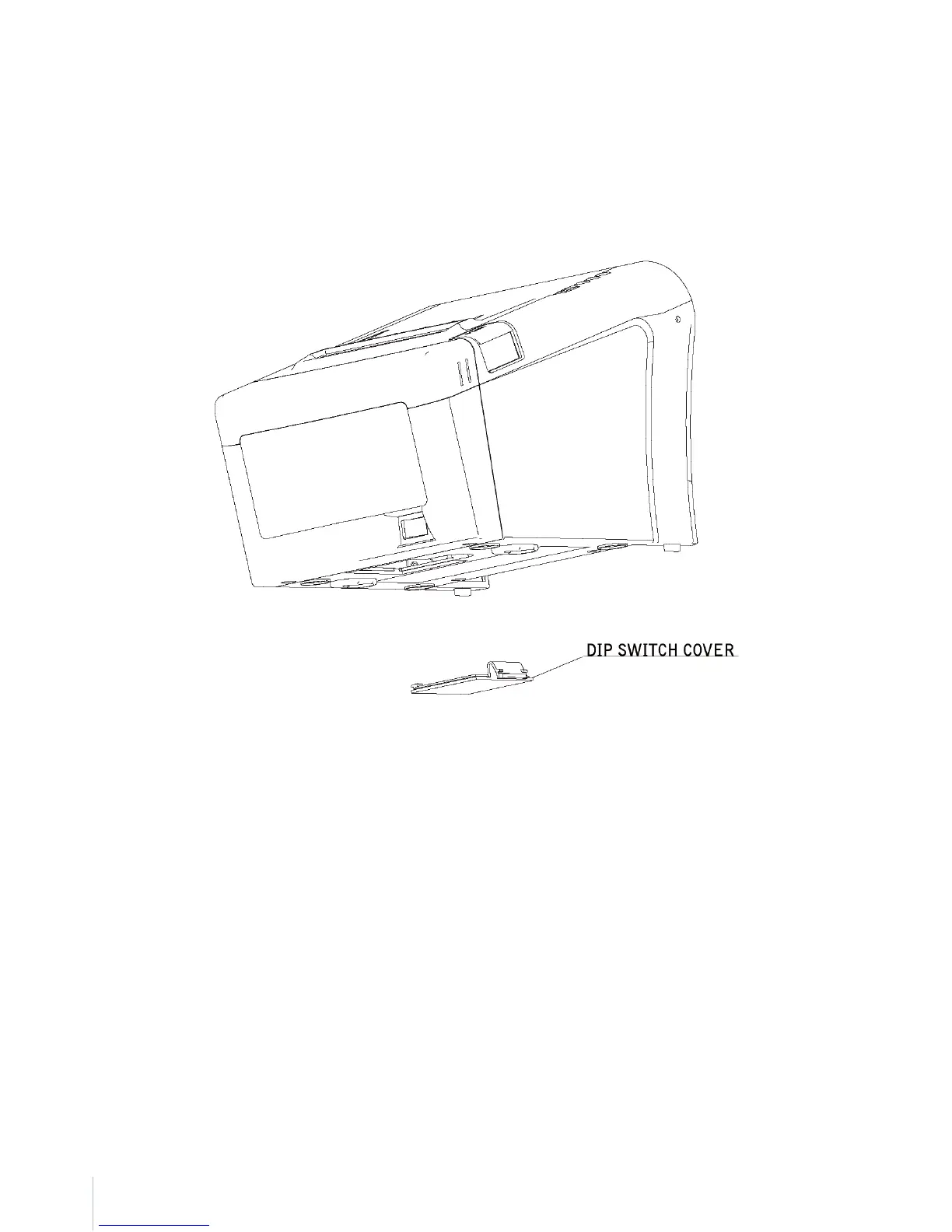
2. Remove the DIP switch cover by taking off as shown in the illustration below.
3. Set the switches using a pointed tool, such as tweezers or a small screwdriver.
4. Replace the DIP switch cover.
The new settings take effect when you turn on the printer.



 To Next Page