EasyManua.ls Logo

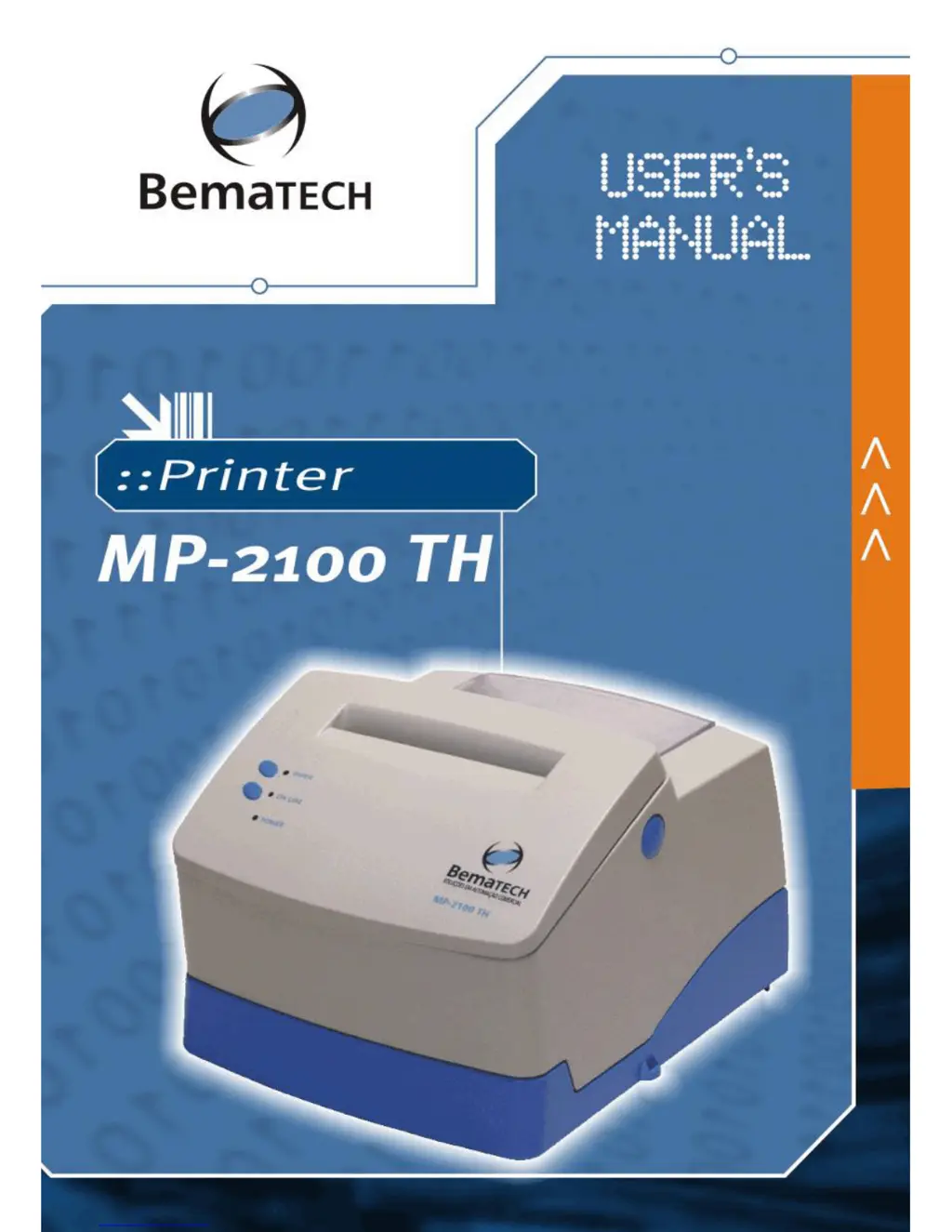
Bematech MP-2100 TH - User Manual

Bematech MP-2100 TH
36 pages
Print Icon
To Next Page IconTo Next Page
Loading...
Capa

Questions and Answers

  • A
    Andrew BaileyJul 25, 2025
    How to troubleshoot a Bematech Printer that does not turn on?
    • S
      Sarah LyonsJul 26, 2025
      If your Bematech printer doesn't turn on, first check if there's power in the electrical outlet by testing with another device or checking the central switch. If the outlet works, turn off the printer and inspect the power cord for any damage or loose connections at both the printer and the outlet.
  • M
    Mr. Martin PerkinsAug 2, 2025
    What to do if my Bematech MP-2100 TH stops printing?
    • D
      daviswhitneyAug 2, 2025
      If a Bematech printer stops printing, it might be due to the print head overheating. Wait for the print head temperature to drop below 140°F. To speed up cooling, open the printer covers. The printer should then resume printing from where it left off.
  • J
    Jessica AlvaradoAug 10, 2025
    Why is my Bematech Printer not responding to commands?
    • K
      kenneth79Aug 10, 2025
      If your Bematech printer isn't responding to commands, the issue might be with the cable connecting it to the host device. Check for a secure connection or try replacing the parallel, serial, or USB cable. Also, incorrect programming sequences could be the cause. To check them, put the printer in dump mode and run your application again. The printer will then display the hexadecimal and ASCII codes of all bytes received from the host.
  • T
    Terri ButlerAug 17, 2025
    How to fix faulty serial communication on a Bematech Printer?
    • K
      Keith CollinsAug 17, 2025
      If you're experiencing faulty serial communication with your Bematech printer, start by checking the serial cable for any connection issues or broken wires; replace the cable if necessary. Also, verify that the pin layout complies with the protocol used for data transmission, remembering that the printer uses the RTS/CTS protocol. Finally, ensure that the baud rate set on the printer matches the host's baud rate configuration; if they differ, the printer may print random characters or not print at all.

Summary

EMC and Safety Standards Applied

CE Marking

Printer's conformity to European Union directives and norms for safety and EMC.

FCC Class A Declaration of Conformity

Printer's compliance with US Federal Communications Commission Class A standards.

Safety Precautions

Chapter 1 Presentation

Powering

Steps for connecting the printer to a power source and turning it on.

Inserting the Paper

Guide on how to correctly load paper rolls into the printer for operation.

Chapter 2 Technical Specifications

Communication Interfaces

Details the available communication ports like Serial, Parallel, and USB.

Chapter 3 Communication Interfaces

Serial Interface

Describes the RS-232 serial connection, including pin assignments and RTS/CTS mode.

Parallel Interface

Details the unidirectional parallel interface, including pin assignments and specifications.

USB Interface

Explains the USB connection, including receptacle type and driver installation.

Chapter 5 MP-2100 TH Commands

Direct Command

Describes simple ASCII codes used for direct printer control commands.

Chapter 6 Command Tables

Barcodes

Details commands for generating various types of barcodes supported by the printer.

Appendix I Troubleshooting

Appendix III Cutter (Optional)

Appendix IV Special Care

Appendix V Drawer Activation

Appendix VI Errors Signaling Table

Bematech MP-2100 TH Specifications

General IconGeneral
Resolution203 dpi
Paper Width80 mm
Paper Roll Diameter83 mm
Print MethodThermal
InterfaceUSB, Serial, Ethernet
Power Supply24V DC

Related product manuals