EasyManua.ls Logo

Bematech MP-4000 TH - User Manual

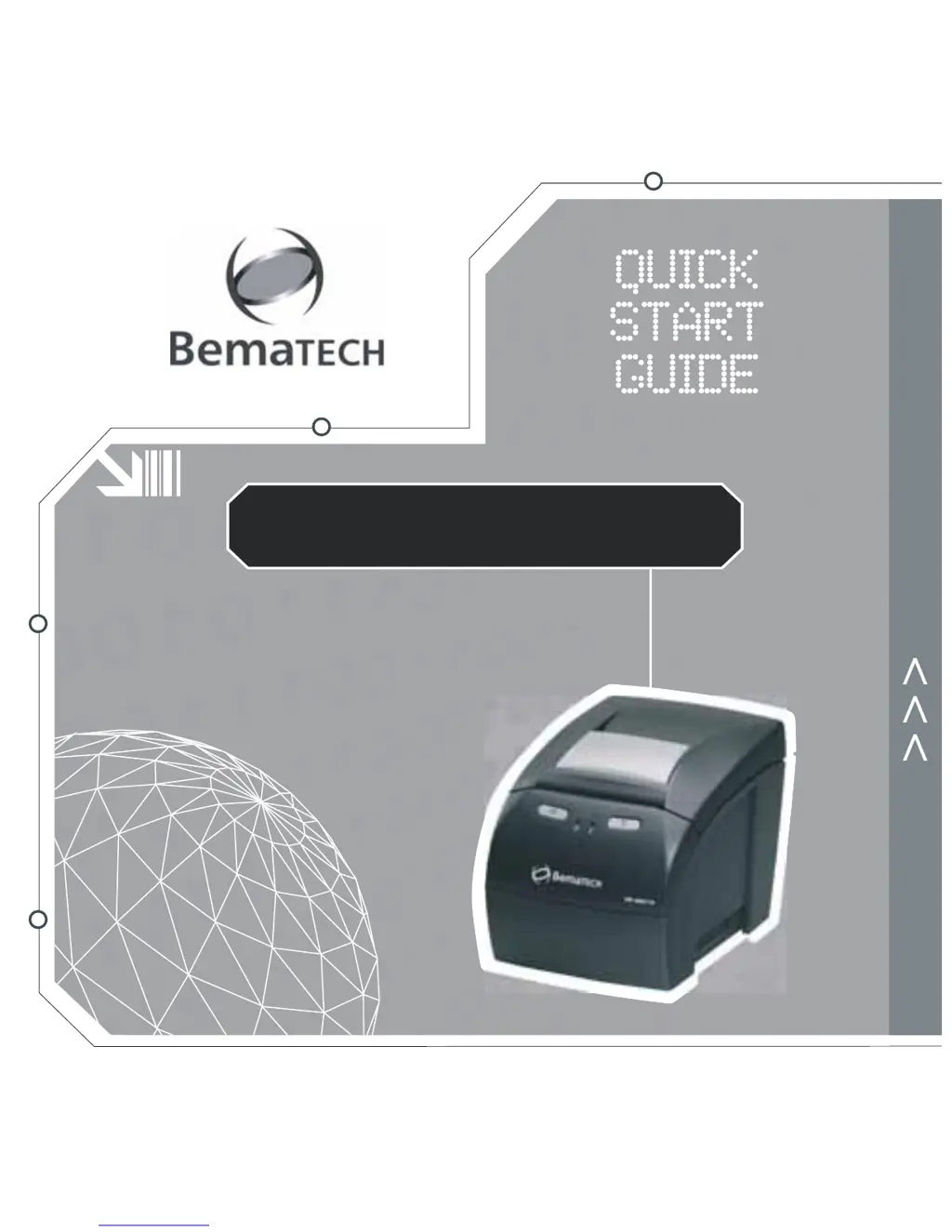
Bematech MP-4000 TH
76 pages
Print Icon
To Next Page IconTo Next Page
Loading...
MP-4000 TH
:: Printer, Impresora, Impressora
Druccker, Stapatore, Imprimante

Other manuals for Bematech MP-4000 TH

Questions and Answers

  • J
    jesse68Jul 27, 2025
    How to fix a Bematech Printer that doesn't turn on?
    • B
      Brad TapiaJul 27, 2025
      If your Bematech printer isn't turning on, there could be a few reasons. First, ensure that the power switches are on and that the outlet is working by testing it with another device. Also, check the power cable for any signs of damage and make sure it's securely plugged into both the printer and the power outlet.
  • J
    Jose PatelJul 31, 2025
    Why is my Bematech Printer having communication problems?
    • J
      Joseph WiseJul 31, 2025
      Communication problems with your Bematech printer can stem from several causes. Check the communication cable for damage and ensure it's properly plugged in at both ends. Also, verify that the cable pin positions align with the communication port's defined standards, and check the Dip Switches configurations for serial communication. Finally, ensure the baud rate is configured correctly on both the printer and the connected computer or peripheral.
  • D
    Derek BrightAug 6, 2025
    What to do if my Bematech Printer does not respond to commands?
    • B
      bishopkaraAug 6, 2025
      If your Bematech printer isn't responding to commands, start by checking the communication cable for any damage and ensure it's properly plugged in. You can also verify the command sequence in dump mode by putting the printer in dump mode and resending the commands. The printer will then display all received commands in hexadecimal and ASCII. Ensure that the printer command set is properly configured as either Bematech or ESC/POS™.
  • L
    Lisa SmithAug 10, 2025
    How to resolve weak printing on a Bematech Printer?
    • B
      Becky PatelAug 10, 2025
      Weak printing on your Bematech printer could be due to a few factors. Start by cleaning the print head to remove any paper dust or residues. You can also configure the printing intensity, which is especially important when using different brands or types of paper. Finally, consider the quality of the thermal paper, as older paper or certain brands may produce weaker prints.
  • A
    Ashley HendersonAug 15, 2025
    What to do if the paper doesn't come out of my Bematech Printer?
    • W
      wernerjeffreyAug 15, 2025
      If the paper is not coming out of your Bematech printer, it is probably jammed. Turn off the printer, open the cover, and carefully remove the paper roll and any jammed paper inside the printer. Then, put the paper roll back in and turn the printer on. Be careful not to touch the print head immediately after printing, as it can be very hot.
  • D
    darrylcervantesAug 21, 2025
    How to unlock a locked cutter blade on a Bematech Printer?
    • P
      Paul GrahamAug 21, 2025
      If the cutter blade on your Bematech printer is locked, it might be obstructed. Turn off the printer, open the cover, and remove any objects blocking the blade, such as paper clips. Turn the printer back on and wait for the blade to return to its original position automatically. Close the cover and wait 3 seconds. If the problem persists, refer to Chapter 3.

Summary

Printer Installation

Unpacking Printer Contents

Verifies the items included in the printer box after unpacking, such as the printer, cables, and paper roll.

Printer Description and Controls

Connecting Printer Interfaces

Initial Setup and Paper Loading

Loading Paper and Powering On

Guides on how to load the paper roll and power on the printer, checking the status LEDs.

Paper Width Adjustment

Printer Diagnostics and Usage Environment

Self-testing and Help Functions

Details how to perform self-tests and access help summaries using printer buttons.

Optimal Operating Environment

Provides recommendations for placing and operating the printer in a suitable environment.

Driver Installation and Configuration

Default Spooler Driver Settings

Details the default configurations for print width and page length for the spooler driver.

External Cleaning

Bematech MP-4000 TH Specifications

General IconGeneral
Print MethodThermal
Print Speed250 mm/s
Paper Width80 mm
Power Supply24V DC
Resolution203 dpi
InterfaceUSB, Serial, Ethernet
CutterAuto cutter

Related product manuals