1 - Lift cover lever
Up
3 - Close cover.2 - Drop paper
Observe paper side
as shown above.
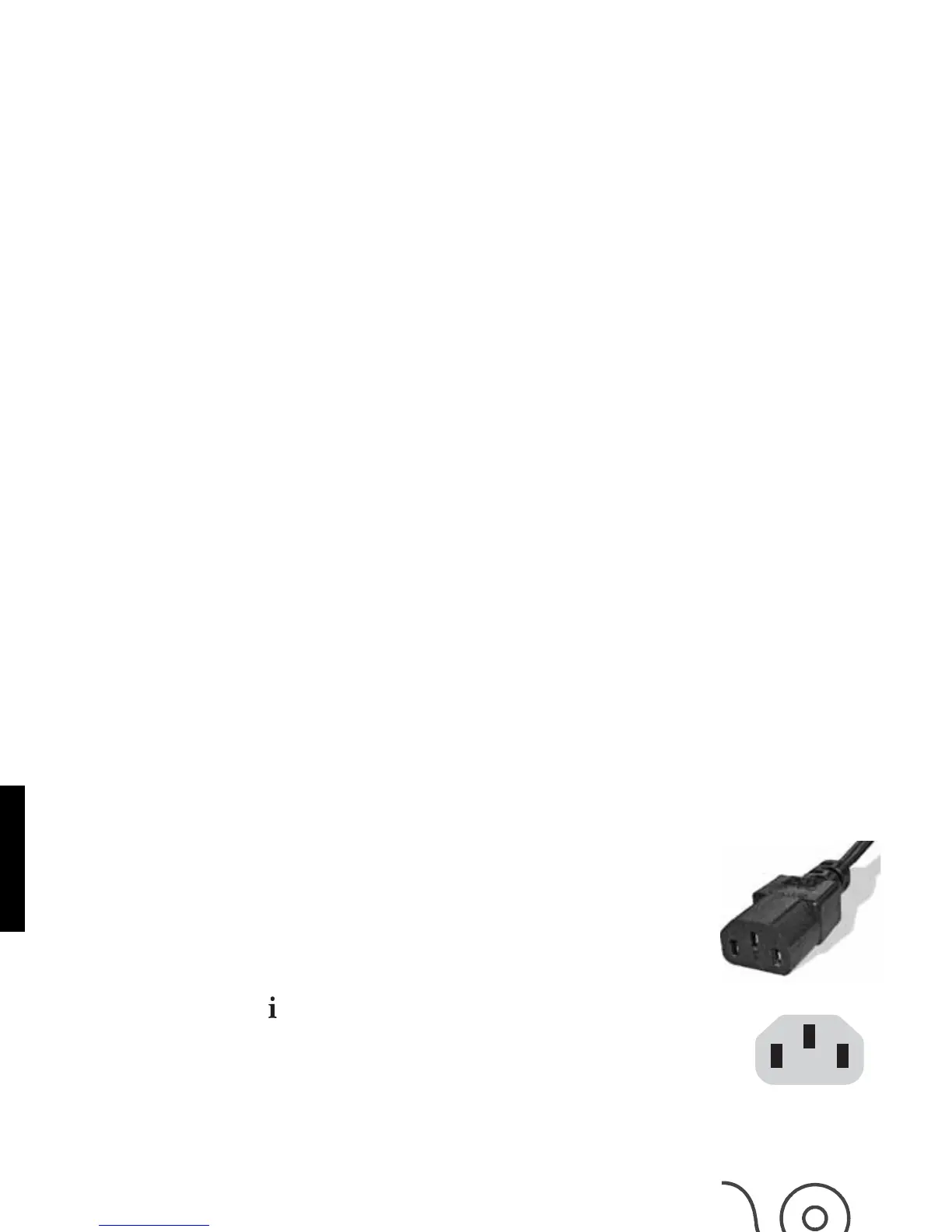
Power supply´s
AC connector.
Make sure that the printer is turned off. Connect the power cord to the
power supply‘s AC connector and to an electrical outlet. Also make sure
that the electrical outlet is appropriately grounded.
Turn on the printer using the on / off switch located on the left side of the
printer. Check if the Power On LED is lit. The printer will initialize and
indicate the printer status ( ).
Loading Paper
To load the paper roll, lift the cover lever and open the cover as shown
below. Close the cover holding a slip of paper towards the outside of the
printer. Look if the Info LED is lit. If the Info LED is green, your printer is
ready to use.
8
ENGLISH



 To Next Page