35
34
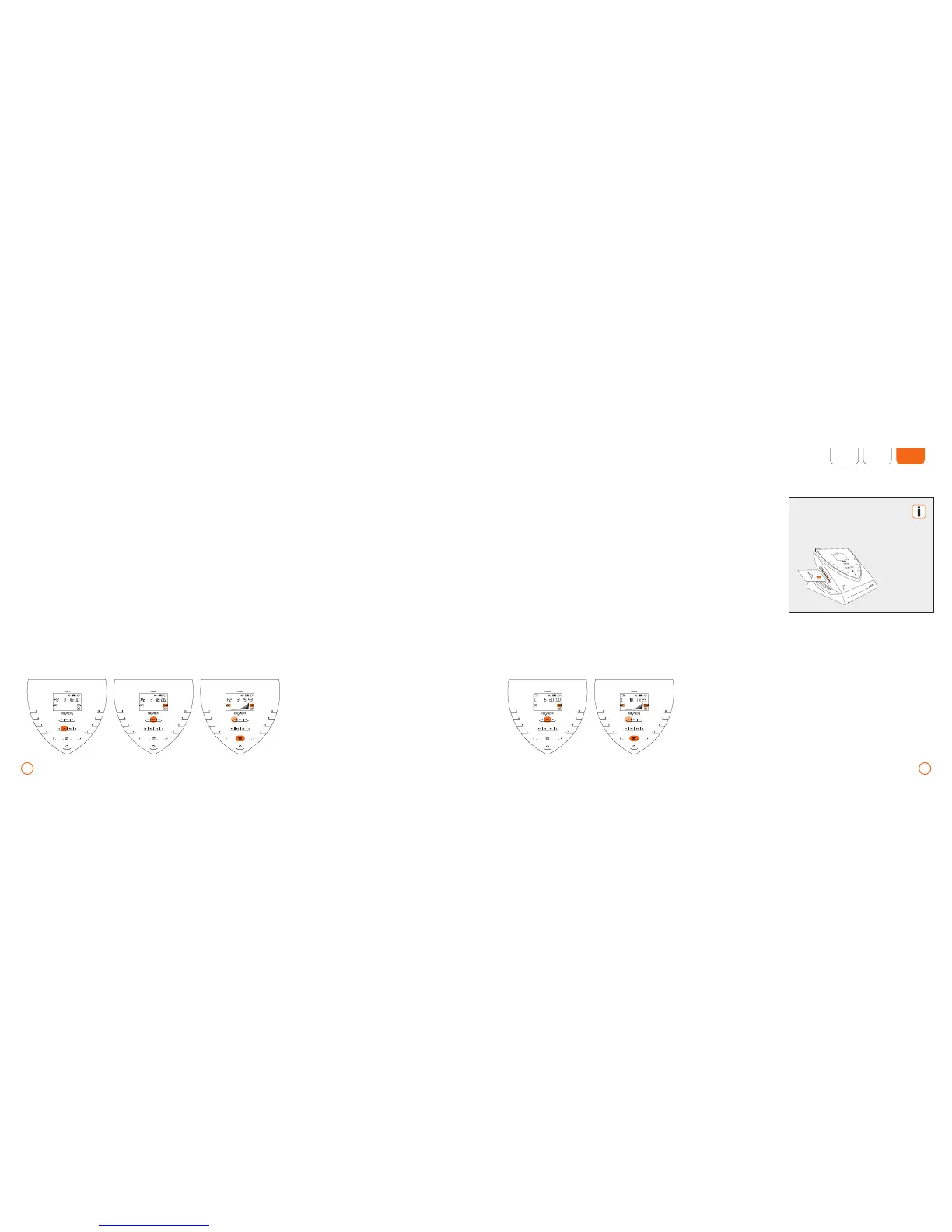
Example – Program P2 (2 B.PAD applicator modules connected, port A1 selected) Example – Application using memory card (2 B.BODY applicator modules connected, port A1 selected)
The card must be removed
again for short or program
applications.
Application using the memory card
The memory card is not standard equip-
ment. Please refer to your local BEMER
partner or BEMER support for more infor-
mation.
Program selection
•
Select the desired program by using the
keys [P1], [P2] or [P3].
•
Designate the desired applicator module
[A1/A2] by repeatedly pressing the key [SET].
•
Slide the memory card into the card slot.
•
Designate the desired applicator module
[A1/A2] by repeatedly pressing the key
[SET].
•
Activate/deactivate the plus Signal by
pressing the left arrow key.
•
Start the program with [START/STOP].
•
Activate/deactivate the plus Signal
by pressing the left arrow key.
•
Start the application with the key
[START/STOP].



 To Next Page