17
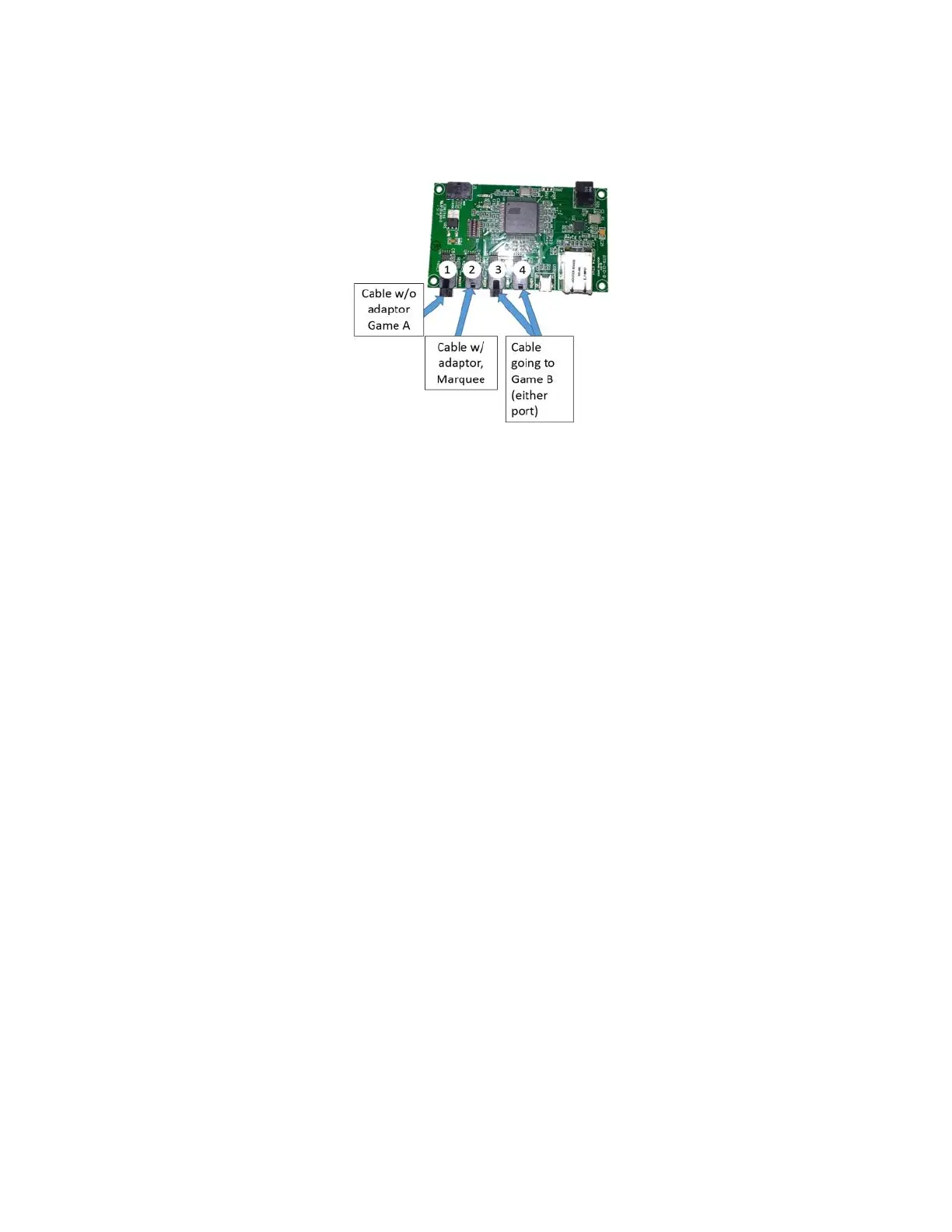
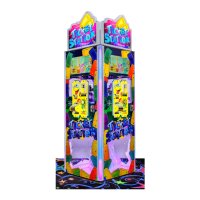
- Take the 485 extension and place it in the 3
rd
or 4
th
port of the router board. Run the wire to the back
of the machine through the notch on the bottom left side of the back door shown at the top of the
previous page, and to the corresponding notch on Game B.
- Game B will also have a 485 connection that will need to be disconnected as described in the third
step.
- Connect the extension to the Game B 485 wire and close up both backs of the games.
- Finally, follow the section above called “Game Header Placement” to position the header accordingly
using the motor extension harness and the commutator harness.
- Once all done plug in both games to operate.
Recommended pay-out settings
Note: tweaking the payout of the machine to low levels will affect your net revenue negatively. Fair payout
(28%-35%) should maximize net income. The player will visually see the uniqueness of the game play and
should feel that the payout is fair, but can be increased by playing another game.
- Section 5 of this manual describes the different Settings that can be used to configure the machine. From
those settings, the following are the ones that will most likely affect the payout-percentage and the income
of the machine:
- Game Price
- Number of Shots
- Payout table
- Jackpot Start Value
- Jackpot increment
The default payout table applies to the game. It determines the amount of tickets awarded for the
different targets hit by the players.
Note: Default pricing on the Blaster game is $0.50 (American Currency) and the $ 0.50 payout table is
installed on the playfield. This payout table determines the amount of tickets awarded for the different


 To Next Page