27
Note: the games is provided with two styles of jumper wires to use while diagnosing
problems for this reason.
485 Communication, network daisy chain:
Control Panel:
Main CPU (BMC-001-B) (Daisy chain start)
Quad Stepper
IO-expander-1
Router Board (if linked)
upper marquee (if not linked)
- Top:
IO-expander-2
IO-expander-3
sound
- Bottom:
Playfield shot display
Playfield credit display
Playfield target IO-expander
6- Programming Options
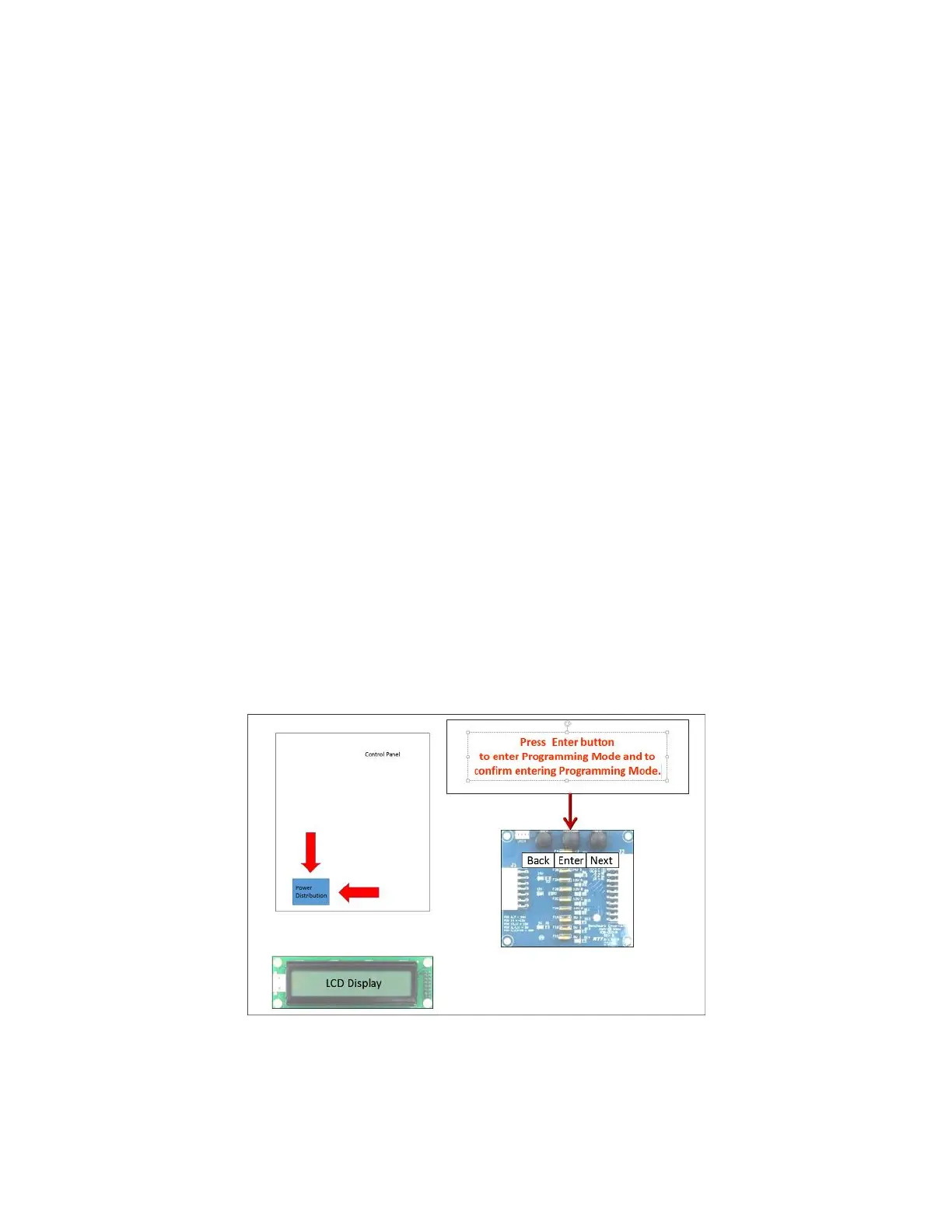
To enter Programming mode, press the enter button on the Power Distribution Board, by reaching down to
the board in the Control Panel, on the right, as shown in figure.



 To Next Page