way back to the power distribution beard if
needed.
Also check continuity for the Run and Notch
lines coming from the main CPU
outputs/inputs.
Remember to power down first before any
continuity test.
E-4:Quad Stepper controller board communication
error
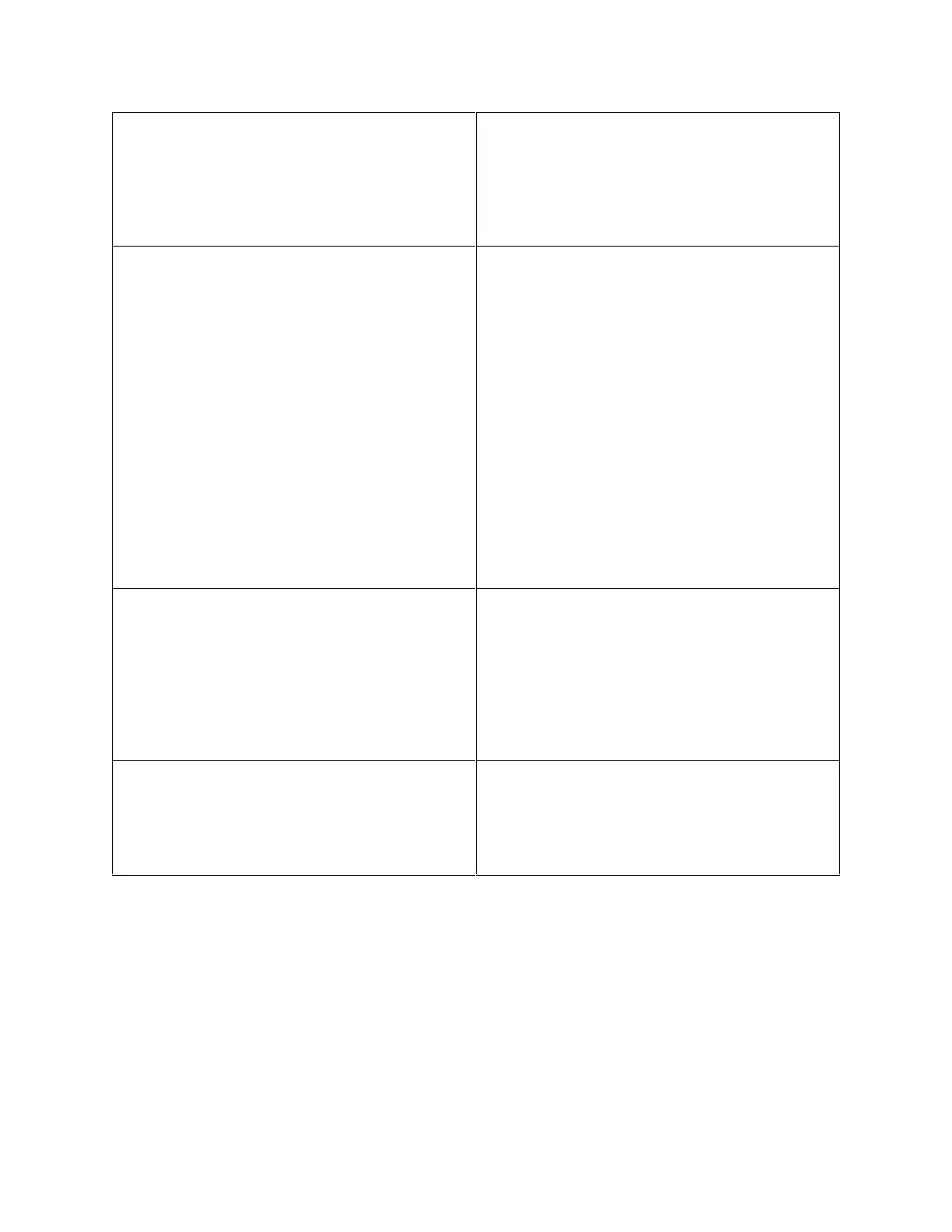
The board controls the three motors for
Blaster (Playfield, Spinning Sign, and
Marquee).
Check for board power (Vcc LED on)
Check board firmware for “Quad Stepper
Generic”.
Check on-board ID-switch setting, as per PCB
board section.
Note: relevant 485 traffic makes the green
LED flash quickly as messages are received,
check for this as well.
Check that all boards are connected to the
485 network, remember that in some of
them, a disconnection will break the rest of
the 485 chain.
Check 485 connector on main CPU board.
Swap for known good unit to see if problem
follows board.
E-5: Router Boards communication error (only present
if Linking is enabled)
Check for board power (Vcc LED on)
Check that all boards are connected to the
485 network, remember that in some of
them, a disconnection will break the rest of
the 485 chain.
Check 485 connector on main CPU board.
Check ID-switch settings
Swap for known good unit to see if problem
follows board.
E-6: Router Boards no SD card error (only present if
Linking is enabled)
The SD card on the router board is for holding
data.
Make sure card is present in Router Board.
Check is card is inserted completely
Swap for known good SD card to see if
problem follows card.


 To Next Page