Instruction Manual for LA4 with 1.0.X Firmware – REV A Page 11
Front Panel Controls
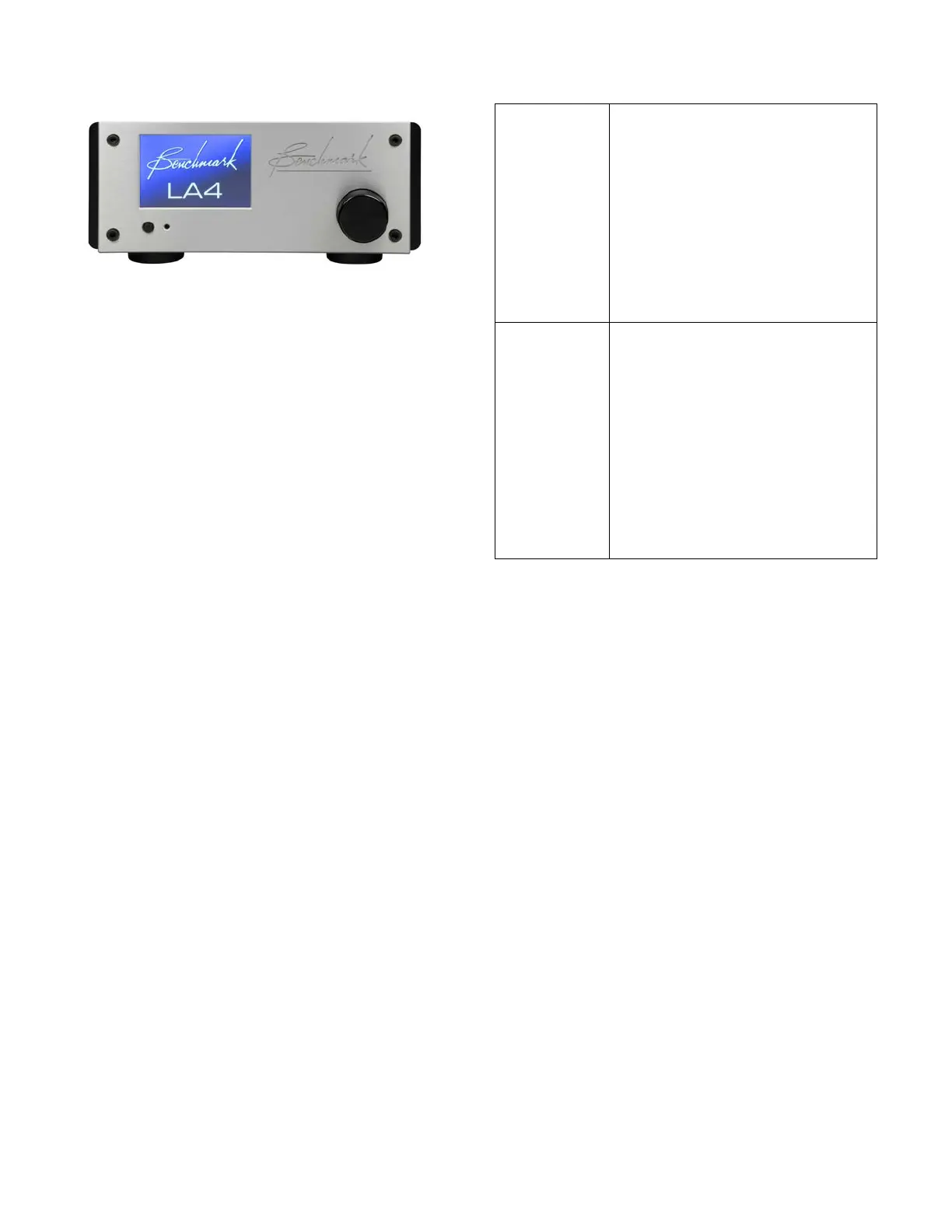
The front panel features a color touch screen,
a power switch and a volume knob.
The volume knob includes a push switch that
can be used to wake the screen if the screen
dim and/or sleep timers are enabled.
Tip: The IR remote sensor is located just to
the right of the power switch. Keep this
sensor unobstructed if you will be using the
optional remote control.
Tip: When AUTO-ON is enabled, a switched
AC outlet can be used to turn your system on
and off. The 12V TRIGGER I/O can be used
as a trigger output to control the power state
of additional components.
The chart at the right summarizes the
functions of the power button and
volume knob.
(button)
Turns the unit on or off.
Any devices slaved to the 12V
TRIGGER will also turn on or
off in a controlled sequence.
If AUTO-ON is enabled, the
POWER button will toggle
MUTE on and off (the unit will
(knob)
Adjusts the volume in 0.5 dB
steps.
The knob features an
acceleration function. Rotate
the knob quickly and the
volume will change in larger
steps.
Volume up automatically
cancels audio DIM and MUTE.



 To Next Page