Instruction Manual for LA4 with 1.0.X Firmware – REV A Page 15
Advanced Features (Settings Screens)
Press the gear icon on the HOME screen to access the advanced features.
If the advanced features have been locked, a locked gear icon will be displayed on the
HOME screen. Press and hold the locked gear icon for 3 seconds to access the advanced
features.
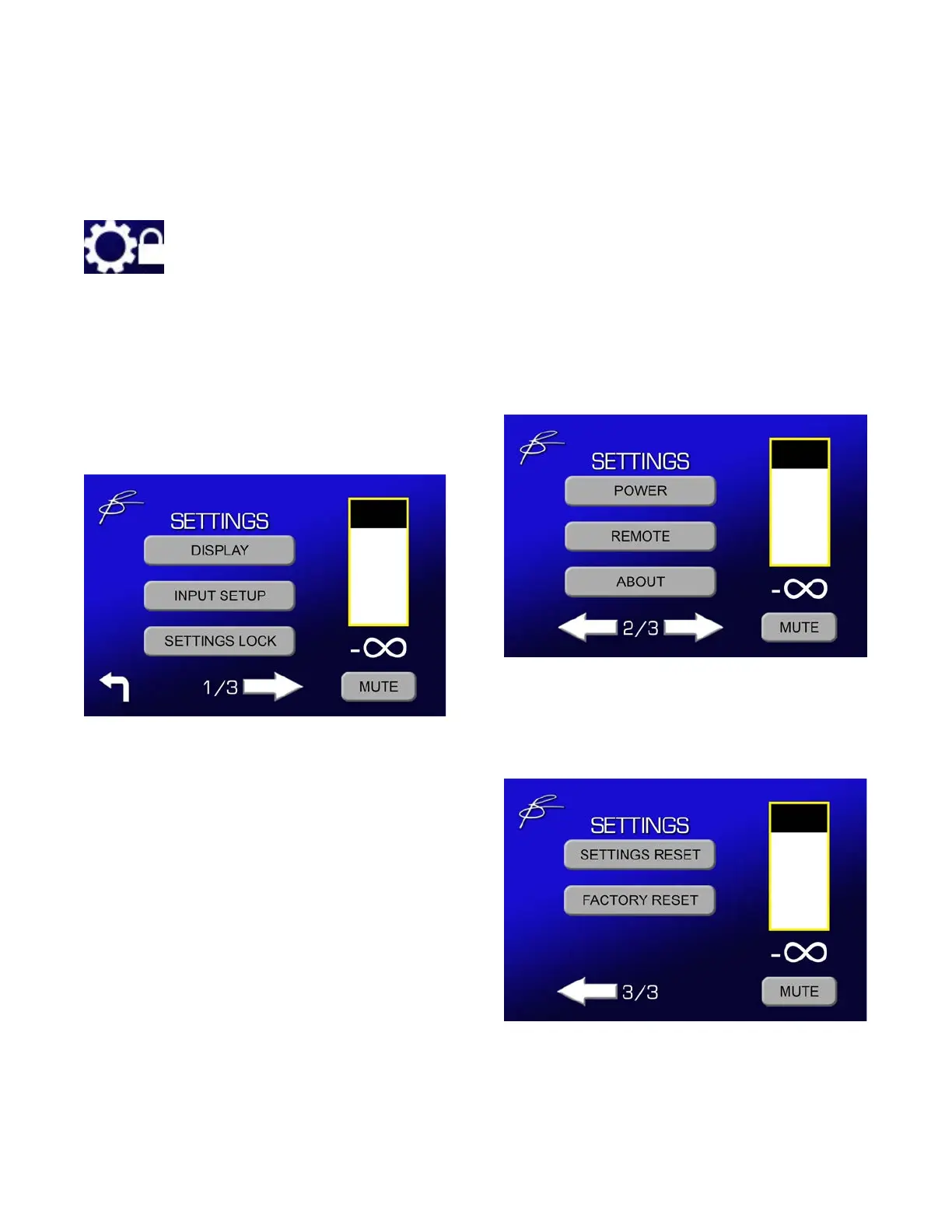
Settings Menu Screens
Settings 1
• Display Settings
• Input Setup
• Lock/Unlock Advanced Settings
Settings 2
• Power (Auto-On, Trigger)
• Remote (IR Enable, DAC Mode)
• About (System Information)
Settings 3
• Reset Advanced Settings
• Full Factory Reset



 To Next Page