DIGITAL CONTROL
OPERATIONS.
“BA” MODELS.
Read each of the following sections carefully before
attempting any operation of this unit. All “BA” models are
equipped with a computer microprocessor that allows
minor storage and recall of certain bend data. It also gives
the user the ability to bend automatically or manually.
DESCRIPTION OF
CONTROLS:
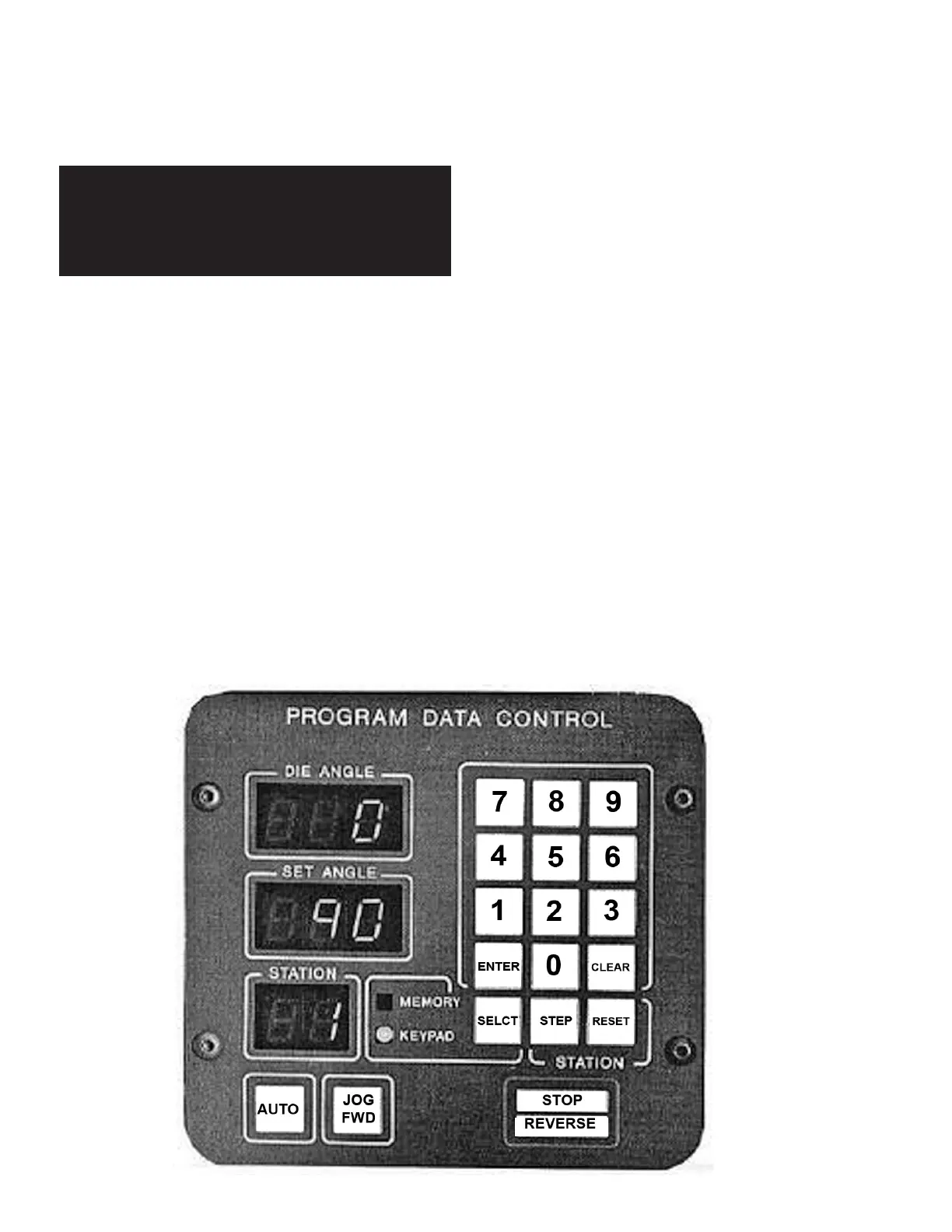
SELCT - Selects KEYPAD or MEMORY functions.
CLEAR - Clears the SET ANGLE.
ENTER - Enters the numbers displayed in SET ANGLE
into memory. (Only when KEYPAD is lighted.)
STEP - Advances station number display.
RESET - Resets station number back to one.
AUTO - Starts automatic cycle.
JOG/FWD - Press and hold to advance radius die
manually. Release button and all forward motion will stop.
Overrides AUTO button.
STOP/REVERSE (Also, EMERGENCY STOP) -
Press to stop forward movement of radius die. Press
again to reverse, then again to stop.
SET ANGLE WINDOW - Displays depth-of-bend degrees
programmed for the next bend.
DIE ANGLE WINDOW - Continuously displays the degrees
of bend as the radius die moves forward.
STATION WINDOW - Shows the position or station
number that a particular bend depth has been
programmed into.
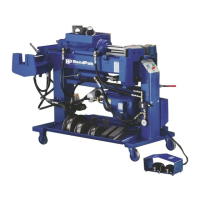
REMOTE FOOT SWITCHES - Used for manual
operation. The right foot switch advances the radius die
while the left foot switch retracts it. Either foot switch will
also serve as an emergency stop.
12 Bender Operation Manual
STOP!
Before any attempt is made to operate this
machine it is important that you have read
and fully understand all operating
instructions described in this manual.


 To Next Page