BRIEF OVERVIEW OF PHONE USE: MAKING A CALL 31
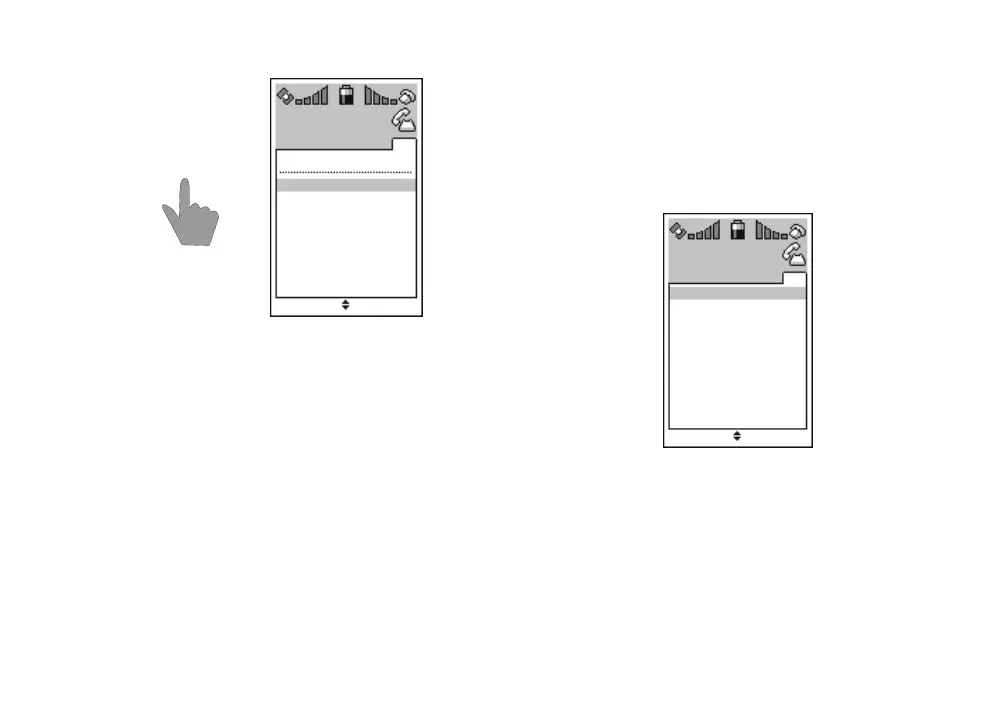
1. Press l to enter the redial memory when the
phone is in stand-by mode and there are no
phone numbers displayed.
2. A list of recent outgoing calls will be opened. If
the call is older than 24 hours, date will be dis-
played instead of time.
3. Use
n to scroll through the numbers. If the
numbers in question are stored in the phone
book, names will be displayed instead of num-
bers.
4. Press
l to call the number displayed. You can
also call directly to the number last dialled by
pressing
l l.
5. By pressing
- SELECT you will enter the sub-
menu where you can store the number or re-
move it from redial memory.
6. Use
n to scroll through the functions of the
sub-menu and press
- OK to accept your
choice. Press
. QUIT to exit the sub-menu.
7. You can clear all numbers from the redial mem-
ory by selecting
Delete all.
8. Press
. QUIT to exit the redial memory.
-
n
l
Delete all
QUIT SELECT
Redial
14:12
12:02
11:08
Benefon
John Swirl
+358277400
2
memory
-
n
Save
QUIT OK
Redial
1
memory
Delete



 To Next Page