62 MAIN MENU: ACCESSORIES
•Select Go to date by pressing - CHANGE. Key in
the date you wish to view and press
- OK.
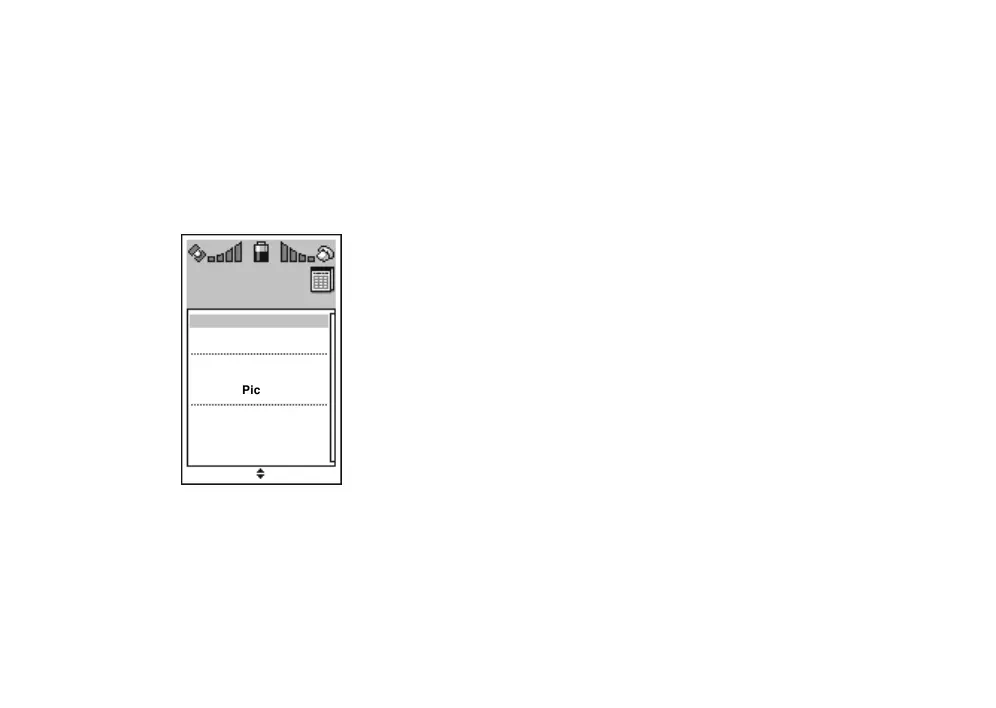
VIEWING ALL ENTRIES (AGENDA)
By selecting Agenda, you can view all your calen-
dar entries at once.
•Select
Delete all to remove all calendar entries.
Confirm the deletion by pressing
- OK or can-
cel the operation by pressing
. NO.
•Select an existing entry to view, edit or delete it.
ADDING A NEW CALENDAR ENTRY
By selecting New entry you can add a new event to
your calendar.
Changing entry text
You can give the calendar entry a title text by se-
lecting
Text and pressing - CHANGE. Key in the
text with alpha-numeric keys. Press
- OK.
Adjusting entry time
You can adjust the time of the event by selecting
Time and pressing - CHANGE. Key in the numbers
and finish by pressing
- OK.
Changing entry date
You can adjust the date of the event by selecting
Date and pressing - CHANGE. Key in the numbers
and finish by pressing
- OK.
Selecting entry repeat
By selecting Repeat and pressing - CHANGE you
can determine whether the entry should apply only
once or on specified days.
Agenda
New entry
Delete all
Mon 1.5.2002
12:00
Picnic
QUIT SELECT
n-
wk 18
Tue 2.5.2002 wk 18
10:00 Meet Paul
16:00 Tea break



 To Next Page