64 MAIN MENU: ACCESSORIES
•Select Edit and press - SELECT.
Editing a calendar entry is done just like adding a
new one. For further information, please see the
chapter Adding a new calendar entry above.
Deleting a calendar entry
To delete a calendar entry, do as follows:
•Press
- SELECT when viewing a calendar entry.
•Select
Delete and press - OK.
•Confirm the deletion by pressing
- OK or can-
cel the operation by pressing
. NO.
CALENDAR ALERT
When a calendar entry with alarm occurs, you will
hear the calendar tone and the entry’s text will be
shown.
•You can quiet the tone by pressing
. QUIET, and
dismiss the reminder by pressing
- OFF.
Calculator
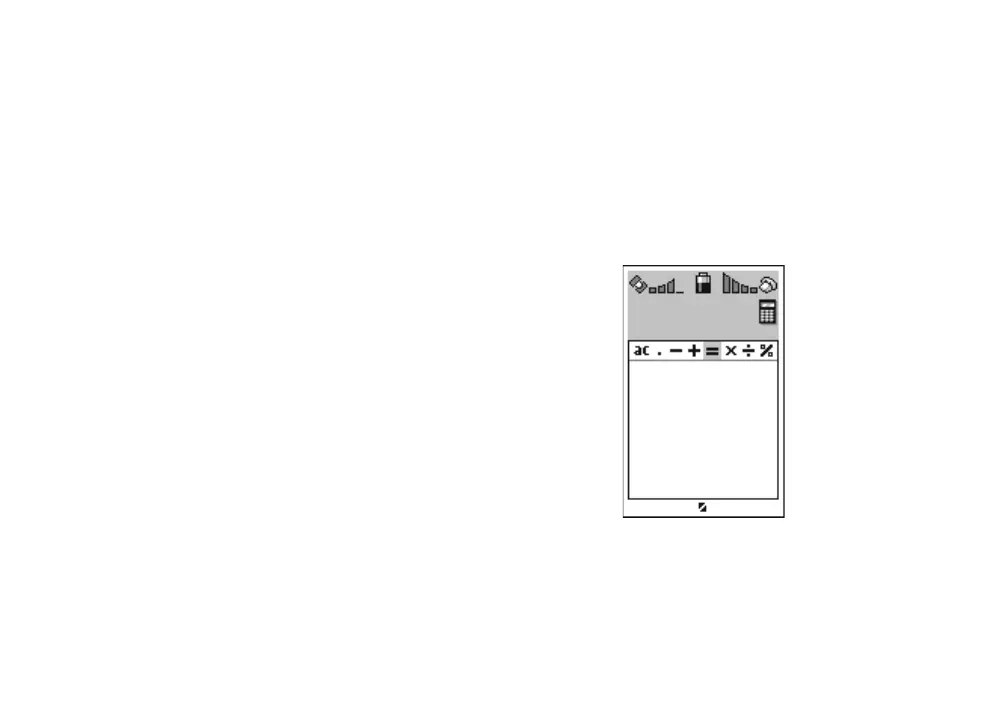
With the calculator you can perform the basic
mathematical operations such as addition, subtrac-
tion, multiplication, and division. You are also able
to use decimal points and the percent operator.
Press
- SELECT to open the Calculator from the
Accessories menu.
•The operators available for calculating are dis-
played on the top of the display. You can access
them with the
n key.
Calculator
QUIT SELECT
-
50*2 = 25
25 - 10% = 22.5
n



 To Next Page