Need help?
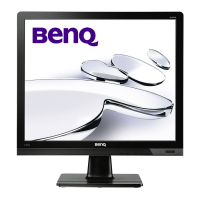
Do you have a question about the BenQ BL902TM and is the answer not in the manual?
Instructions on how to attach the monitor's base stand securely.
Guide to connecting the D-Sub or DVI video cables to the PC.
Instructions for connecting the DVI-D video cable.
Guide on how to connect the monitor's power cable correctly.
Final steps to connect power and turn on the monitor and PC.
Instructions for adjusting the vertical position of the monitor stand.
Guide on how to pivot the display for portrait orientation.
Procedure for installing the BenQ LCD Monitor driver software on a new computer.
Procedure for manually updating the existing monitor driver software on a Windows computer.
 General
| Panel Type | TN |
|---|---|
| Resolution | 1280 x 1024 |
| Aspect Ratio | 5:4 |
| Response Time | 5 ms |
| Brightness | 250 cd/m² |
| Contrast Ratio | 1000:1 |
| Dynamic Contrast Ratio | 12, 000, 000:1 |
| Power Consumption | 18W (typical) |
| Connectivity | VGA, DVI |
| Input Connectors | DVI-D |
| Viewing Angle (H/V) | 170°/160° |
| VESA Mount | 100x100mm |


 To Next Page