BenQ DC 5530 User’s Manual
English
Using the DC C42014
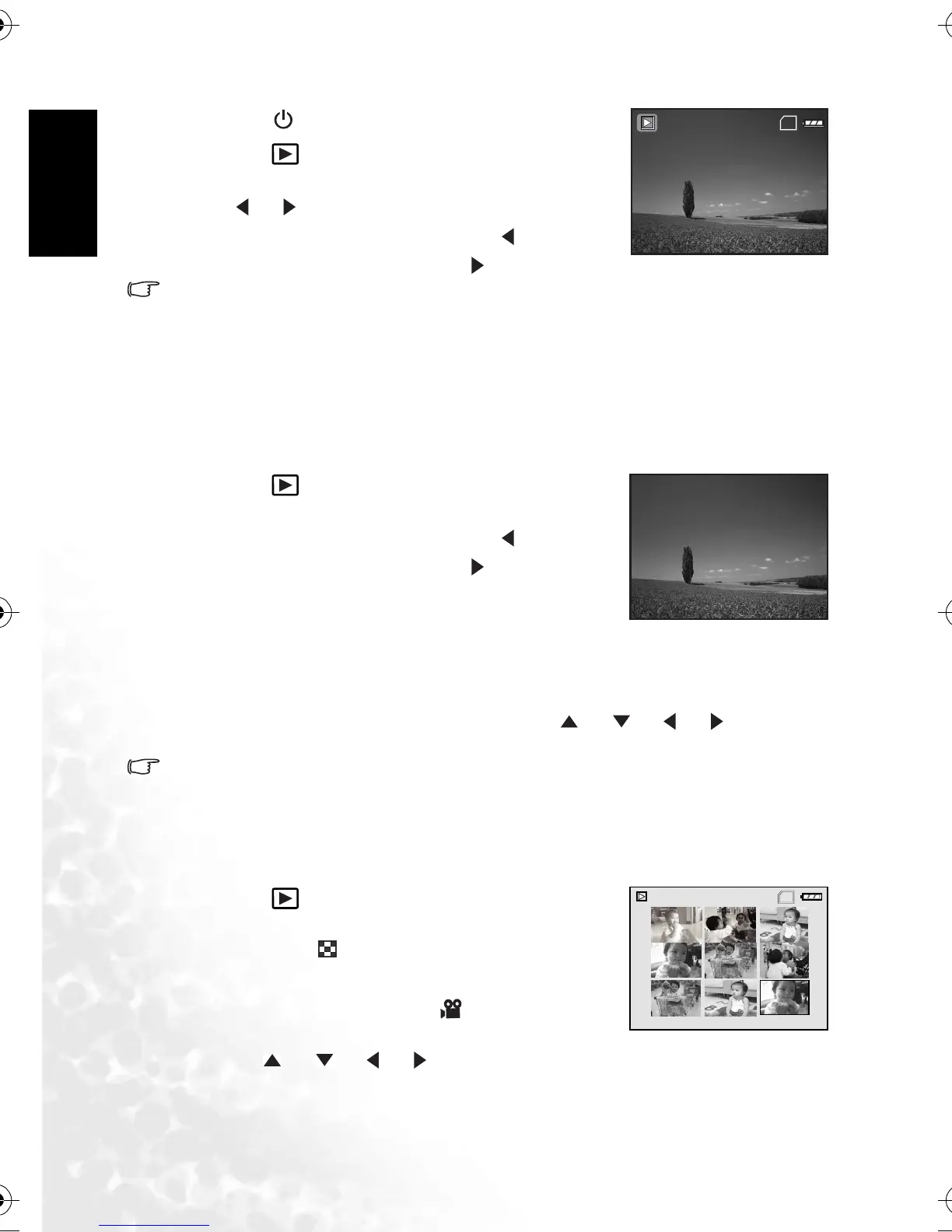
1. Press the [ ] button to turn on your camera.
2. Press the [ ] button.
The last captured image appears on the LCD monitor.
3.Use [] / [] to select the desired images.
• To view the previous image, press the [ ] button.
• To view the next image, press the [ ] button.
• The playback information displayed on the LCD monitor will disappear after seconds of
time.
• If there is no image stored in the internal memory or on the memory card, [NO IMAGE]
message will appear on the monitor.
3.4.3.3.2 Magnifying images
While reviewing your images, you may enlarge a selected portion of an image. This
magnification allows you to view fine details. The zoom factor displayed on the screen shows
the current magnification ratio.
1. Press the [ ] button.
• The last captured image appears on the LCD monitor.
• To view the previous image, press the [ ] button.
• To view the next image, press the [ ] button.
2. Adjust the zoom ratio by using the Zoom [W] / [T]
button.
• To enlarge the selected image, press the [T] button.
• To return to the normal image, press the [W] button.
• The magnification factor is displayed on the LCD monitor.
3. To view different portion of the images, press the [ ] / [ ] / [ ] / [ ] button to
adjust the display area.
• The magnification factors range from 1x to 4x (within 7 stages: 1.0x, 1.5x, 2.0x, 2.5x, 3.0x,
3.5x and 4.0x).
3.4.3.3.3 Thumbnail display
This function allows you to view 9 thumbnail images on the LCD monitor simultaneously so
you may search for a particular image.
1. Press the [ ] button.
The last captured image appears on the LCD monitor.
2. Press the [W] / [ ] button once.
• Nine thumbnail images are displayed simultaneously.
• For recorded video clips, the [ ] video mode icon
will be displayed.
3. Use the [ ] / [ ] / [ ] / [ ] button to select the
image to be displayed at regular size.
SD
100-0001
SIZE
EV.
01. 04. '04
1280X960
+1.5
05:22
1
T
T
T
T
2.0X
SD
1
2
3
4
5
6
7
8
9
DC_C420_UM.book Page 14 Wednesday, June 22, 2005 5:49 PM



 To Next Page