English
Using the Camera 9
• The higher the ISO value, the grainer you may see in the image.
3.4.2 Using the menus
When a menu is displayed, the four-way control and are used to make the desired
settings.
1. Turn the power on, and set the camera to the REC mode.
2. Press and then press [ ] / [ ] to select the REC menu.
3. Press [ ] / [ ] to select a menu item and then press [ ] or to launch the
submenu.
4. Press [ ] / [ ] to select an option and press to apply the setting.
5. Press to close the menu.
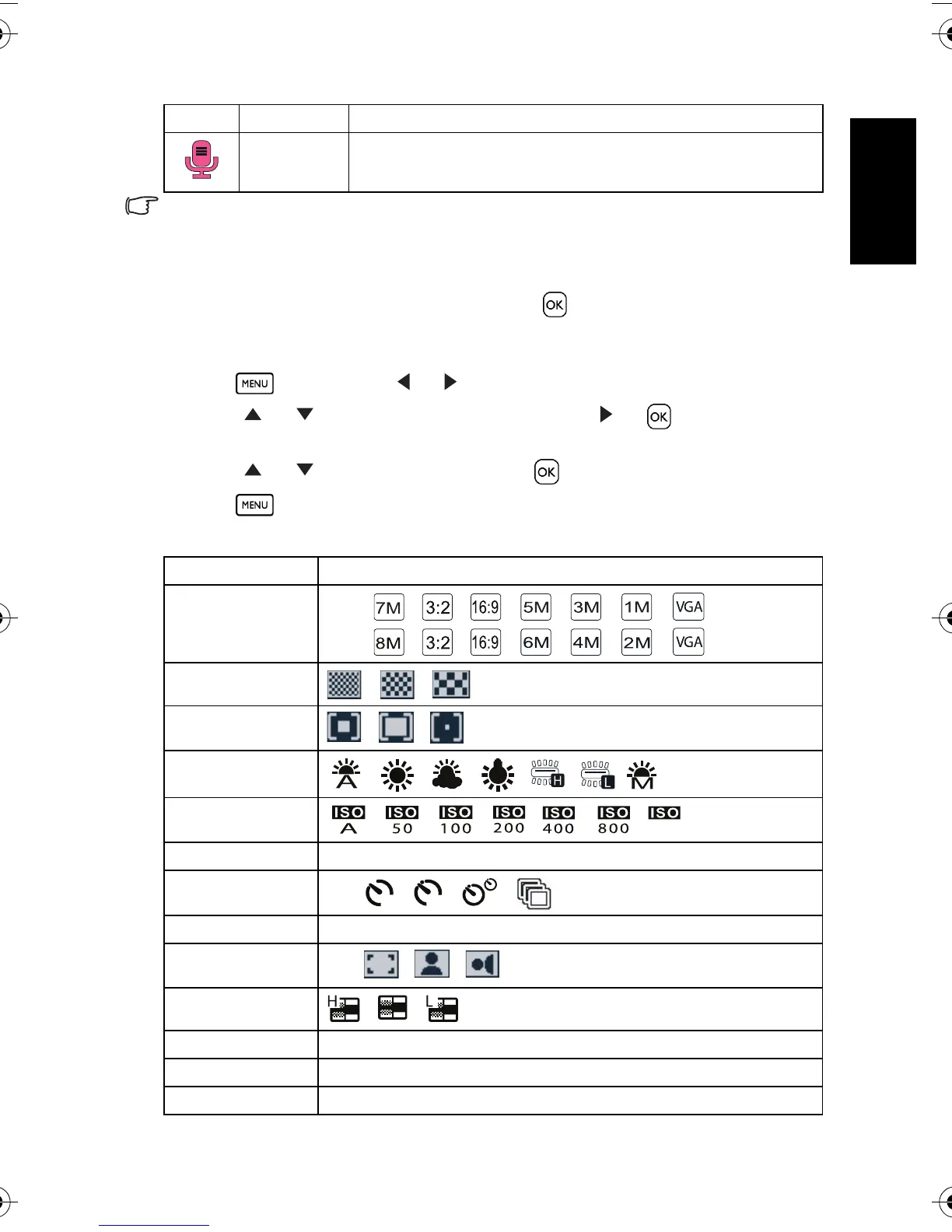
3.4.2.1 REC menu list (still image)
Voi ce RE C Record s aud io.
Menu item Available settings
Resolution
C750: / / / / / /
C850: / / / / / /
Quality
/ /
Metering
/ /
White Balance
/ / / / / /
ISO
/ / / / / /
Exposure -2.0 EV ~ +2.0 EV
Drive Mode
Off / / / /
AEB Off / On
Highlight
Off / / /
Sharpness
/ /
Effect Normal / B&W / Sepia / Negative / Red / Green / Blue
Date Stamp Off / Date / Date & Time
Stabilizer Off / On
Icon Mode Description
1600
2
10
DC_C750_C850_UM.book Page 9 Friday, March 28, 2008 5:13 PM



 To Next Page
 Loading...










