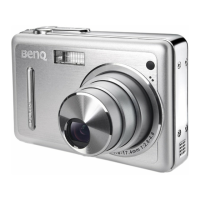
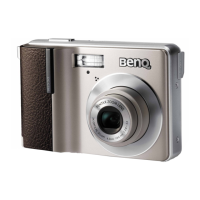
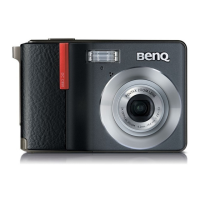
BenQ DC 5530 User’s Manual
English
Using the DC S40
15
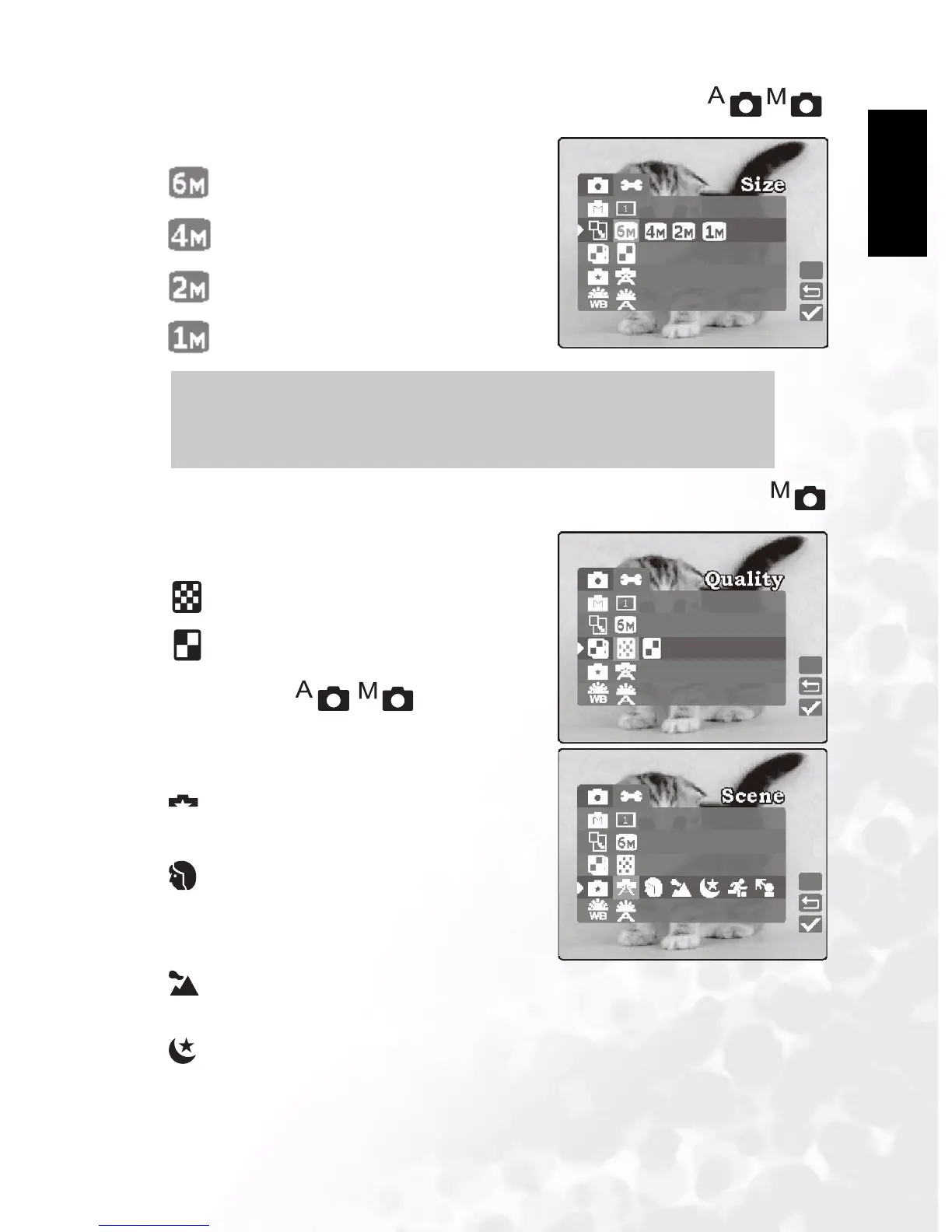
3.1.9.3 Resolution
Set the desired image size.
2848 x 2160 pixels (interpolated)
2304 x 1728 pixels (default)
1600 x 1200 pixels
1280 x 960 pixels
3.1.9.4 Quality
Set the quality (compression ratio) sharpness at
which the image is to be recorded.
Fine: 1/8 compression (still image) (default)
Economy: 1/16 compression (still image)
3.1.9.5 Scene
Enables you to load preset settings for different
shooting conditions.
Auto: Select this mode to enable the camera
to make automatic adjustments. (default)
Portrait: Select this mode to make people
stand out with the background out-of-focus. Flash
setting is fixed to red-eye reduction mode
automatically.
Landscape: Select this mode when taking
pictures of landscape subjects. Flash photography is not possible.
Night Scene: Select this mode to take photographs at night. Flash setting is fixed to
Flash Off at a slower shutter speed.
Notes
•
Larger image sizes use more memory.
• 6M (2848 x 2160) cannot be used with continuous mode or digital zoom.
A


 To Next Page