BenQ DC 5530 User’s Manual
English
Using the DC S40
32
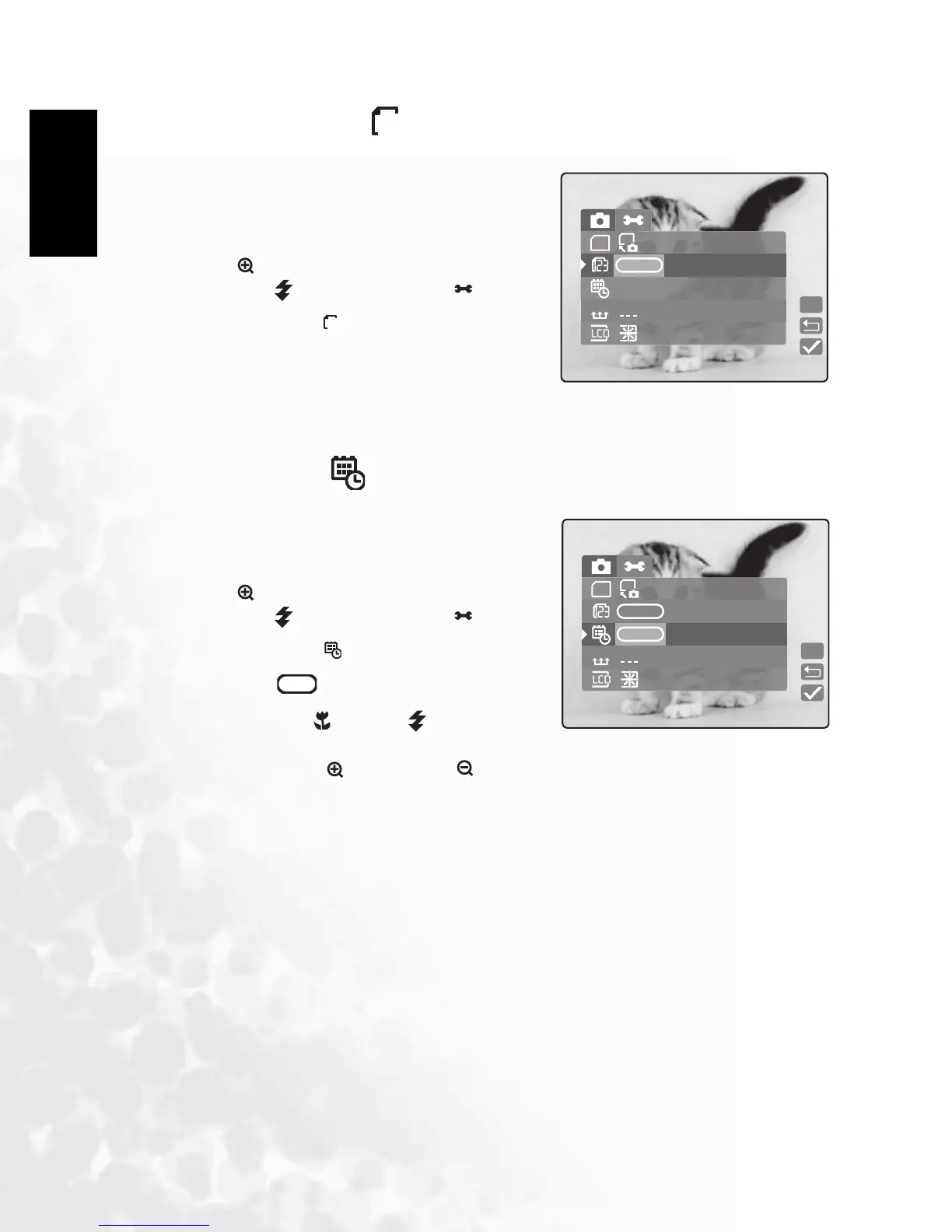
3.5.2 Number Reset
Enables you to reset file numbering in memory to
0001.
1. In Manual, Auto, or Movie mode, press
MENU/C.
2. Press to navigate to the top of the menu, and
then press to select Setup mode .
3. Select NumReset .
4. Press LCD/SET. You are prompted to confirm
the action.
5. Select Yes and press LCD/SET to complete the action. Otherwise, select No.
3.5.3 Date/Time
Enables you to set the date and time.
1. In Manual, Auto, or Movie mode, press
MENU/C.
2. Press to navigate to the top of the menu, and
then press to select Setup mode .
3. Select Date/Time .
4. Select Edit and press LCD/SET.
• Press macro and flash to select the
year, month, day, hour and minute fields.
• Press zoom in and zoom out to change the value for each field
5. Press LCD/SET to save the setting and exit the date time submenu. To exit without saving
the settings, press MENU/C.
12
NumReset
SD
SD
YMD
YMD
09 / 07 / 2018
Set
12
Date/Time
SD
SD
YMD
YMD
Set
Edit
Edit



 To Next Page