BenQ DC 5530 User’s Manual
English
Using the DC S40
37
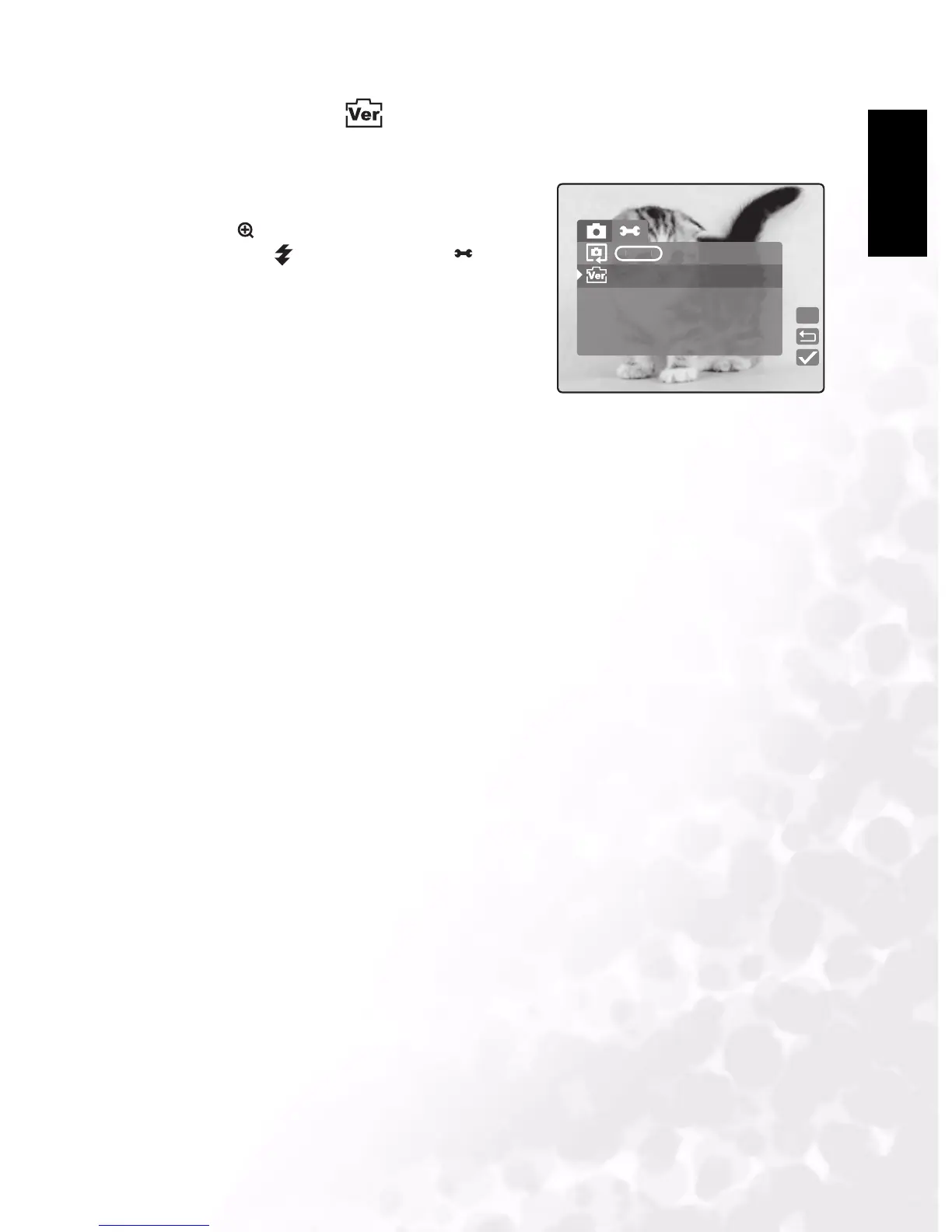
3.5.12 SW Version
Displays the camera’s SW version.
1. In Manual, Auto, or Movie mode, press
MENU/C.
2. Press to navigate to the top of the menu, and
then press to select Setup mode .
3. Select Version. The version screen displays the
camera’s software version.
Version
V10
R



 To Next Page