BenQ DC 5530 User’s Manual
English
Using the DC S40
33
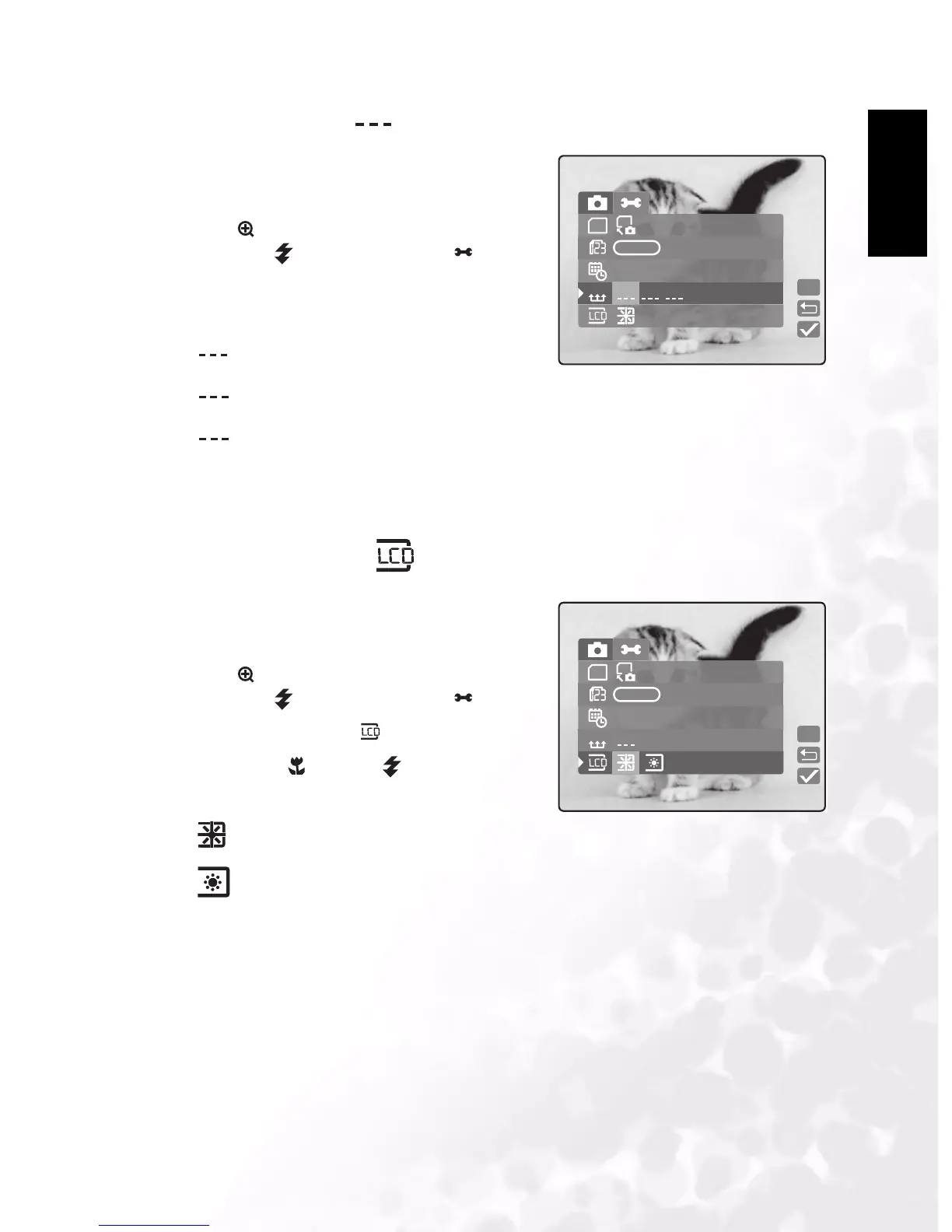
3.5.4 Date Format
Enables you to set the date format.
1. In Manual, Auto, or Movie mode, press
MENU/C.
2. Press to navigate to the top of the menu, and
then press to select Setup mode .
3. Select Date Style. The following options are
available:
YY/MM/DD: year, month day
MM/DD/YY: month, day, year
DD/MM/YY: day, month, year
4. Press LCD/SET to save the setting and exit the date time submenu. To exit without saving
the settings, press MENU/C.
3.5.5 LCD Brightness
Enables you to set the LCD brightness.
1. In Manual, Auto, or Movie mode, press
MENU/C.
2. Press to navigate to the top of the menu, and
then press to select Setup mode .
3. Select LCD Brightness .
4. Press macro and flash to raise and lower
the brightness.
: brighter
: normal (default)
5. After you have made your selection, press MENU/C to exit the Setup menu.
MD
DateStyle
SD
SD
YMD
YMD
Set
DMYMDY
09 / 07 / 2018
MD
MD
DM
LCDbright
SD
SD
YMD
YMD
Set
09 / 07 / 2018



 To Next Page