Maintenance and troubleshooting18
Maintenance and troubleshooting
Maintenance
1. Please disconnect the camera if it is not used for a long time.
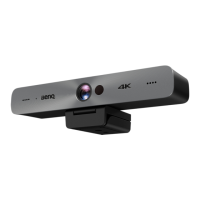
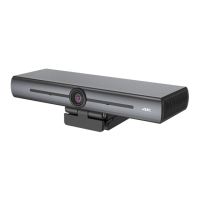
2. Use soft cloth or tissue to clean the camera cover.
3. Wipe it with a soft, dry cloth when cleaning the camera lens. Wipe it gently with a
mild detergent if needed. Do not use strong or corrosive detergents to avoid
scratching the lens and affecting the image.
Troubleshooting
1. No video output
- Check whether the USB cable is well connected and the power indicator light is
ON.
- Check whether the machine could do self-check after being restarted.
- Restart the display.
- Check whether the camera is well recognized by display.
2. No image: Check the USB cable quality and whether it is well connected.
3. Image dithering when zoom-in or zoom-out
- Check whether the camera installation position is solid.
- Check whether there is a shaking machine or object around the camera.
4. Remote control cannot work
- Pair the camera with the wireless remote control again.
- Set the camera address to 1 (The camera address would be back to 1 after
restoring to the default setting).
- Check whether the battery is low or is properly installed on the remote control.
- Check whether the camera working mode is the normal operating mode.
- Exit the menu; the menu is only displayed under MJPG/H.264/H.265 compression
format.


 To Previous Page