Application instructions10
Menu settings
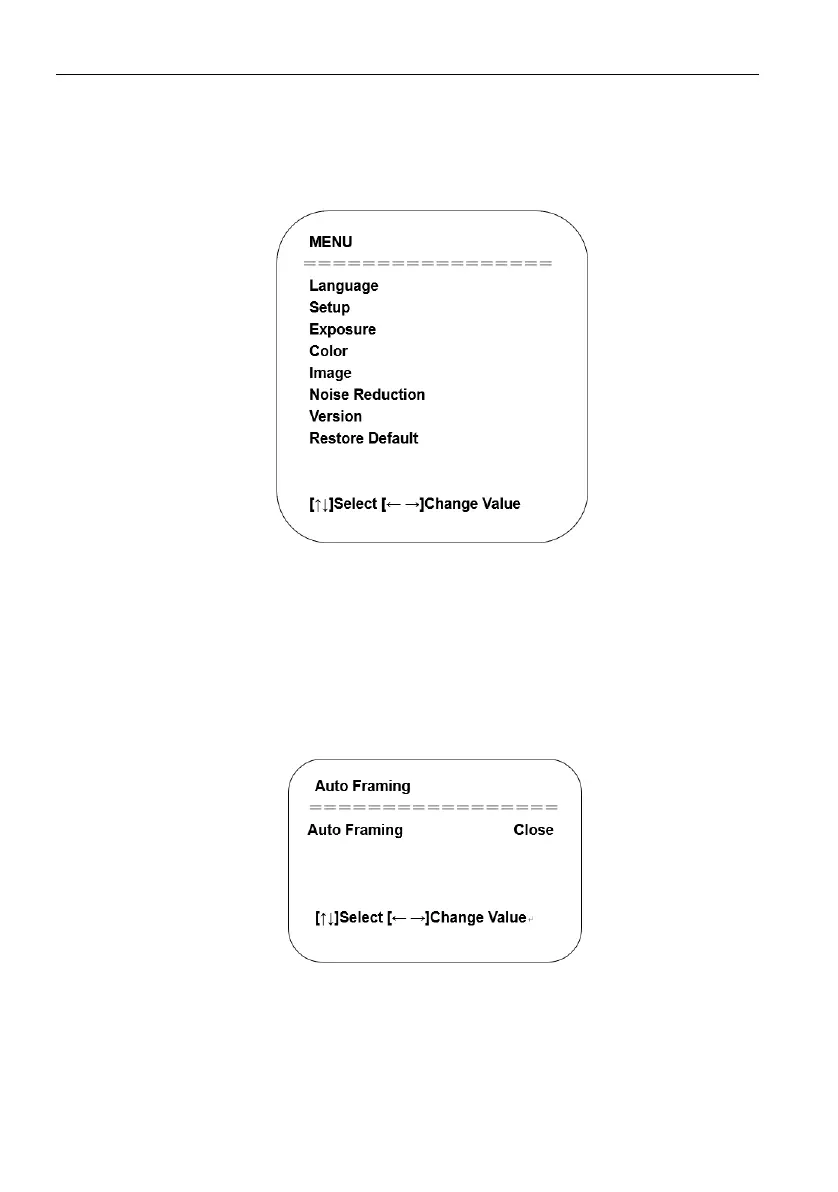
Main Menu
To use MJPG/H.264/H.265 compression, press MENU key to display the menu and use
the scroll arrow to point at or highlight the selected items.
1. Language Setting: Press / key to select a language.
2. Setup
- Image style: Options are Default, Meeting, Clarity, Bright, Soft. Press / key to
select a style.
- Dual Stream: Move the pointer to Dual Stream in the Menu, click / keys to set
ON/OFF.
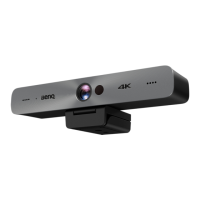
- Auto Framing: Move the pointer to Auto Framing in the Menu, click / keys to
set Open 1~7 or Close.


 To Next Page