Installation instructions 5
Installation instructions
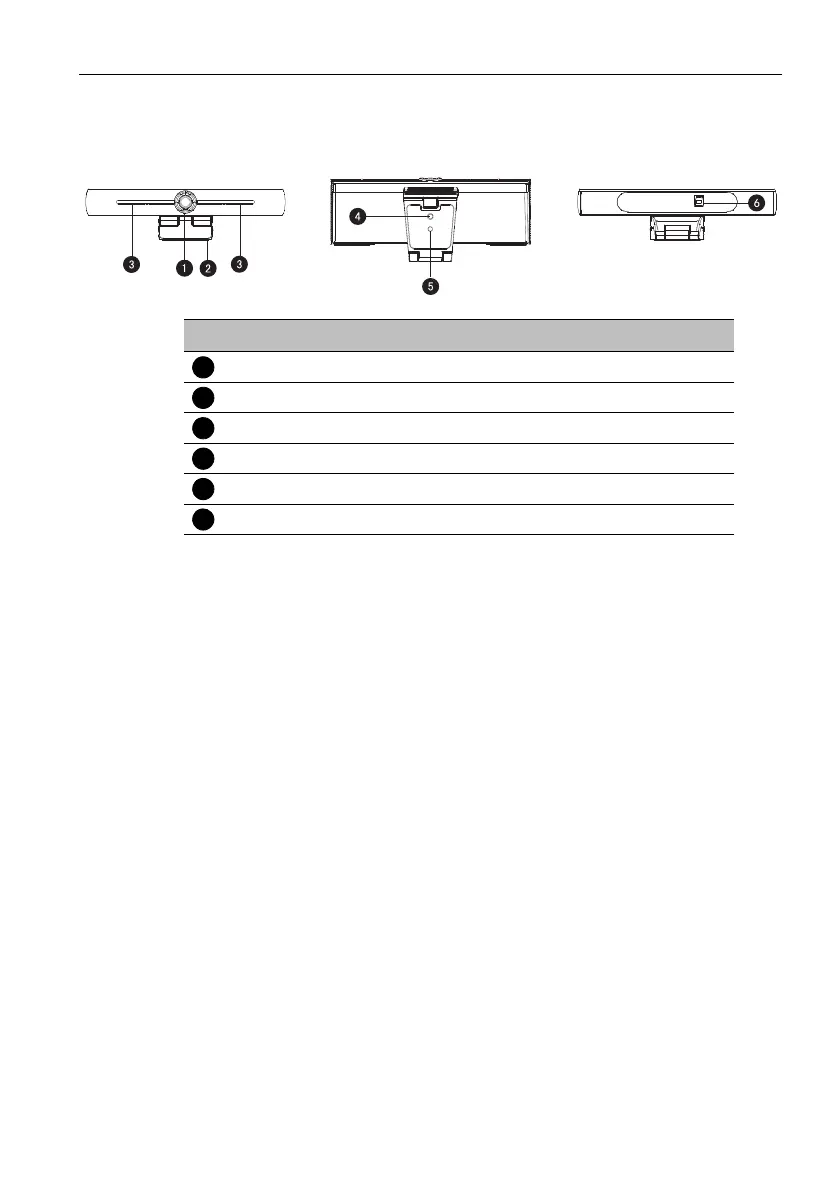
Product interface
Camera operation
1. Product installation: Fix the device on top of the display; directly put it on desk or on
tripod mounting and wall mount.
2. Connect camera via USB cable to the display, video conference terminal or other
USB input device, log in the video conference software and select a video device to
have image output.
Features
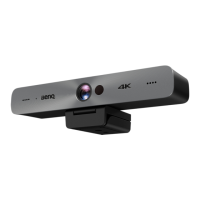
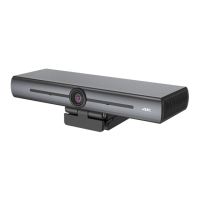
This product is a new 4K ePTZ video conference camera. It is built with AI functions,
which can automatically frame all people in the meeting and make them at the middle of
the scene. It also has perfect functions and superior performance, which adopts advanced
ISP processing algorithms so as to provide vivid images with evenly clear brightness,
strong color layering, high resolution, and fantastic color rendition. Easy and convenient
to install and maintain, stable and reliable.
• 4K: It employs 1/2.5 inch, 8 million pixels high quality CMOS sensor; supports 4K;
provides 4K@ 30fps MJPG video resolution at most; and provides clear video and vivid
expressions and movements. At the same time, it is compatible with 1080p and 720p
resolution.
• EPTZ: EPTZ and 4X digital Zoom
• Built-in omnidirectional microphone: Includes 2 built-in omnidirectional microphones,
all-round omnidirectional microphone. Antique noise suppression algorithm ensures
your voice be perfect. The effective omnidirectional microphone distance is up to 5
meters.
• Dual stream output: The USB 3.0 port support main stream and sub-stream output at
the same time.
No. Name
Camera lens
Bracket
Built-in MIC
Tripod fixing hole
Positioning hole
USB 3.0 output interface


 To Next Page