39 Upotreba (pod Launcher izvorom)
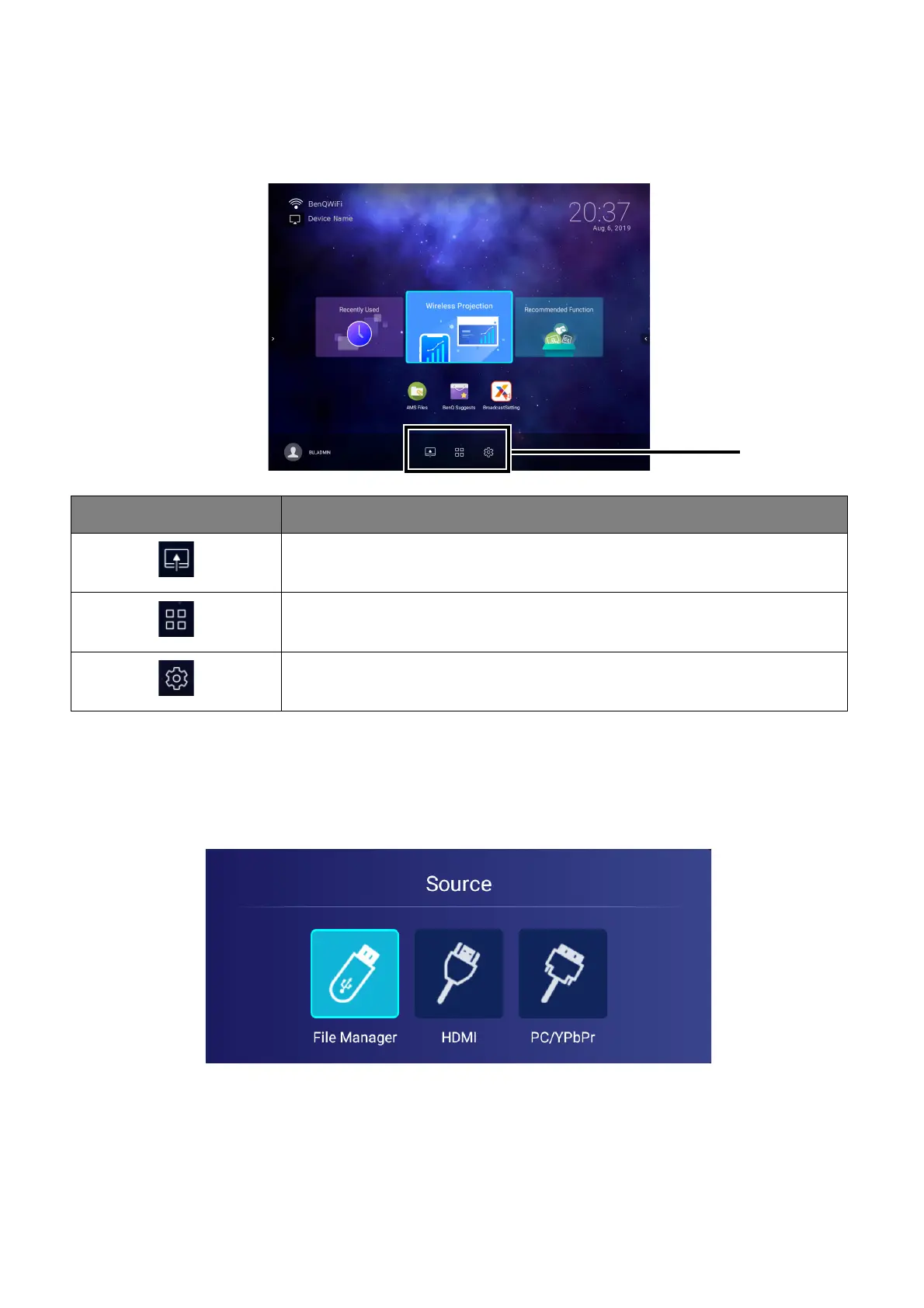
Using the Toolbar
The tool bar features buttons to access the input source menu, the all apps menu, and the
Settings menu.
The Input Source menu
The input source displays the input source options: File Manager (for storage devices
connected to the USB-1 or USB-2 port), HDMI, or PC/YPbPr. Select the desired input source
and press OK to begin viewing video from that source. See Poveži on page 20 for more
information on connecting input sources.
Button Description
Select to open the input source menu.
Select to open the all apps menu. See All Apps on page 68 for more
details on the all apps menu.
Select to open the Settings menu. See About the Settings menu on
page 63 for more information on the Settings menus













 To Next Page