38 Upotreba (pod Launcher izvorom)
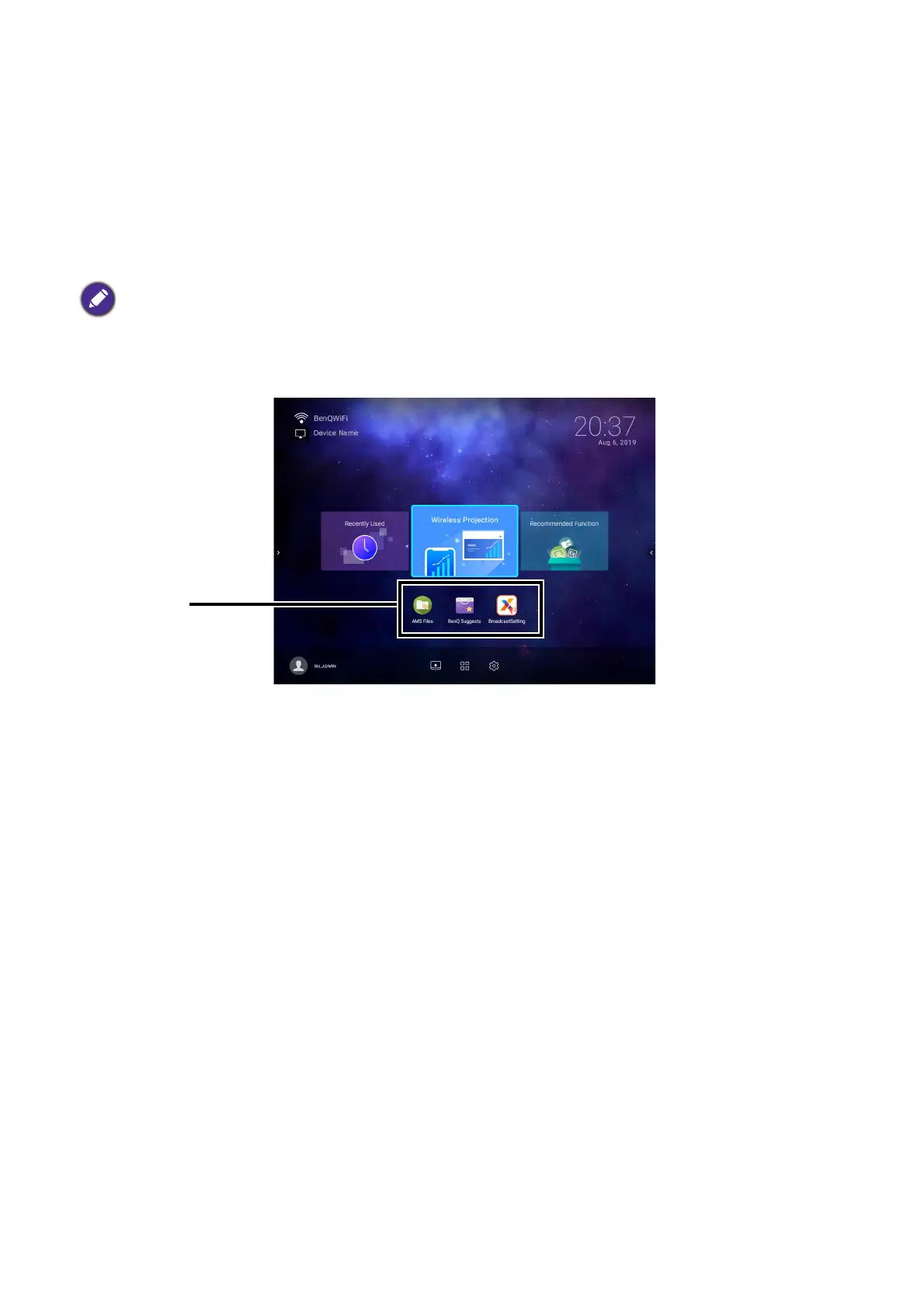
Using the App Shortcuts
The App Shortcuts menu is a list of shortcuts for installed apps which can be customized by the
user via either the Screen Settings sub-menu in the Settings menu or the AMS service
website for AMS login accounts. See Screen Settings on page 72 for details on customizing the
app shortcuts menu via the Screen Settings sub-menu, or refer to the AMS User Manual
which you can download at the following URL:
https://www.benq.com/en-us/business/index.html > your Projector Model > Downloads > User
Manual.
To access all the apps installed on the projector, see All Apps on page 68. For details on how to
re-order the shortcuts see Screen Settings on page 72.
• If AMS Service is disabled on the projector, the list of app shortcuts can only be customized via the
Screen Settings sub-menu, and the selected shortcuts will appear on the home screen at all times.
• If AMS Service is enabled on the projector, only the list of app shortcuts that are customized for the AMS
account that is logged in will appear.













 To Next Page