37 Upotreba (pod Launcher izvorom)
Using the Main Menu
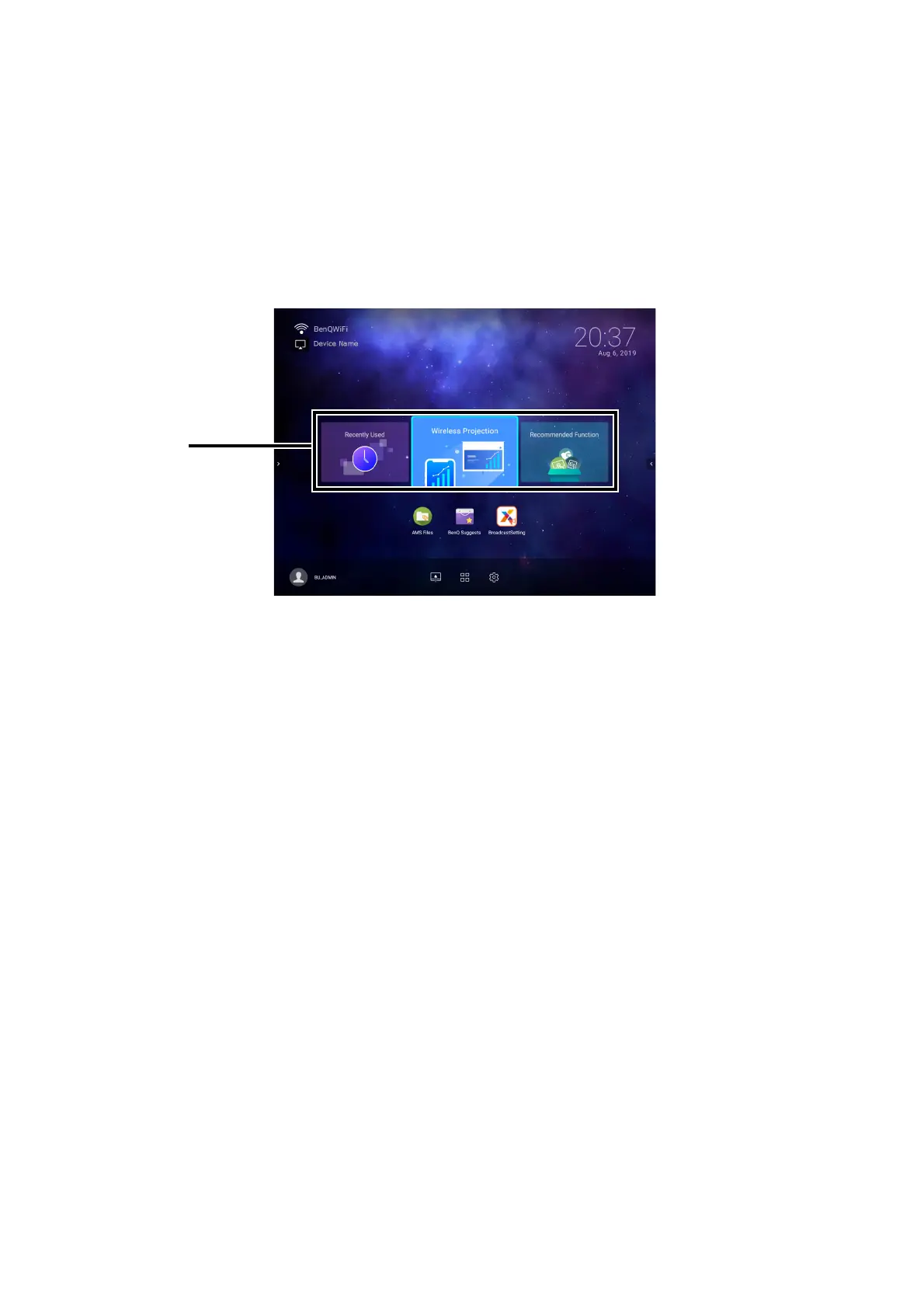
The Main Menu includes buttons to access the following functions:
• Recently Used - A menu of recently opened apps or documents. See Recently Used on page
68 for more details on the Recently Used menu.
• Wireless Projection - Instructions on projecting from your an iOS, Android, or Windows
device. See Wireless Connections on page 41 for more details on projecting wirelessly.
• Recommended Function - Introductions to recommended functions for your projector. See
Recommended Function on page 37 for more details.
Recommended Function
The Recommended Function feature is a shortcut to recommended apps for your projector.













 To Next Page