26 How to adjust your monitor
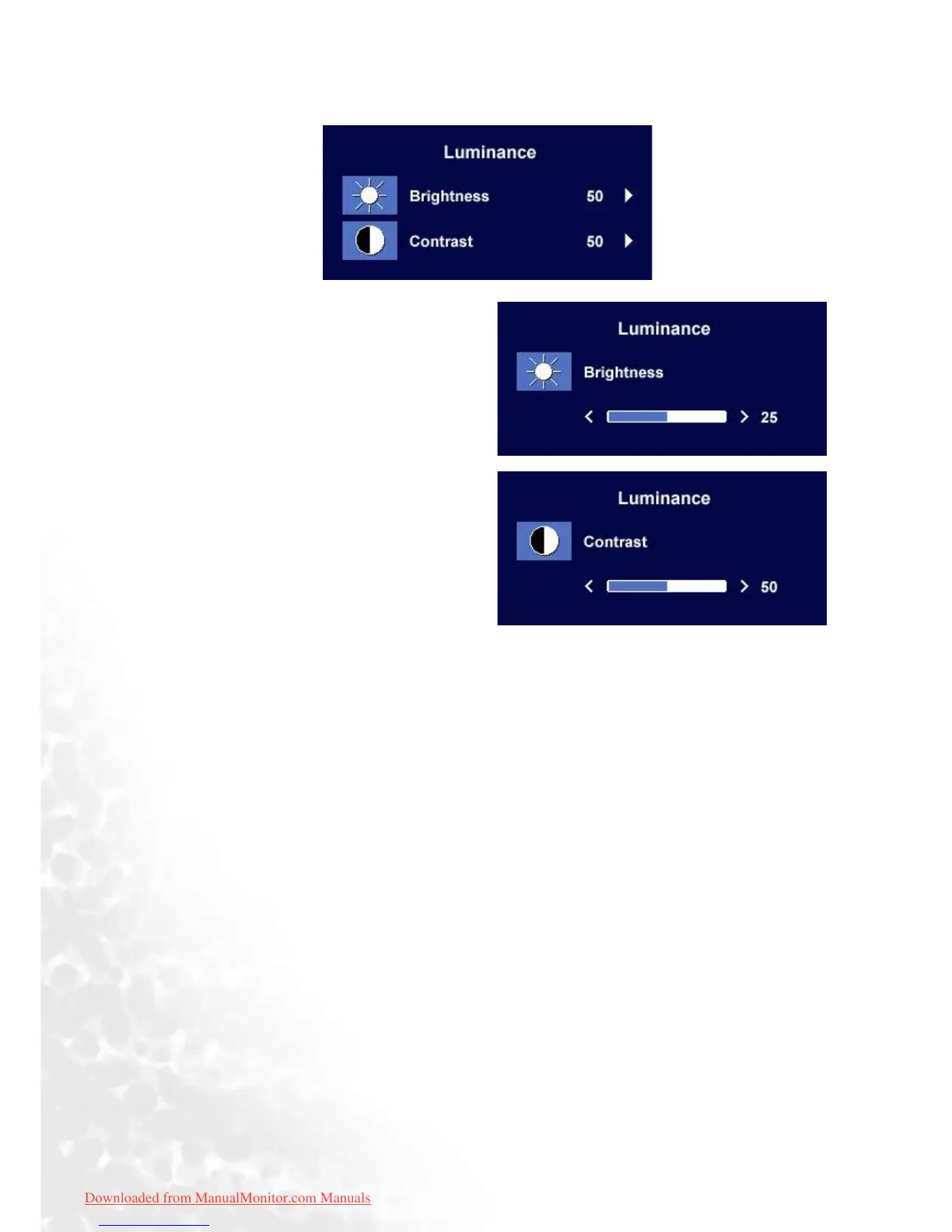
Luminance sub menu
Press the W or X keys to adjust the degree of
Brightness.
Press the Exit key to return to previous menu.
Press the W or X keys to adjust the degree of
Contrast.
Press the Exit to return to previous menu.
Downloaded from ManualMonitor.com Manuals



 To Next Page