30 How to adjust your monitor
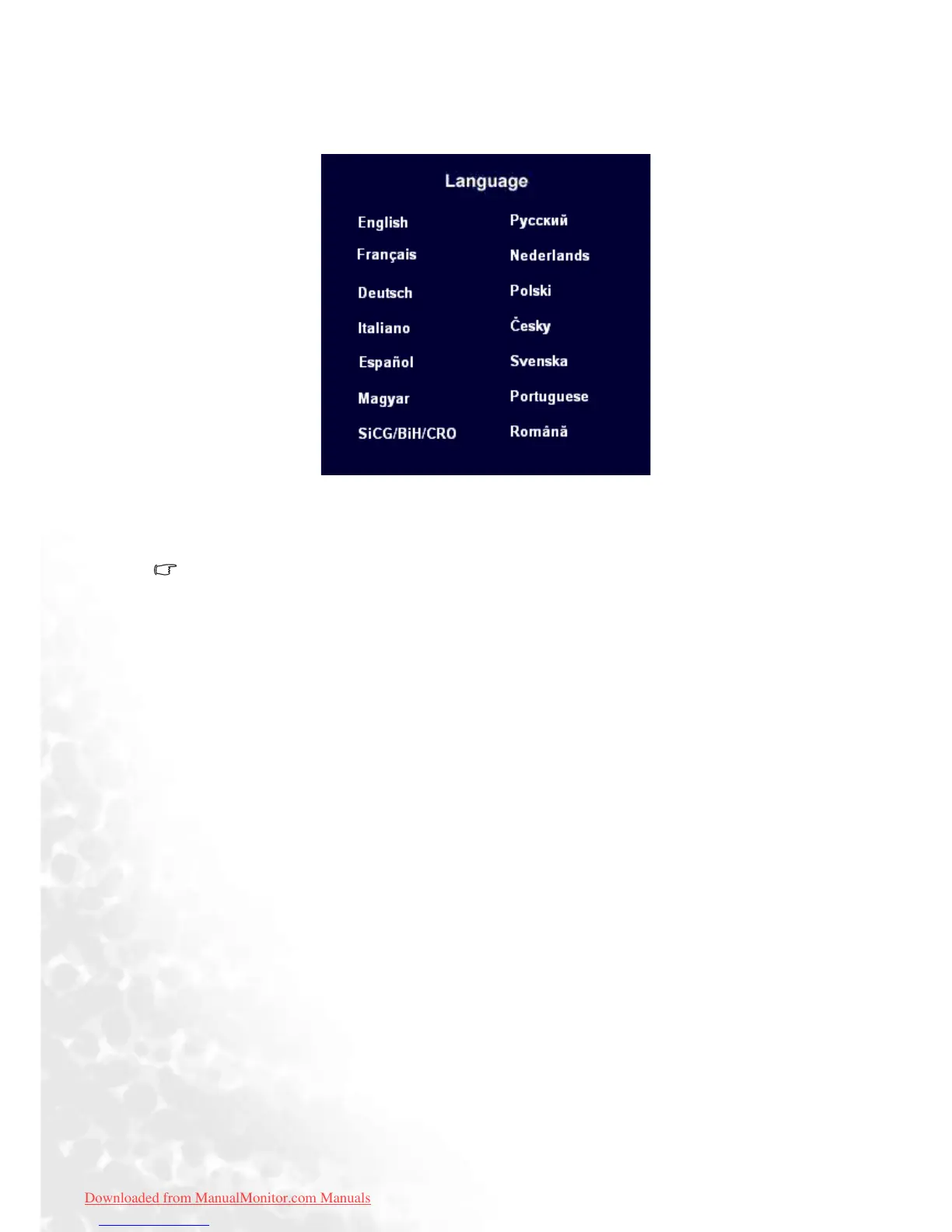
Languages Sub menu
Press the W or X keys to select a language to have the OSD display menus in that language.
Press the Exit key to return to previous menu.
Picture may differ from the Language menu on your monitor, depending on the product
supplied in your region.
Downloaded from ManualMonitor.com Manuals



 To Next Page