4
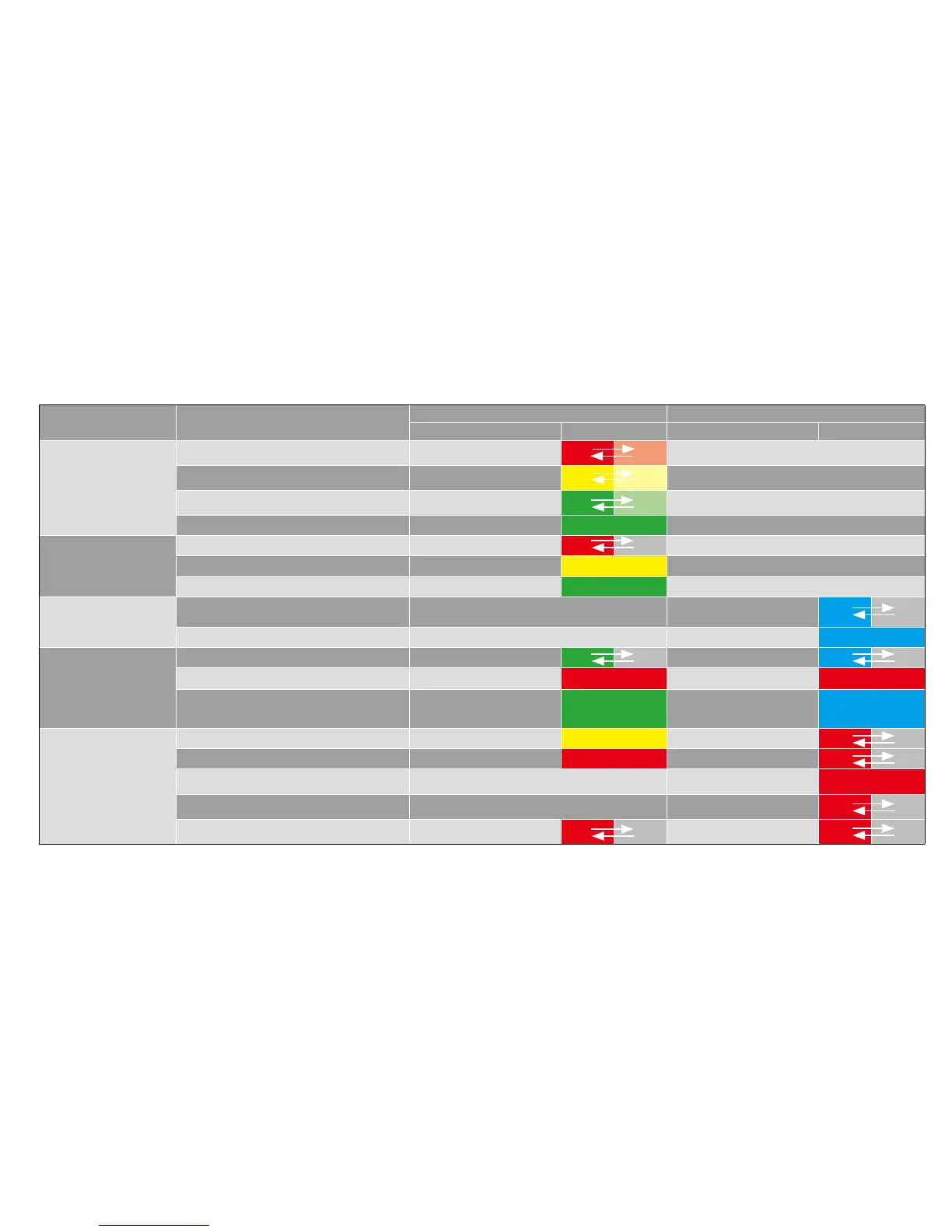
LED Indicators
Scenario Status
Power Key Switch Mode Key
LED Behavior Schema LED Behavior Schema
Charging with
Adapter
Battery <20% Red - breathing
N/A
Battery 20-60% Yellow - breathing
N/A
Battery >60% Green - breathing
N/A
Battery 100% Green - solid N/A
Battery Mode
Battery <20% Red - ashing N/A
Battery 20-60% Yellow - solid N/A
Battery > 60% Green - solid N/A
Bluetooth Speaker
Mode
Ready to Pair/Pairing Depends on power status Blue - ashing
Pair successful Depends on power status Blue - solid
System Update
System update in progress Green - ashing Blue - ashing
System updated has failed Red - solid
Red - solid
System update is successful and
system is restarting
Green - solid Blue - solid
Error
LED Error Yellow - solid Red - ashing
Fan Error Red - solid Red - ashing
Optical Engine Temperature Error N/A Red - solid
Battery Temperature Error N/A
Red - ashing
Driver Board Error Red - ashing
Red - ashing



 To Next Page