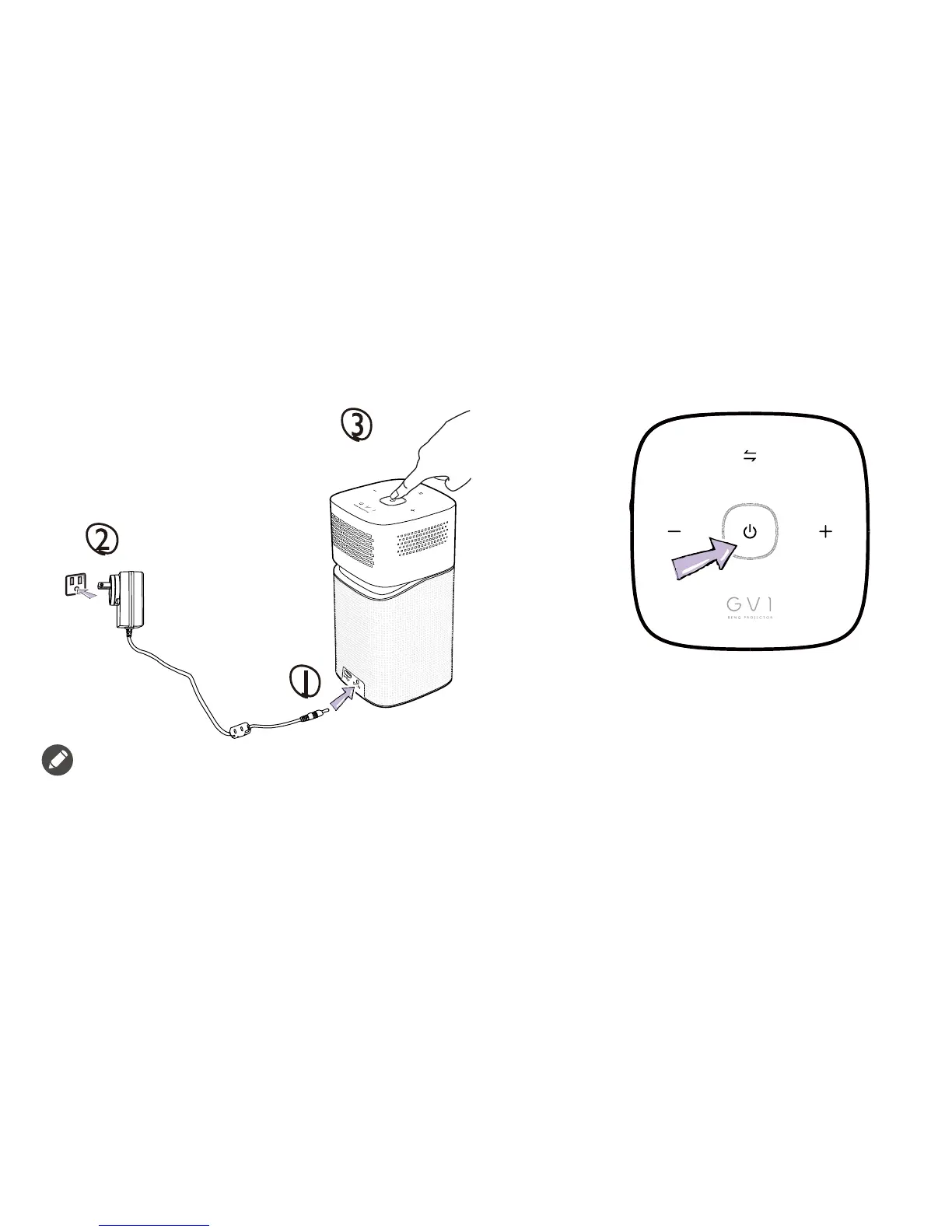
* : Charge the battery fully to ensure successful OTA update.
• See "LED Indicators" on page 4 for charging behavior for the Power Key/LED Indicator.
• Once the projector is fully charged the adapter can be disconnected.
• For initial power up, press and hold the Power Key/LED Indicator for 3 seconds. To turn off or on the projector after initial power up, simply short-
press the Power Key/LED Indicator.
• For AC/DC adapter, the socket-outlet shall be installed near the equipment and shall be easily accessible.



 To Next Page