33 Menu operation
SYSTEM SETUP: ADVANCED menu
Background
Color
Sets the background color for the projector.
Splash Screen Allows you to select which logo screen will be displayed during projector start-up.
Operation
Settings
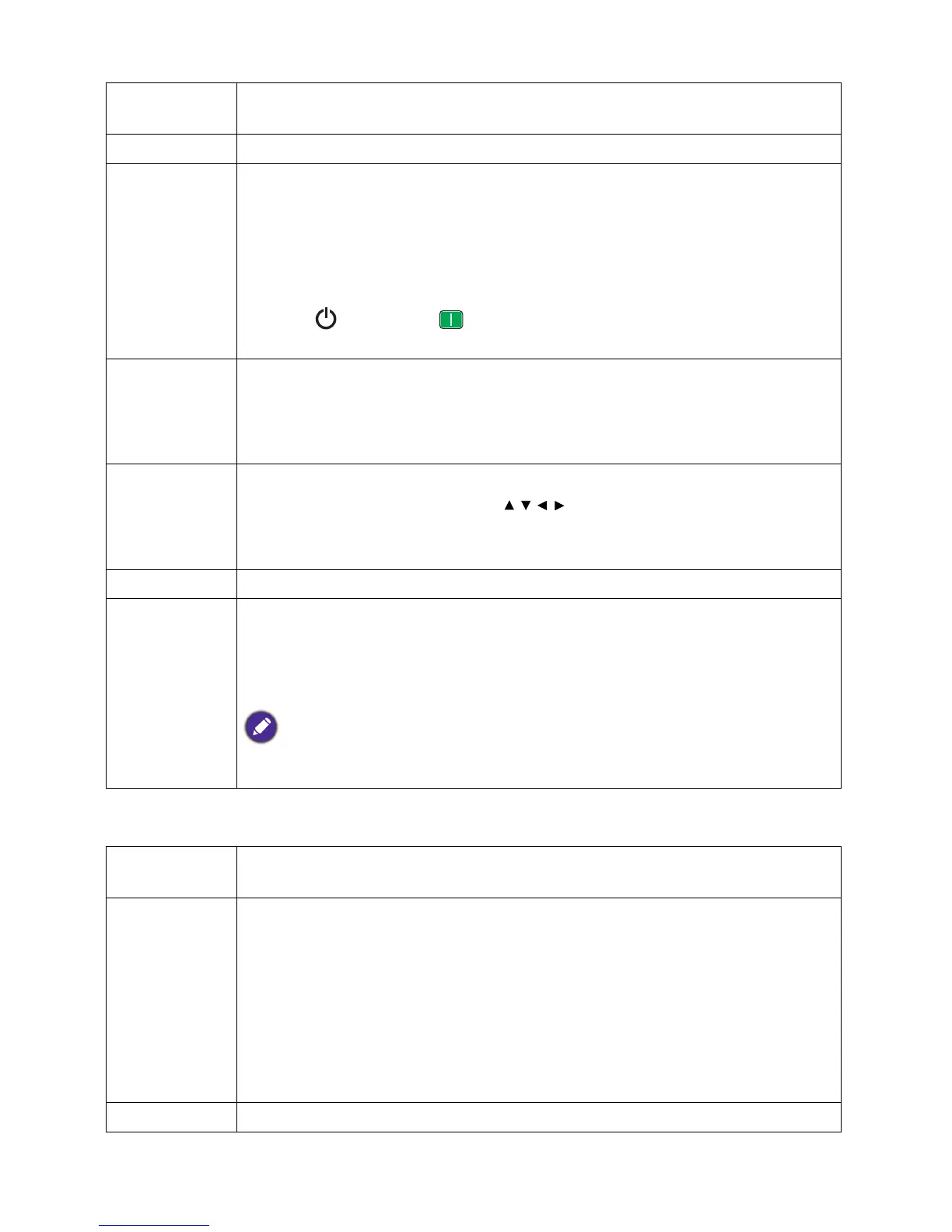
• Auto Off: Allows the projector to turn off automatically if no input signal is
detected after a set period of time to prevent unnecessary waste of light source
life.
• Direct Power On: Allows the projector to turn on automatically once the
power is fed through the power cord.
• Signal Power On: Sets whether to turn the projector directly on without
pressing POWER or ON when the projector is in standby mode and
detects a VGA signal.
Menu Settings
• Menu Position: Sets the On-Screen Display (OSD) menu position.
• Menu Display Time: Sets the length of time the OSD will remain active after
your last key press.
• Reminder Message: Sets the reminder messages on or off.
Source
Rename
Renames the current input source to your desired name.
On the Source Rename page, use / / / to set the desired characters for the
connected source item.
When done, press OK to save the changes.
Auto Source Allows the projector to automatically search for a signal.
Audio
Settings
• Mute: Temporarily turns off the sound.
• Volume: Adjusts the sound level.
• Power On/Off Ring Tone: Turns on or off the ring tone when the projector is
in startup and shutdown process.
The only way to change Power On/Off Ring Tone is setting On or Off here. Setting the sound
mute or changing the sound level will not affect the Power On/Off Ring Tone.
Light Source
Information
• Light Source Timer: See Getting to know the light source hour on page 36.
HDMI
Settings
• HDMI Range
Selects a suitable RGB color range to correct the color accuracy.
• Auto: Automatically selects a suitable color range for the incoming HDMI
signal.
• RGB Limited: Utilizes the Limited range RGB 16-235.
• RGB Full: Utilizes the Full range RGB 0-255.
• YUV Limited: Utilizes the Limited range YUV 16-235.
• YUV Full: Utilizes the Full range YUV 0-255.
Password See Utilizing the password function on page 23.



 To Next Page