18 Positioning your projector
• Press / to disable the auto vertical keystone function.
Adjusting Corner Fit
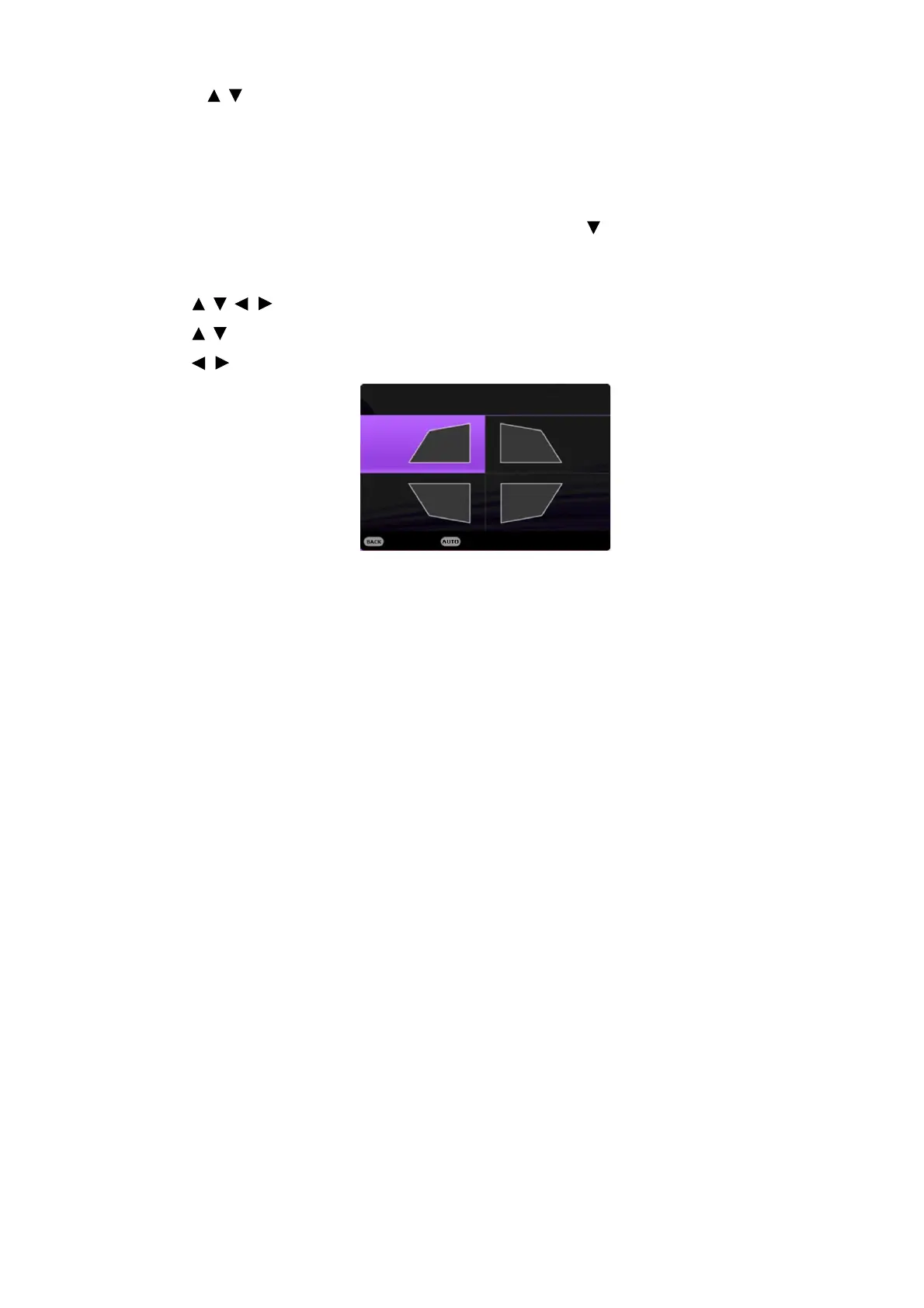
You can manually adjust four corners of the image by setting the horizontal and vertical values.
1. Do one of the following steps to display the corner fit correction page.
• Press QUICK INSTALL on the remote control. Press to highlight Corner Fit and
press OK.
• Go to Advanced Menu - Display > Corner Fit and press OK.
2. Press / / / to select one corner and press OK.
3. Press / to adjust vertical values.
4. Press / to adjust horizontal values.
Corner Fit
Press to reset corner value
Exit



 To Next Page