47
4. YPbPr MODE Color Temperature adjusting :
A. Timing: 1920X1080@60Hz.
B. Pattern: COLOR BAR.
C. Set CA210 color analizer at the center of screen and along a perpendicular to the screen near the
display.
D. In the factory mode select the “SOURCE” item, then select :YPbPr.
E. Press “
▼
” key to select the “ CTemp BALANCE” item and press “enter ”key, then the white
balance will be auto adjusted .
5. Spec and Table list
Reference: The variance of color coordinate via Red, Green, Blue :
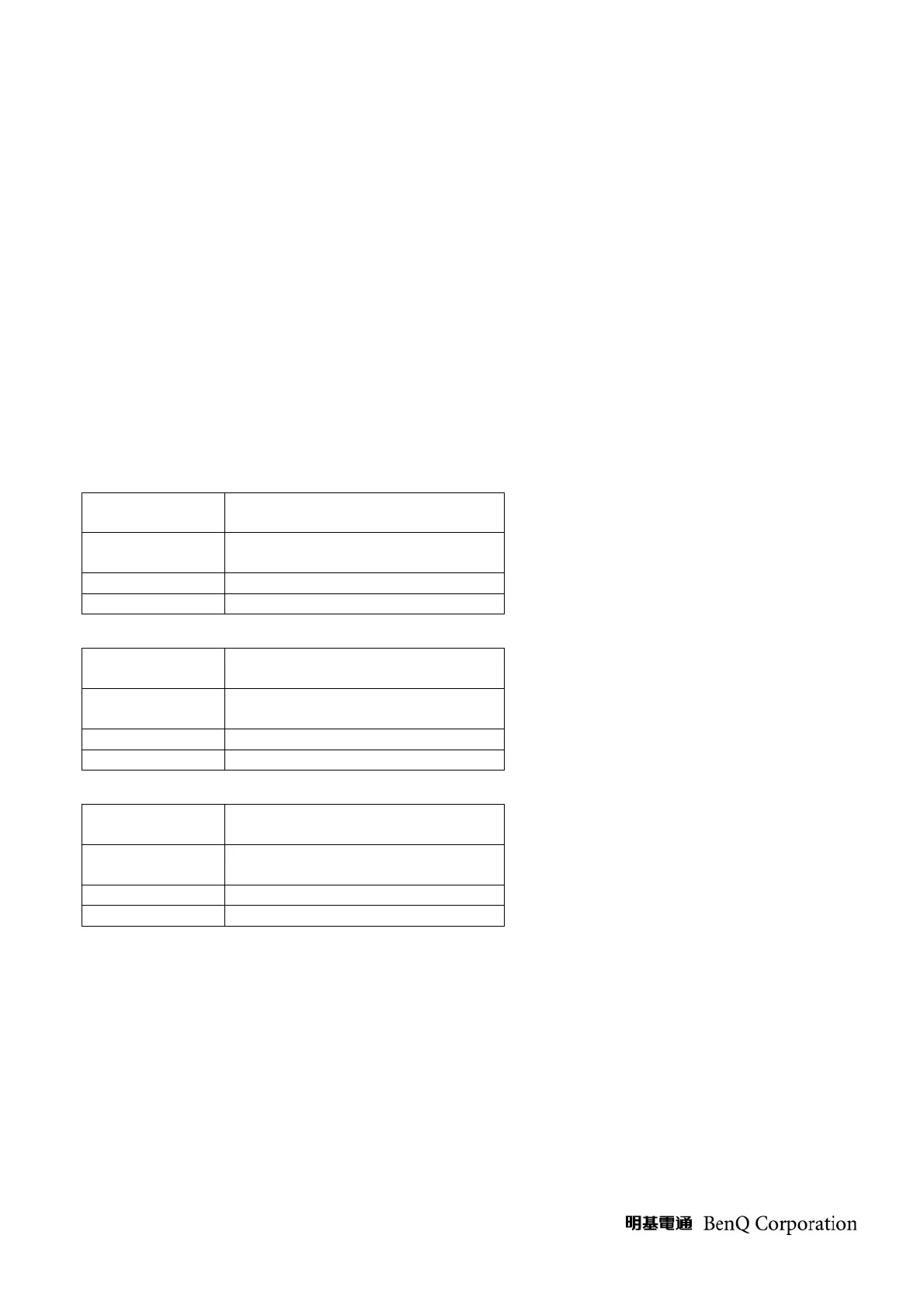
Table 1-1,1-2,1-3 : Color temperature spec, default Color temp at COOL.
Table 1-1
Color temp item
@factory OSD
P-N/V-N
Normal
Color
temperature
-
0.295±0.02
0.311±0.02
Table 1-2
Color temp item
@factory OSD
P-C/V-C
Cool(default)
Color
temperature
-
0.285±0.02
0.299±0.02
Table 1-3
Color temp
item
@factory OSD
P-W/V-
Warm
Color
temperature
-
0.313±0.02
0.329±0.02
6. HDMI MODE FUNCTION TEST
A.DVI MODE: Depend on the TIMING of TIMING TABLE (TABLE 3 ) to check MODE in order.
B.HDMI MODE: make sure the 480i, 480p, 720p, 1080i ,1080p TIMING is right.
7 .OSD FUNCTION TEST
A. Time: 1920x1080@60Hz
B. Pattern: 16*12 pane
C. Make sure that Each FUNCTION has one right action.



 To Next Page