Introduction14
Controlling your smart device with the remote control
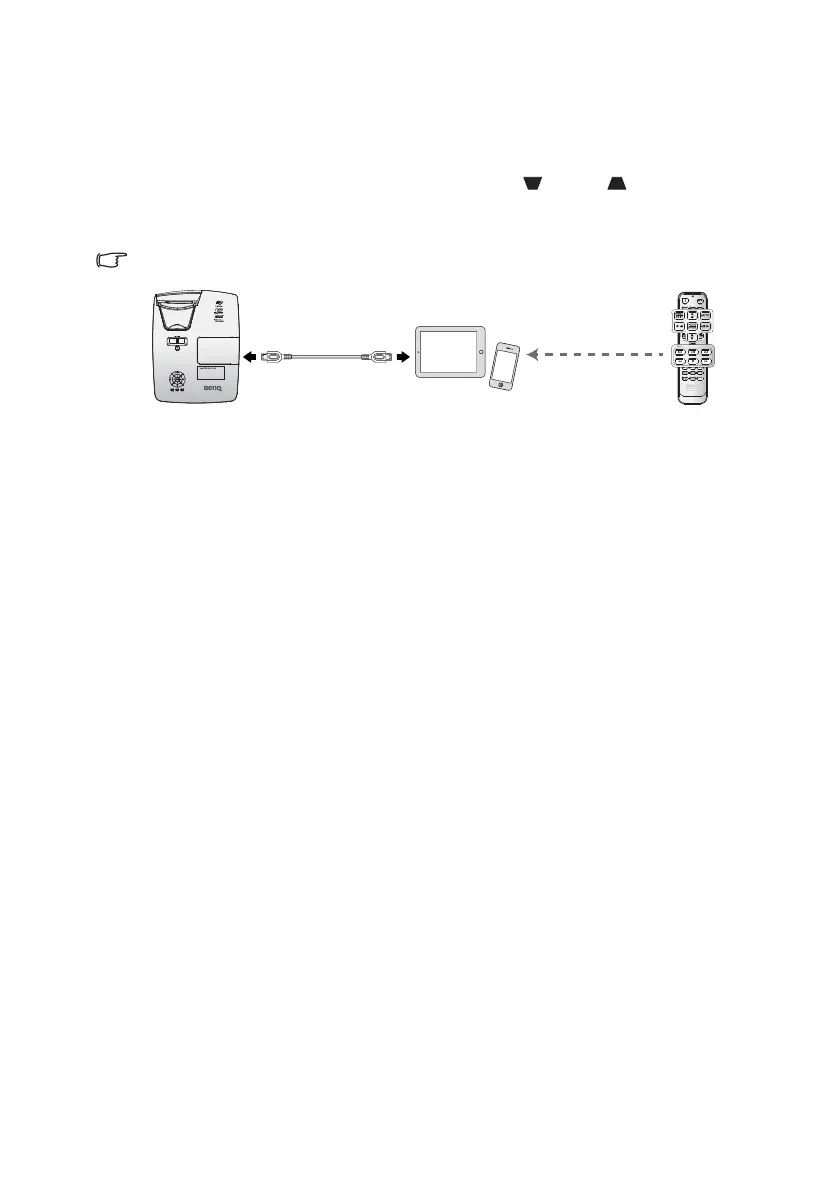
When the projector projects the contents from your MHL compatible smart device, you
can use the remote control to control your smart device.
To enter the MHL mode, press and hold AUTO for 3 seconds. The following buttons are
available for controlling your smart device, Arrow keys ( /▲ Up, /▼ Down,
◄ Left, ► Right), MENU/EXIT, MHL control buttons.
To leave the MHL mode, press and hold AUTO for 3 seconds.
When the projector is under MHL mode, The keypad on projector should be with the same
definition of the key on remote control.


 To Next Page