Operation26
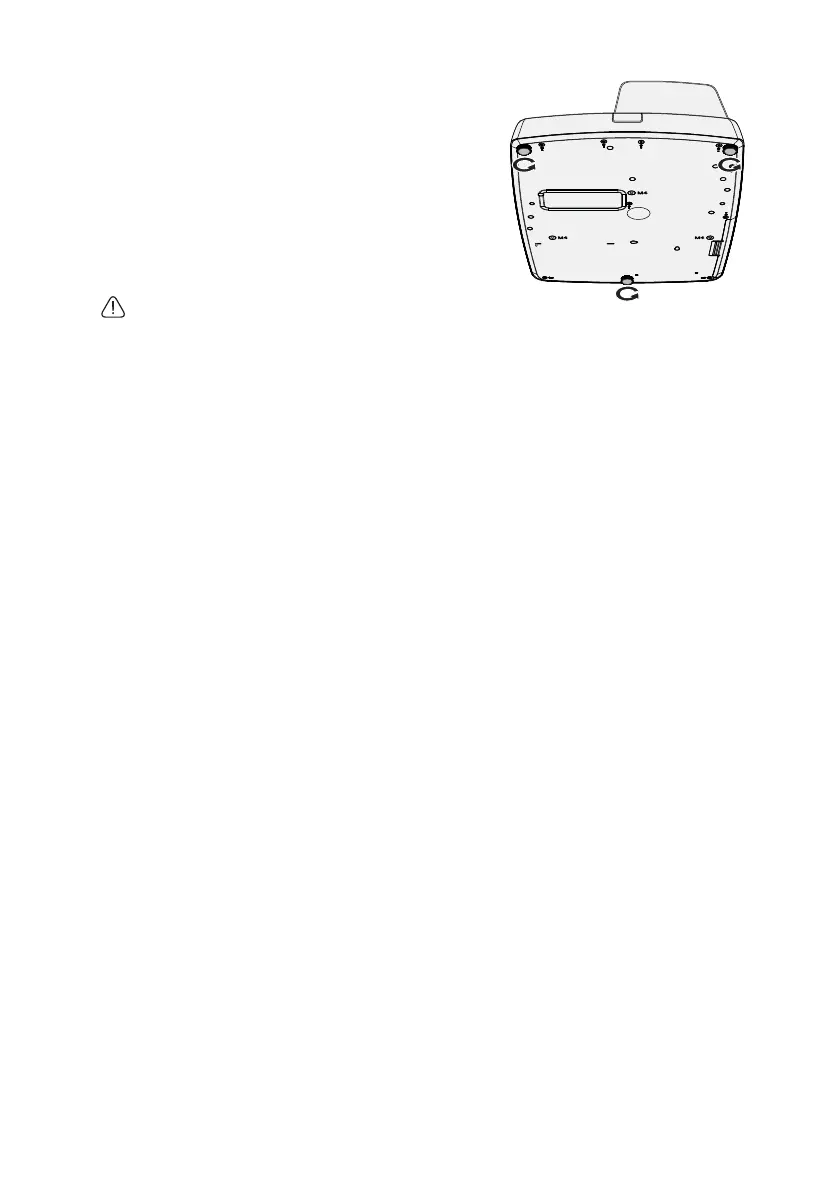
Screw adjuster foot to fine tune the horizontal
angle.
To retract the foot, hold up the projector then
slowly lower the projector. Screw the adjuster foot
in a reverse direction.
If the projector is not placed on a flat surface or the
screen and the projector are not perpendicular to
each other, the projected image becomes
trapezoidal. To correct this situation, see
"Correcting 2D Keystone" on page 27 for details.
• Do not look into the lens while the lamp is on. The
strong light from the lamp may cause damage to
your eyes.
• Be careful when you press the adjuster button as it is close to the exhaust vent where hot air
comes from.


 To Next Page